WhatsApp on Garmin Fenix and Forerunner — How to Set It Up, What Went Wrong, What Worked.
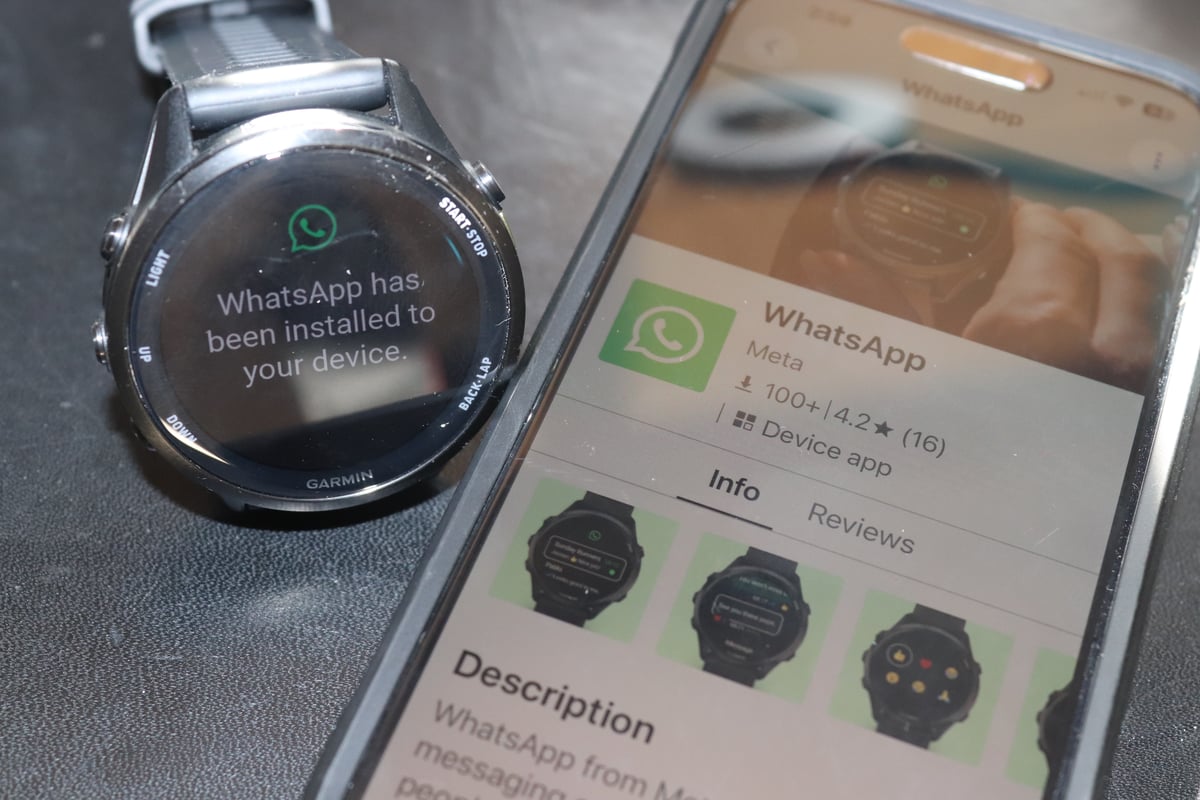
The official WhatsApp app for Garmin smartwatches launched today through the Connect IQ Store, but only on mobile. It brings Meta’s messaging platform to select Fenix, Forerunner, Venu, and vivoactive devices for the first time — but not to Edge cycling computers. The app brings WhatsApp to your wrist, but only if you have a smartphone nearby.
For the millions of athletes who wear a Garmin daily and rely on WhatsApp as their primary messaging app, this is a significant moment. The reality of launch day, however, is more complicated than the headline suggests.
Which Garmin devices are compatible
Before anything else: check whether your watch is on the list. In short, if it was released in 2025 or 2026, you are likely covered. The Fenix 8 generation from 2024 also makes the cut. Older than that, and you are out of luck — and Garmin has given no indication that the list will expand to earlier devices.
Not supported: Edge, Fenix 7, Forerunner 965, Epix Pro, Enduro 2, Instinct 3, Instinct E, Forerunner 165. Full list below.
The compatible list excludes several prominent devices, including the Fenix 7 generation, Enduro 2, Enduro 3, Instinct 3, Instinct E, and Forerunner 165. Garmin Edge cycling computers are not supported at all — the app is restricted to the smartwatch line. Edge riders looking for wrist-based WhatsApp access will need to wait and see whether Garmin and Meta extend the platform to cycling devices in a future release.
Older Fenix and Forerunner owners will already be fuming, suspecting this new feature will never reach their expensive older devices. The exclusion of the Forerunner 965 and Epix Pro is a software platform decision rather than a hardware limitation — the watches are capable, which makes it harder to accept.
Full Supported List (17 March 2026):
- D2 Air X15
- Enduro 3
- Fenix 8 AMOLED 43mm, 47mm, 51mm
- Quatix 8 AMOLED 47mm, 51mm
- fenix 8 Pro, fenix 8 Pro 47mm AMOLED, fenix 8 Pro 51mm AMOLED, fenix 8 Pro 51mm MicroLED
- Quatix 8 Pro 47mm AMOLED, Quatix 8 Pro 51mm AMOLED
- fenix 8 Solar 47mm, fenix 8 Dual Power 47mm, fenix 8 Solar 51mm, fenix 8 Dual Power 51mm
- fenix E
- Forerunner 570 42mm, Forerunner 570 47mm
- Forerunner 970
- tactix 8 47mm AMOLED, tactix 8 51mm AMOLED, tactix 8 51mm Solar, tactix 8 51mm Solar Elite
- Venu 4 41mm, Venu 4 45mm
- Venu X1
- vivoactive 6
How to set up WhatsApp on your Garmin
Setup is straightforward and free, though it involves quite a few clicks, taps, scans, re-scans, and approvals. Perhaps the starting point might be new to some — this will only work from the Connect IQ Store on your smartphone, not from your desktop.
- Open the Connect IQ Store on your paired smartphone and search for WhatsApp.
- Install the app on your watch.
- Open WhatsApp on your phone and follow the prompt to link the watch as a new device.
- Syncing is direct — no separate account or login step is required on the watch itself.
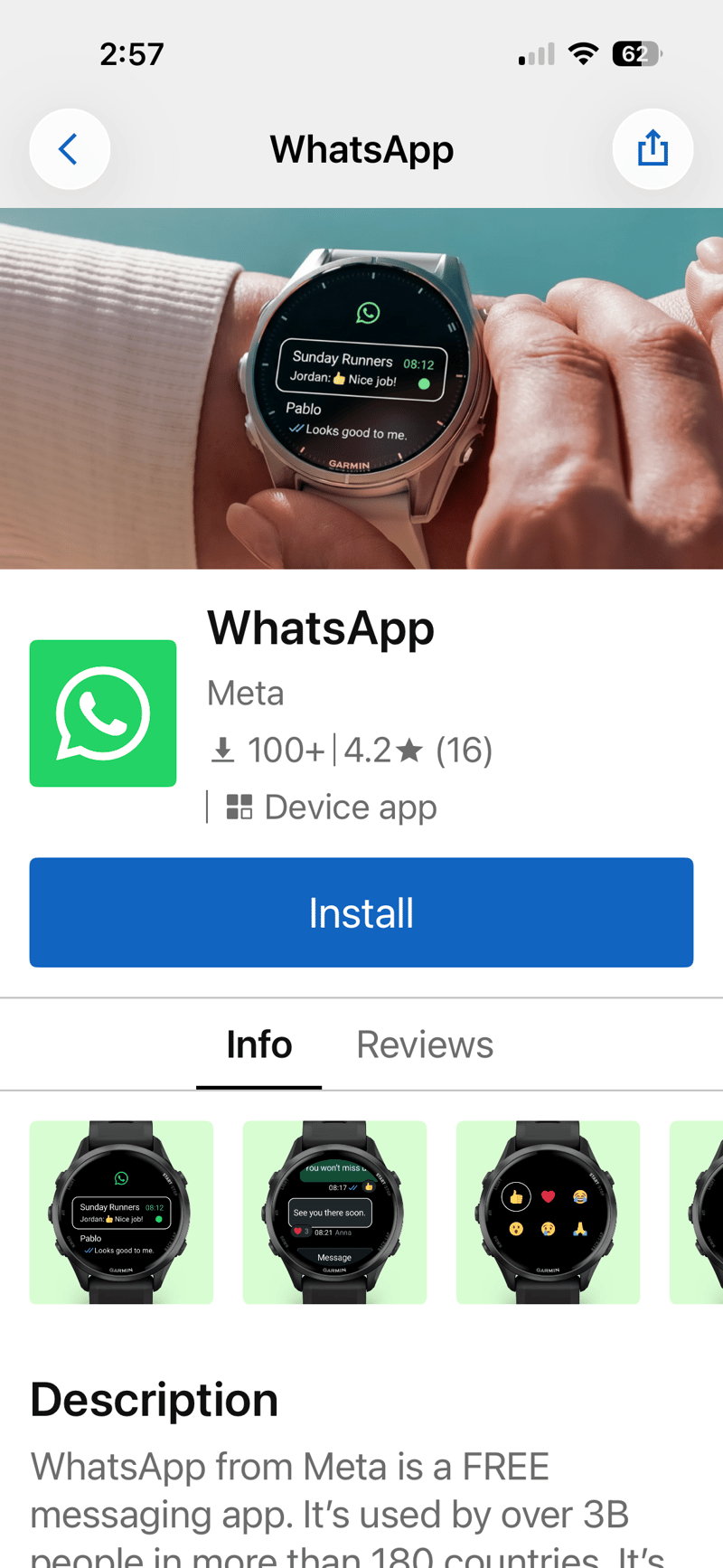
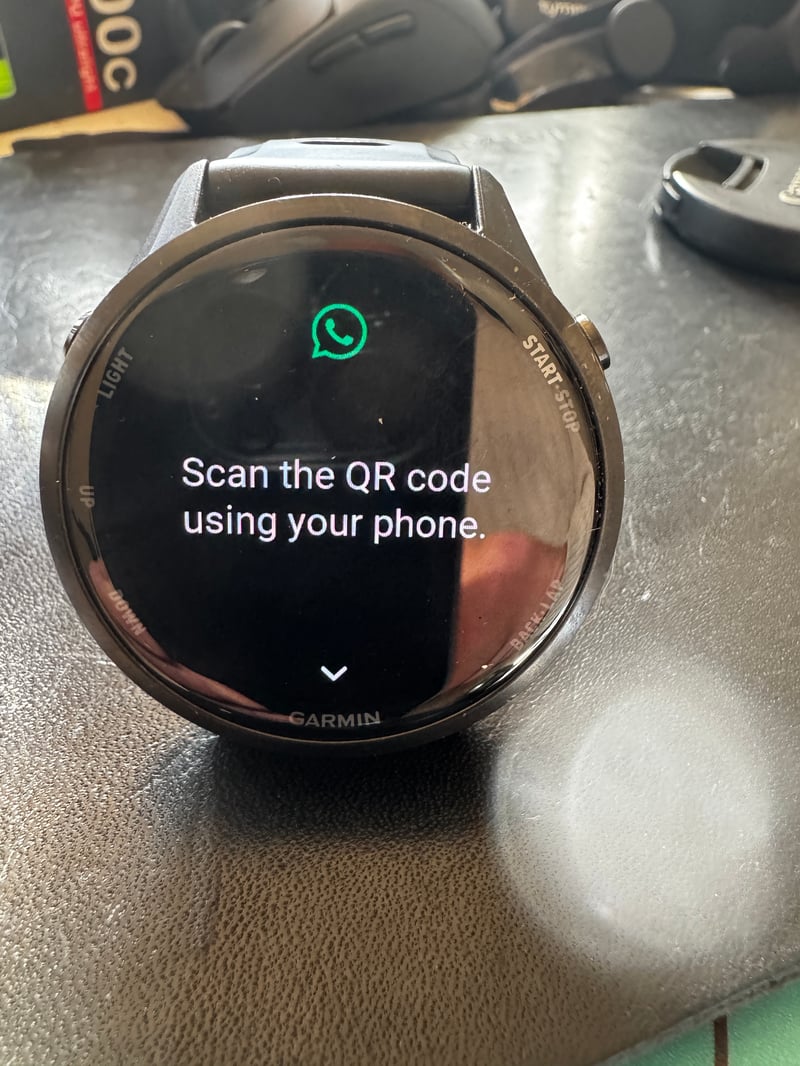
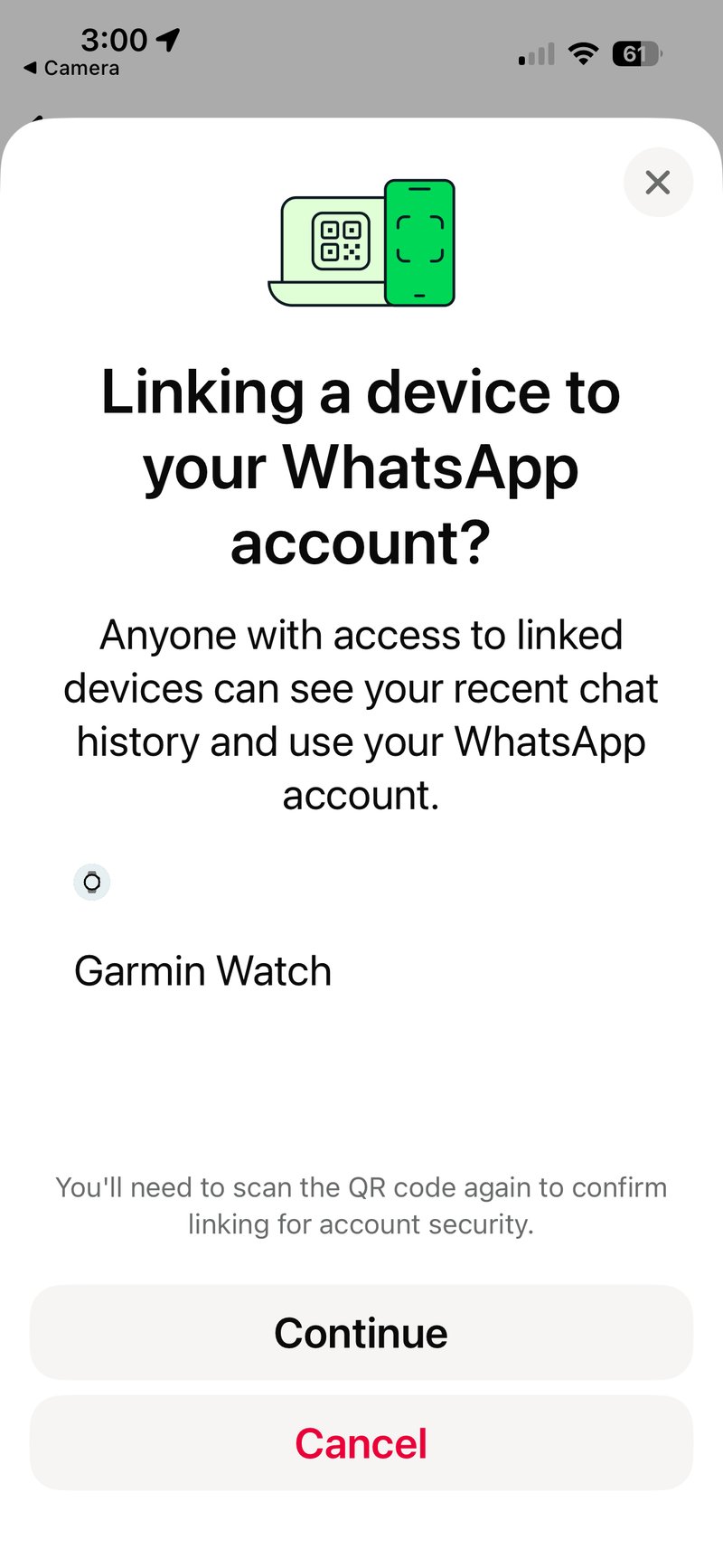
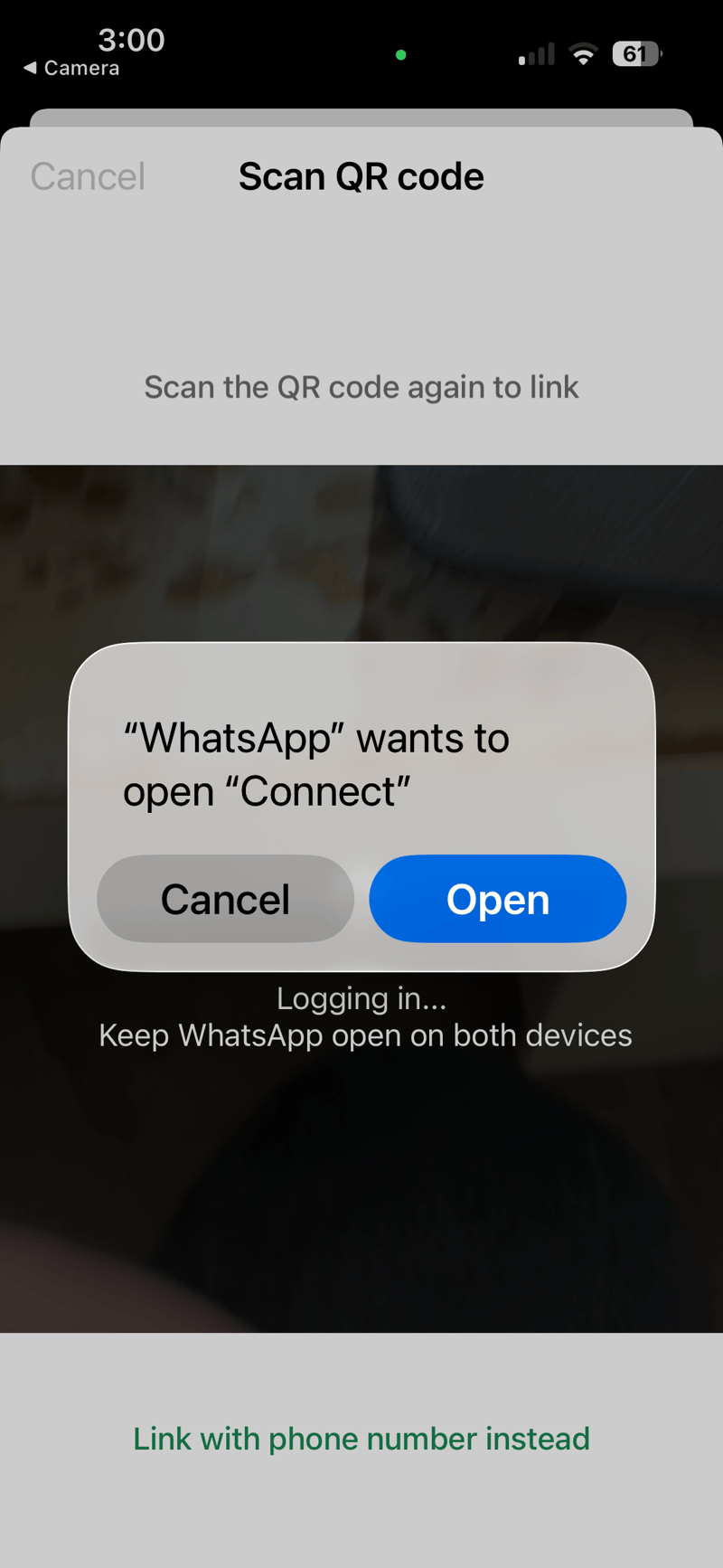
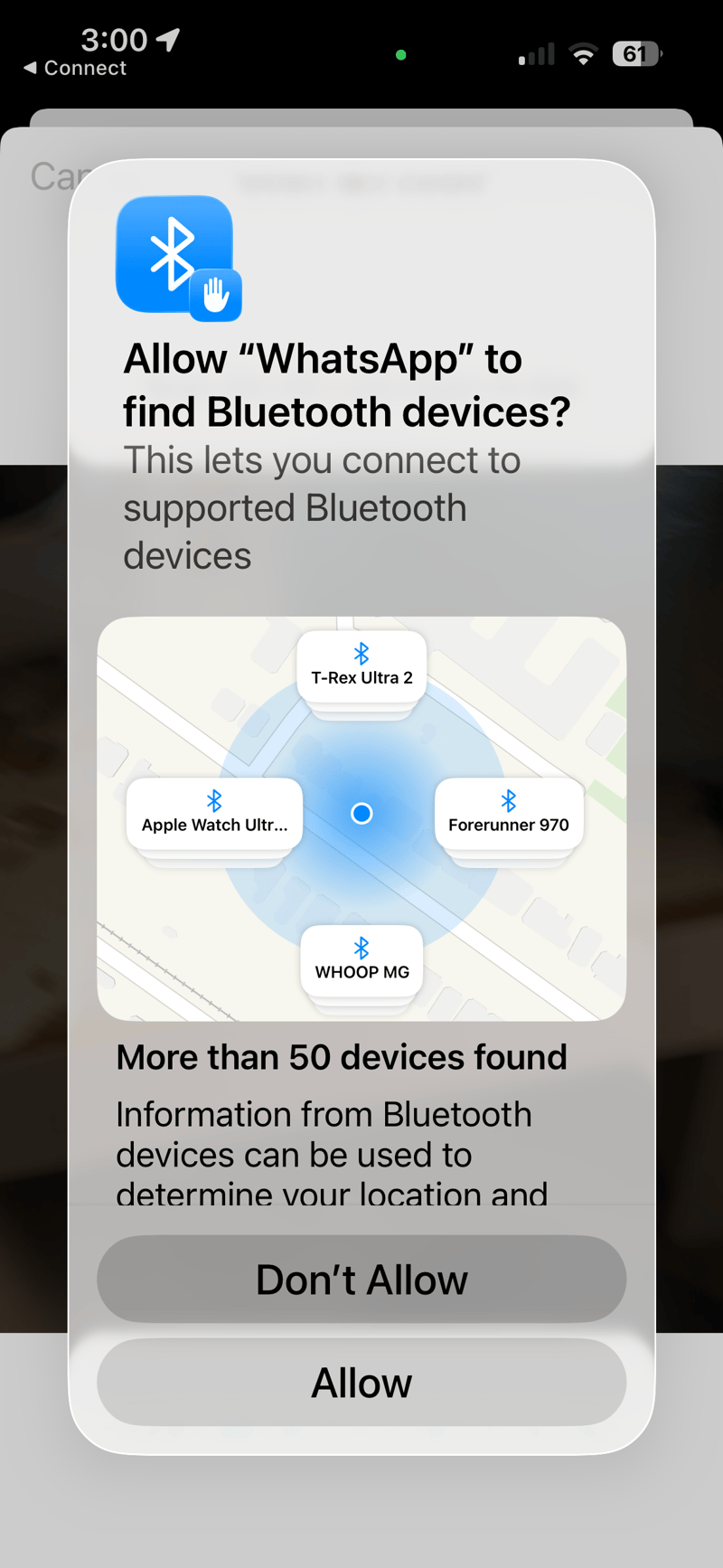
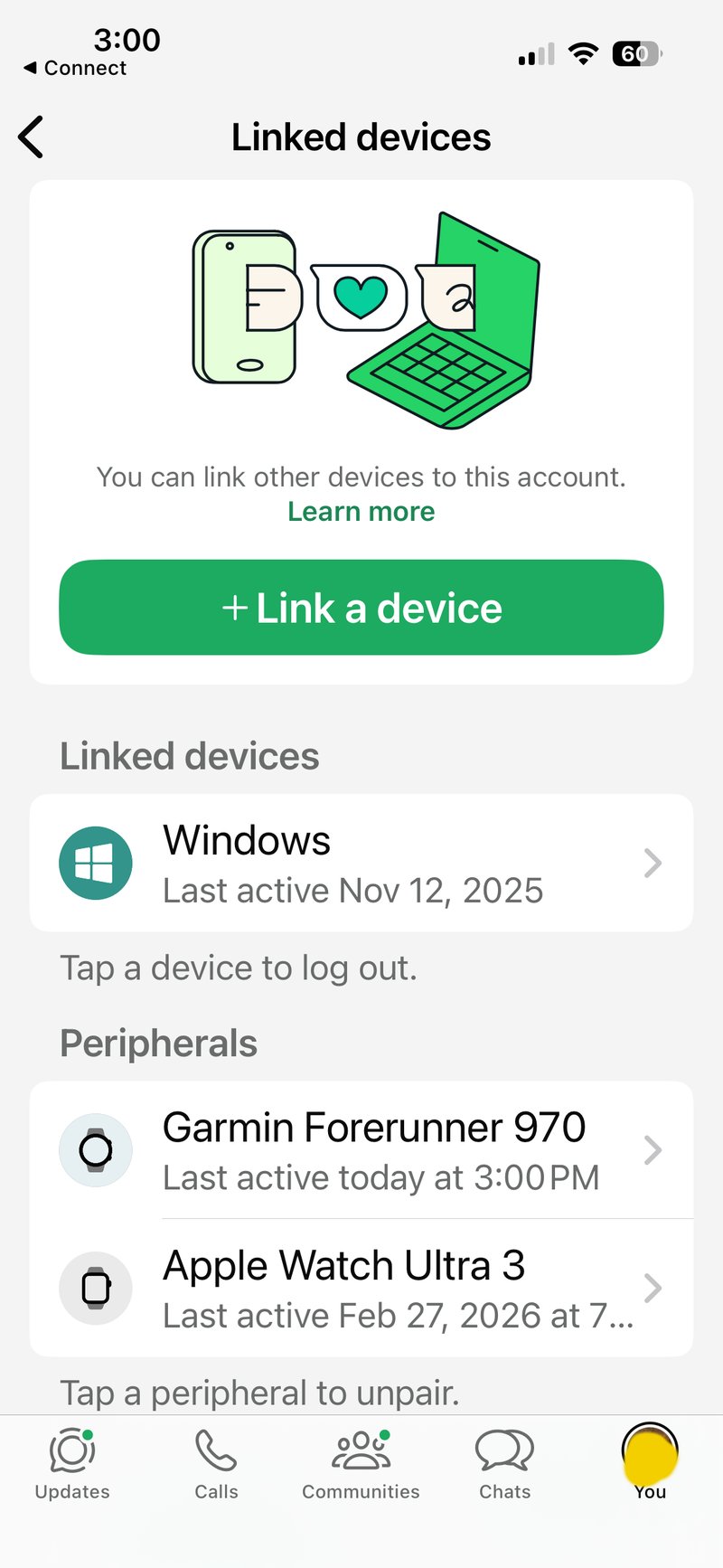
One practical note on linked devices: WhatsApp enforces a limit of four devices connected to a single account simultaneously. In testing, the app runs without conflict across a phone, two watches, and a desktop client — so the limit is unlikely to affect most people. Anyone already at the maximum will need to remove an existing device before the watch connection will complete.
One quirk worth noting: near the end of the pairing process, the app told me the setup had failed. It then immediately connected and worked without any further action. If that happens to you, wait a moment before starting over.
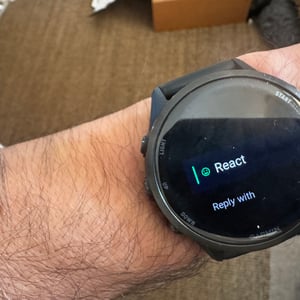
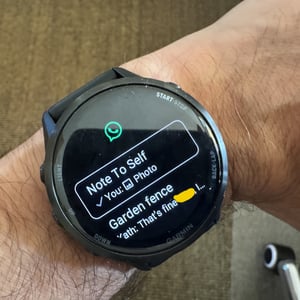
When a new message arrives as a notification, you open it once to acknowledge it, then have to open it again inside the WhatsApp app to reply. It is a small extra step, but noticeable when you are trying to be quick about it.
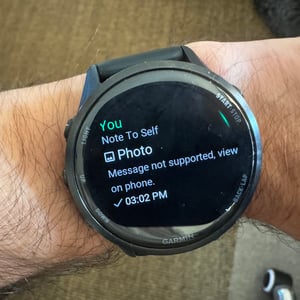
WhatsApp Tip: Create a group with you and your partner. Remove your partner from the group. You can then use that group to transfer encrypted messages and attachments between your phone and desktop.
What it can do — and what it cannot
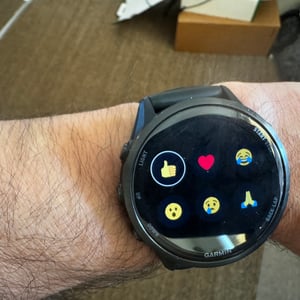
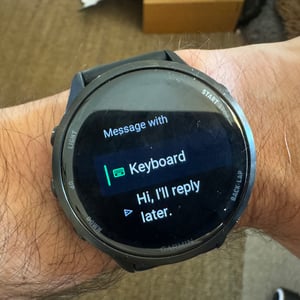
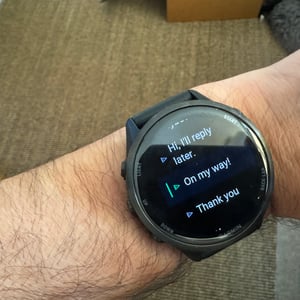
Despite some initial grumbles from early adopters on Reddit and in the Garmin forums, my experience with the Forerunner 970 has been generally good. You can see your ten most recent conversations, read incoming messages, and send replies. Where the app earns its place during a workout is the six pre-loaded quick replies. “Ok” and “On my way” in particular are genuinely handy — glance at the notification, tap once, done for the most common mid-run or mid-ride exchanges, that is a realistic workflow. The keyboard is not.
On the keyboard: I dreaded it, and rightly so. The buttons are too small to use accurately unless you are standing still — in motion, they become essentially unusable. This is a Garmin keyboard issue, not a WhatsApp issue, but it caps the app’s ceiling during exercise. Garmin’s suggested corrections help when you are stationary and for brief messages. For anything more, you need dictation, which Garmin does not currently support in this context. I tried the Garmin voice command “Open WhatsApp”, and it would have opened the app, but that is as far as it goes. Dictation is not available, which is exactly what the app needs to become genuinely useful on the move.
Delays of up to 5 seconds between when messages are received on the phone and when they appear on the watch are mildly annoying but not the end of the world. It is more the case that the ping from your phone leads you to expect the watch to show messages immediately.
Quick replies — Yes (6 pre-loaded, including Ok and On my way)
Voice dictation — No
Images — No
Emojis — Yes, limited
Incoming calls — Decline only
4G LTE — Not supported
Architecture limitations
The deeper constraint is structural. WhatsApp on Garmin operates as a companion app, not a standalone service. It requires a continuous Bluetooth connection to a paired smartphone. There is no 4G LTE support, which means the watch cannot send or receive messages when the phone is out of range. For athletes who leave their phones at home on long runs or rides, the app offers nothing.
You cannot view images on the watch. You cannot answer WhatsApp voice calls. For iPhone users, the image limitation stings more than it might first appear. Garmin watches on iOS already cannot display photos sent via standard text messages — an Apple restriction that has frustrated Garmin owners for years. WhatsApp was a genuine opportunity to sidestep that entirely. It did not, which means iPhone users remain unable to see photos from any messaging app on their wrist. Android users at least have that option in standard messaging.
Against native competitors — particularly Apple’s tight integration of Messages and the communication features on watchOS — that scope feels narrow. Garmin and Meta will both know this. Whether they address it through future updates remains to be seen.
The lack of Edge support at launch is also odd. Garmin will likely rectify that soon. In my experience, WhatsApp is the default messaging app for cycling groups precisely because it works across Android and iPhone and handles group chats cleanly, which neither iMessage nor SMS does reliably. It is the one app where Edge support would matter most.
What to watch for
This is a version 1.0 product on a platform that has never hosted a major social messaging app at this level of integration. The lag, the keyboard, and the Bluetooth dependency are serious friction points, but none of them is necessarily permanent. Garmin’s Connect IQ platform has matured considerably over the past three years, and Meta has clear commercial reasons to make this work well on a device worn by serious athletes.
The launch establishes the foundation. Whether Garmin and Meta treat athlete feedback from this first wave of users as a design brief — or whether the app sits at this feature level for the next eighteen months — will determine whether WhatsApp on Garmin becomes genuinely useful or remains a curiosity.
Garmin owners will likely welcome this addition warmly — perhaps more out of relief and gratitude than anything else. Previously relying on notification-only messages felt very un-2026. So even though several key features are still missing, the hope is that Garmin recognises the strategic significance of Meta’s platform, and that Meta will push as hard as it can within the constraints of Garmin’s ecosystem and the Connect IQ world in particular.
For the complete Garmin Fenix series guide, covering all current models, history and buying advice: Garmin Fenix hub.
Last Updated on 27 May 2026 by the5krunner
My favourite kit and nutrition
- Garmin Fenix 9 Pro — I’ve just bought one.
- Injinji – Runners protect your toes. Avoid discomfort and minor injury. Run more. Run faster. I use them.
- Garmin 90-degree charging adapter — A small keyring adapter you can use anywhere. Essential when away. I use one.
- Garmin charging puck — the fastest and most reliable way to top up your Garmin before a session. I use one.
- Ravemen FR300 — Front light that mounts directly under your Garmin or Wahoo head unit. Keeps your bars clean and your beam pointed where it matters. I use one.
- Body Glide – The blue anti-chafe stick that all swimmers and many runners use. I use it.
- Maurten — The race nutrition trusted by elite athletes. Gels and drink mixes engineered to be easy on the stomach. I use them.
- Garmin Varia RTL515 — A radar rear light that alerts you to vehicles approaching from behind. Pairs with your Edge or Wahoo. I use this model.
- Favero Assioma Pro RS2 — The power-meter pedals most serious cyclists choose. Accurate, easy to move between bikes. I use this model.
- Garmin Forerunner 970 — A serious choice for a pro-grade triathlon watch. I use this.
- Polar H10 — My daily driver for accurate, waking HRV readings.
- Wahoo ELEMNT Roam 3 — The bike computer that has the feature Garmin lacks: usability. I use mine on most rides.
Reader-Powered Content

This content is not sponsored. It’s mostly me behind the labour of love, which is this site, and I appreciate everyone who supports it.
Support the site: Follow (free, fewer ads) · Subscribe (paid, ad-free) · Buy Me A Coffee ❤️
All articles are written by real people, fact-checked, and verified for originality. See the Editorial Policy. FTC: Affiliate Disclosure — some links pay commission. As an Amazon Associate, I earn from qualifying purchases.

tfk is the founder and author of the5krunner, an independent endurance sports technology publication. With 20 years of hands-on testing of GPS watches and wearables, and competing in triathlons at an international age-group level, tfk provides in-depth expert analysis of fitness technology for serious athletes and endurance sport competitors. ID

Do you think, down the road, you’ll be able to use Whatsapp to message and make calls on Fenix 8 Pro w/ LTE? Seems like it could be a decent way to expand the calling features to a wider audience without 5G.
My understanding is that garmin will have to fundamentally change how they route calls and handle data over the net
so. no.
perhaps on a different watch in the future
If they could do it I think it would help bridge the gap with Apple without needing a dedicated number/carrier. I would think most people have WhatsApp or FB Messenger or whatever social media app that is popular now, and you wouldn’t need to have someone download a very specific app to get ahold of them. Baby steps!
I used to get Whatsapp notifications by mirroring the phone notifications. But now I can’t get WhatsApp to work through this new app, don’t know how to make it be the default one getting the call or message (I’ve connected them).