Huawei Watch GT 5 Gets Major HarmonyOS 6 Upgrade
Huawei has begun rolling out HarmonyOS 6 to the standard Watch GT 5 in global markets, following the earlier release for the Watch GT 6 and GT 5 Pro. The update arrives as build 6.0.0.119 and weighs 2.85 GB, currently rolling out across Europe. The Watch GT 5 joins a growing list of Huawei wearables now running HarmonyOS 6, including the Watch 5, GT 6, Watch GT 5 Pro, Watch D2, and Watch Fit 4 Pro.
Health and workout features
The Emotional Wellbeing application has been redesigned. It now recognises twelve distinct emotional states based on stress data and self-reporting, and introduces guided breathing sessions led by an animated pet character.
A shortcut settings screen has been added to the workout interface. Swiping right on the active workout display opens a panel for adjusting reminder volume or changing exercise settings mid-session without navigating away.
Curve Pay contactless payment support has been added to the watch, extending the payment capabilities Huawei has been rolling out across its smartwatch range.
New watch faces
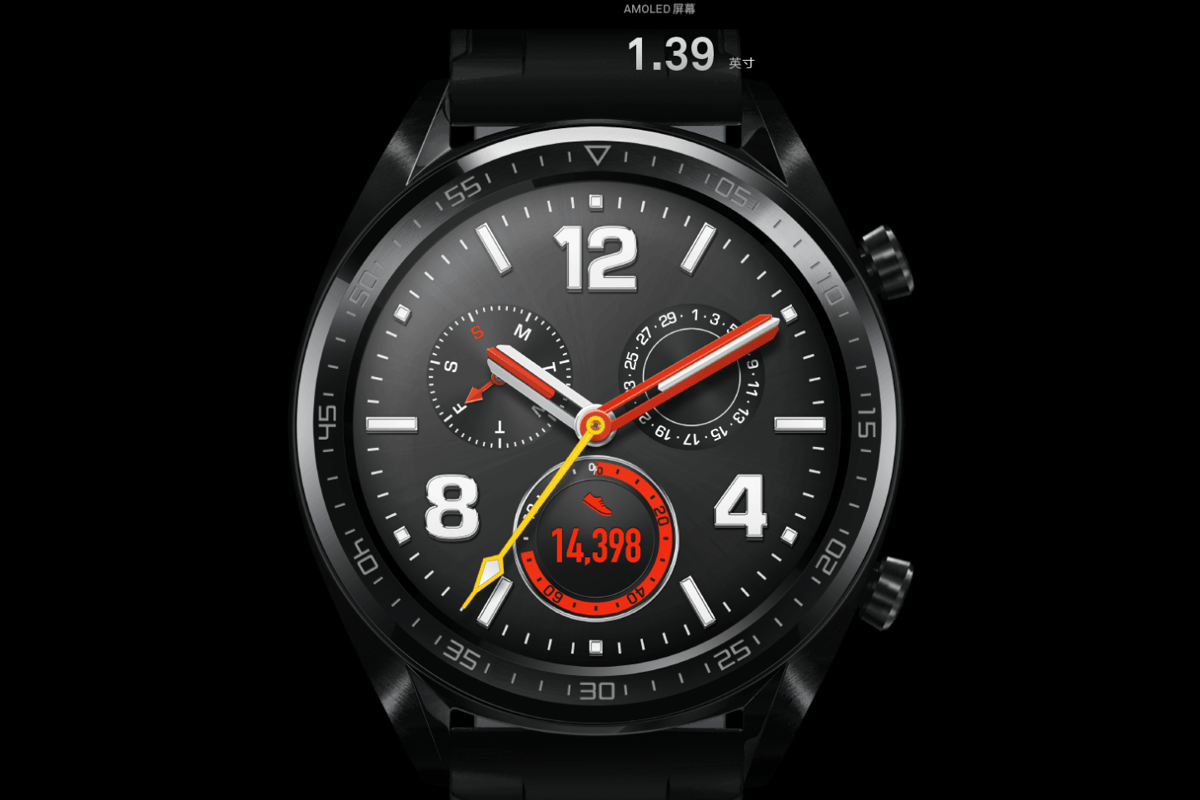
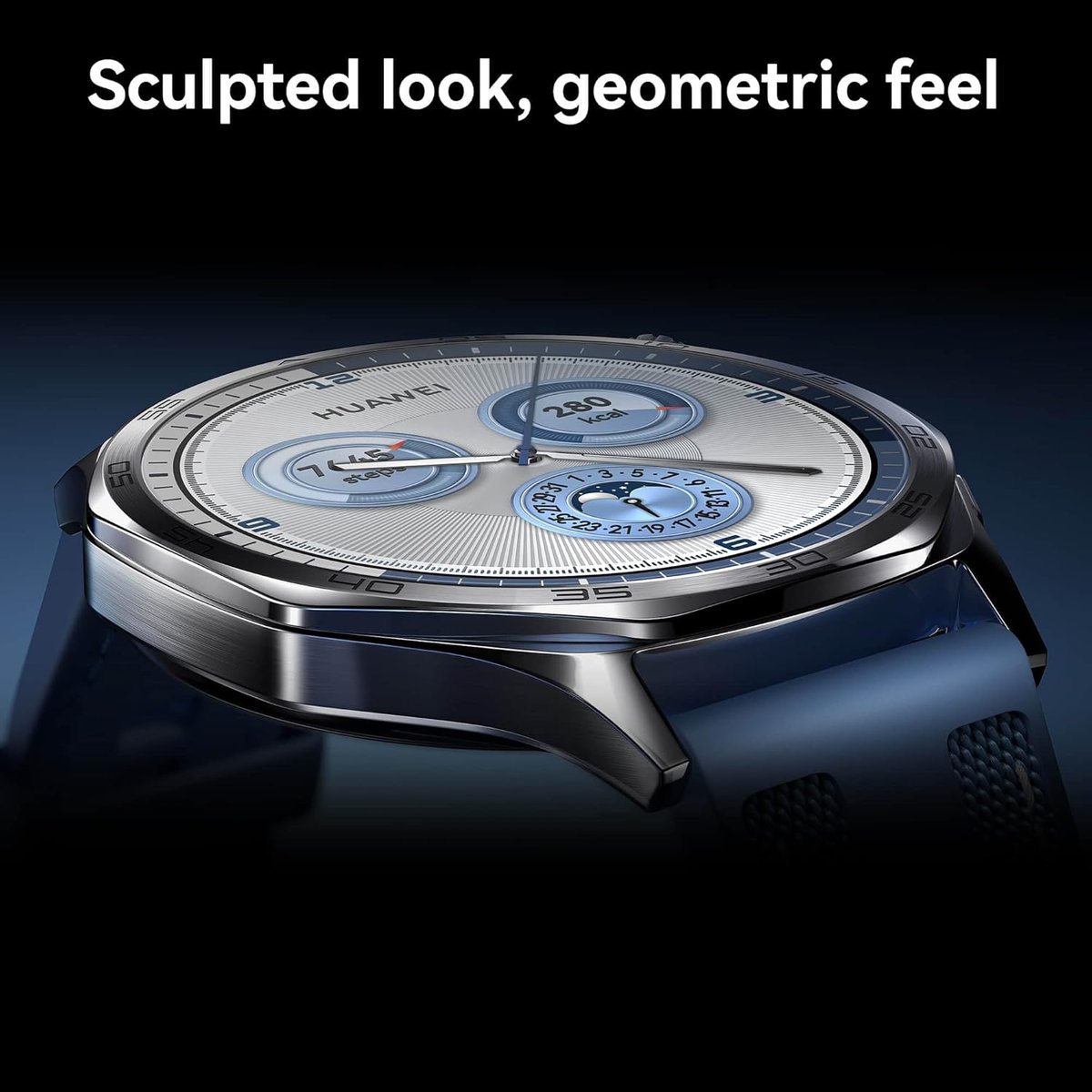
Three new watch faces are included. The Fun Stickers face accepts up to five personal images and offers three easy-to-switch layouts for a fully personalised display. The Huahua Cute Animals face reflects the wearer’s current emotional state, responds to touch, and allows customisation of displayed data including calendar, battery level, and health indicators. The 2025 Modules face supports a free combination of widgets in varying sizes, with multiple theme colour options.
Sport and training enhancements
- External sensor support: heart rate monitors, speed sensors, power meters, and cadence sensors can now pair with the watch via Settings, More connections, Health & fitness devices.
- Golf Mode now includes panoramic views of fairways and greens, with distance measurement from any on-course position to help locate the green and hazards.
- Trail running mode gains an elevation graph showing real-time elevation changes, and segment-based navigation to guide the runner through each section of a route.
- Warm-up, courses, interval training, lactate threshold, race guidance, and routes have been moved to a dedicated More screen. Swipe up on the Training Preparation screen to access it.
System improvements
- The interface gains lighting effects, gradient colour schemes, and smoother animations across select applications.
- Alarm vibration intensity is now adjustable under Settings, Sounds and Vibration, Vibrate, Custom. Covering the screen with a palm mutes an active alarm notification.
- Notification icons now support a wider range of applications, making message sources easier to identify at a glance.
- Gesture detection accuracy has been improved.
- VoLTE is enabled by default for certain providers after eSIM activation. Manual control of VoLTE is not available.
Power-saving mode
- The Contacts app now displays the full contact list from the paired phone.
- The call log is renamed Phone. Tapping it opens a numeric keypad for direct dialling when the watch is connected to the handset. The paired phone and Huawei Health application must both be updated to their current versions for this to function.
- The calendar gains week and month views, and a calendar card has been added to the Assistant: TODAY screen.
How to install
Open the Huawei Health application, navigate to the device details screen, and select Firmware update. Alternatively, on the watch press the upper button, enter Settings, select System and updates, and tap Software updates. Huawei recommends a full charge and a Wi-Fi connection before downloading.
Last Updated on 30 March 2026 by the5krunner
Reader-Powered Content

This content is not sponsored. It’s mostly me behind the labour of love, which is this site, and I appreciate everyone who supports it.
Support the site: Follow (free, fewer ads) · Subscribe (paid, ad-free) · Buy Me A Coffee ❤️
All articles are written by real people, fact-checked, and verified for originality. See the Editorial Policy. FTC: Affiliate Disclosure — some links pay commission. As an Amazon Associate, I earn from qualifying purchases.

tfk is the founder and author of the5krunner, an independent endurance sports technology publication. With 20 years of hands-on testing of GPS watches and wearables, and competing in triathlons at an international age-group level, tfk provides in-depth expert analysis of fitness technology for serious athletes and endurance sport competitors.
