Garmin Food Logging / Nutrition tracking – Tested ❌ Failed ❌ at the first hurdle
Garmin’s camera-enabled AI food-logging seems like a great idea in principle and an excellent reason to subscribe to Connect+ to use it. So I tested it properly using real-life examples from what we had planned to eat today – no special trips to the shop or restaurant, just a normal day.
Detailed Tests completed
- Compare Garmin food image recognition to other AI image recognition apps
- Compare Garmin calorie calculation to other sources
Unfortunately, it hasn’t lived up to my expectations of a paid-for service. Here’s what I found in my testing, with notes on how some of the advanced aspects of the feature work further below.
Garmin Food Logging Explained
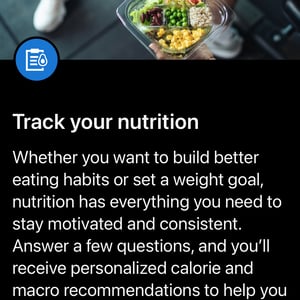
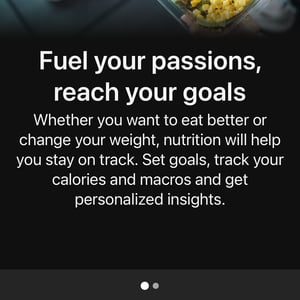
Scan a barcode, photograph your food for AI recognition, or manually add calories and macronutrients (protein, carbs, fat). Garmin factors in your weight goals, past activity history, and planned workouts to recommend personalised daily calorie targets and macro breakdowns.
Listen to the discussion
Garmin Food Logging – Setup
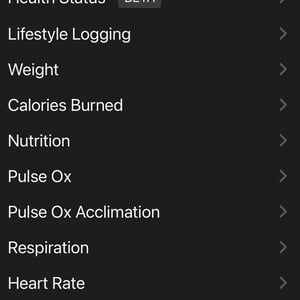
I had a few me-issues trying to use Apple Pay (you can’t) and finding exactly where the food logging is in the Connect app. My brain was scanning for ‘F’ (Food) rather than ‘N’. It’s in the app’s Health > Nutrition section.
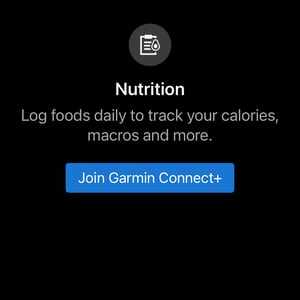
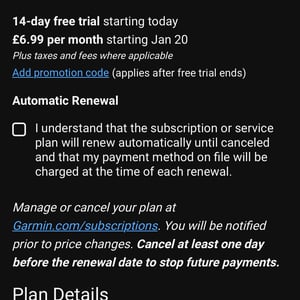
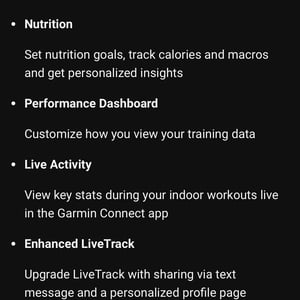
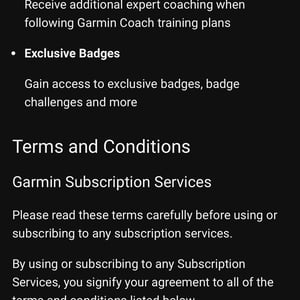
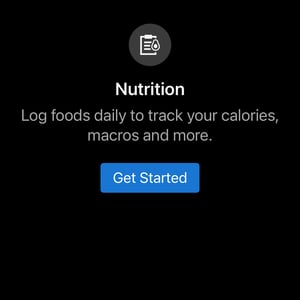
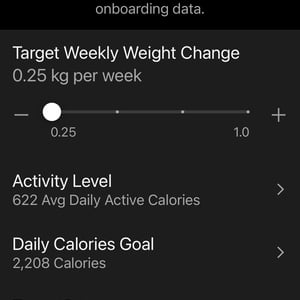
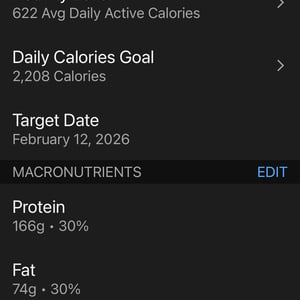
The initial setup was fine, even though there are several sensible loops to jump through. It takes 5 minutes, tops.
- As expected, I had to join Connect+.
- I have an Index S2 scale linked to Garmin Connect, so my ‘correct’ weight history was already covered.
- I set my weight goals – unsurprisingly, in January, it was to lose that Christmas kilo that appeared from ‘somewhere’.
- Connect pulled my average calorie burn from its records; I assume it’s correct.
- I was prompted to add Nutrition to the Tab Bar (bottom bar of the app) for easy daily access. There was a minor bug in selecting the correct number of items that can live on the tab. No biggie.
- The first time the iPhone camera was used, access permissions were required. I flicked away from the easy-tap permission Garmin offered to take a photo of the food, but then had to go all the way back through the Connect app permissions in iOS Settings to find it again (my bad).
- Sorted. Let’s log!
My Test and My Expectation
I’ve never done any kind of food logging in my life. I expected to point my iPhone camera at my breakfast and then eat it. The breakfast, not the iPhone.
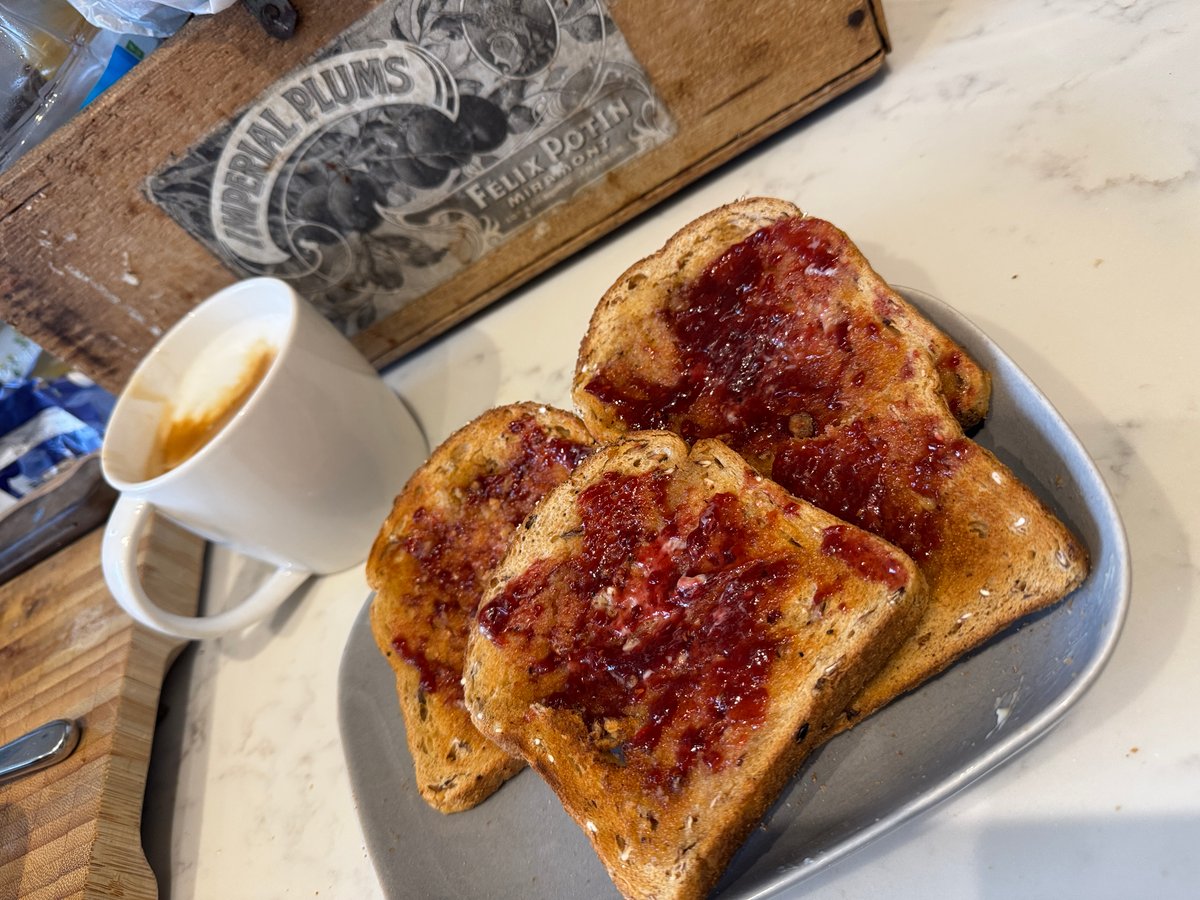
The task was simple. A medium latte (Starbucks TALL Size mug) with semi-skimmed milk, 4 slices of thick Hovis granary bread with Lurpak and Bonne Maman raspberry jam – these are all common UK supermarket items.
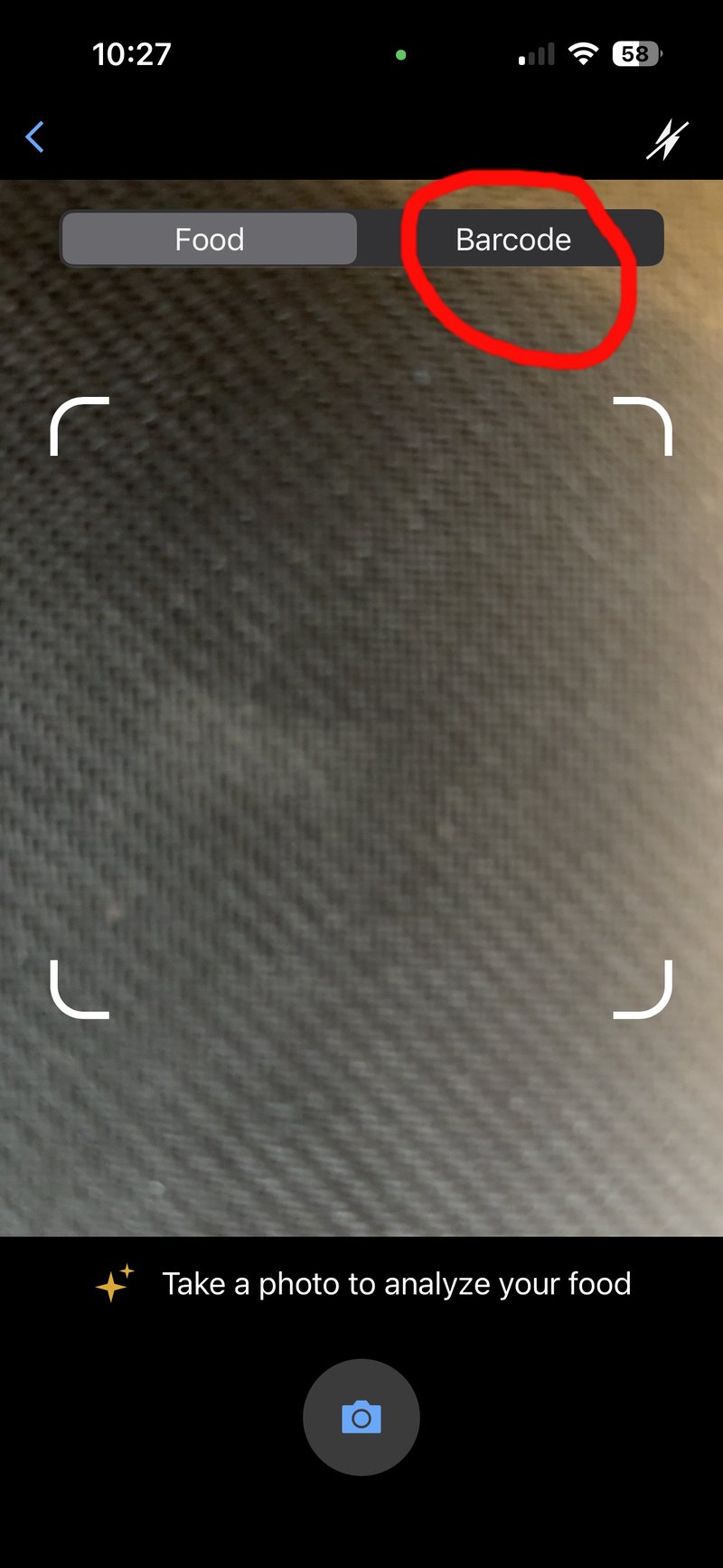
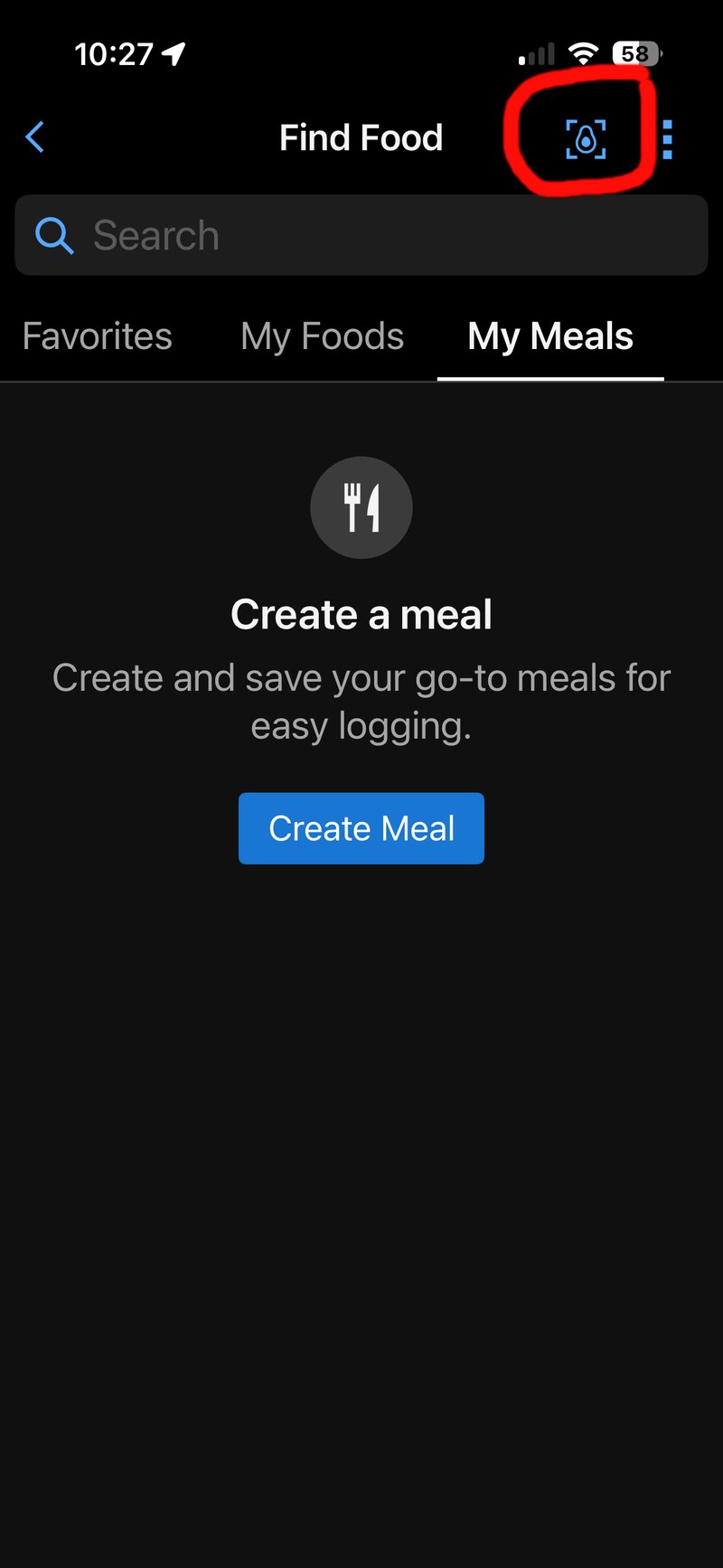
The camera button that lives in the Garmin Connect app isn’t clearly marked. It’s in the top right-hand corner. Once you’ve found that (image, below), you can take a picture of the food or, nicely, scan the barcode in the same place.
It was all very speedy when I took the photo, with something vaguely toast-like recognised almost instantly. I thought, “Oh, that was good.” I was just about to go away, do some stuff and log a few more meals later in the day before writing something up on this new feature when I decided to check what had been identified.
- Garmin found: 1 slice of white bread toast with a tablespoon of jam.
- Garmin missed: butter, the coffee and the other three pieces of toast.
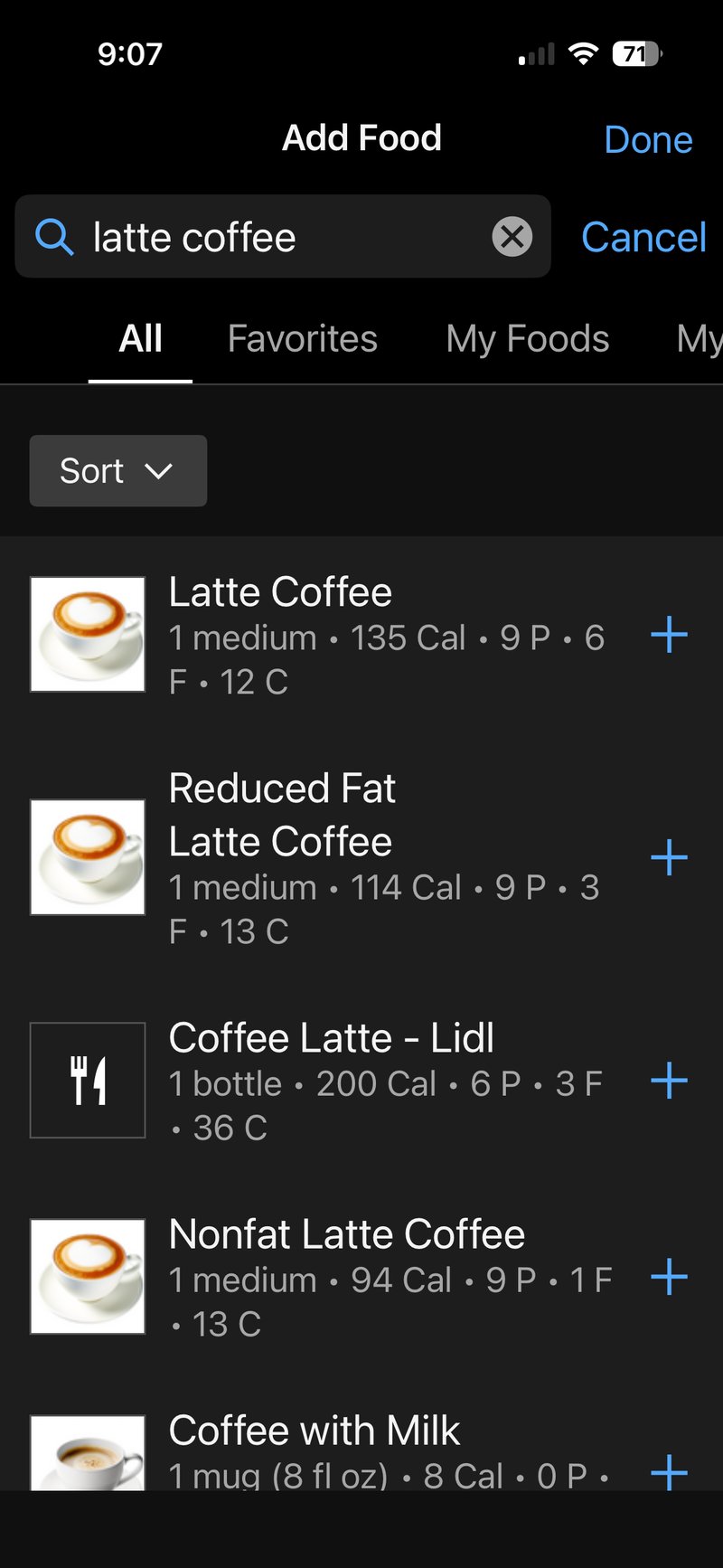
I instantly spotted the missing latte; the day’s most important food! Thus, I had to manually add it, searching for ‘latte coffee’ brought up a ‘Reduced Fat’ version of the milk. Is it reduced-fat semi-skimmed milk? I don’t know. I’ve got no idea. It’s called semi-skimmed milk everywhere in the UK. Of course, it is technically reduced-fat, but so is an entirely different product: skimmed milk. With grumpiness already ensuing, I begrudgingly accepted the reduced-fat option, quickly realising it would have been a good idea to add a carefully curated coffee option to my ‘favourites’ to use a few hours later. And it definitely is one of my favourites. By the end of this month, the ‘latte favourite button’ on the app will definitely have worn out from overuse.
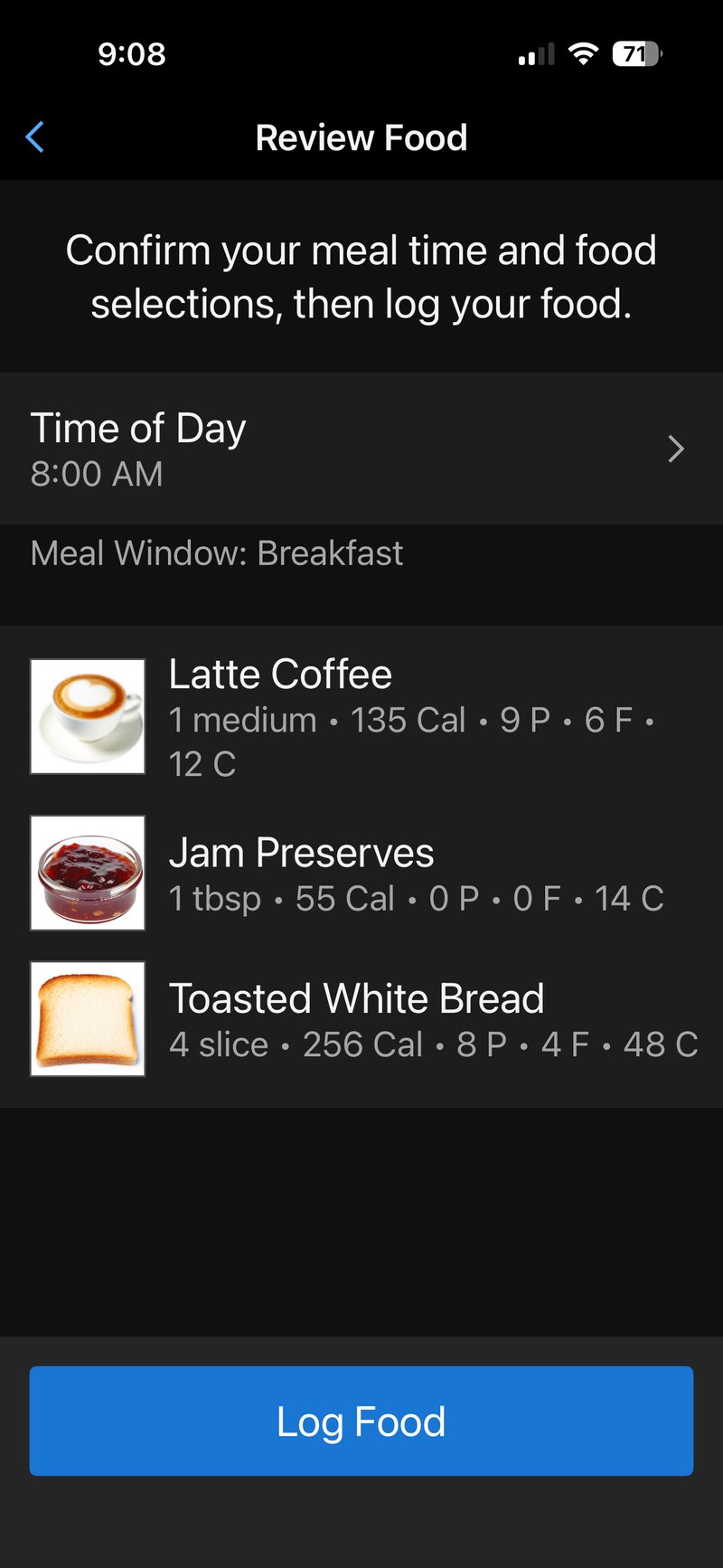
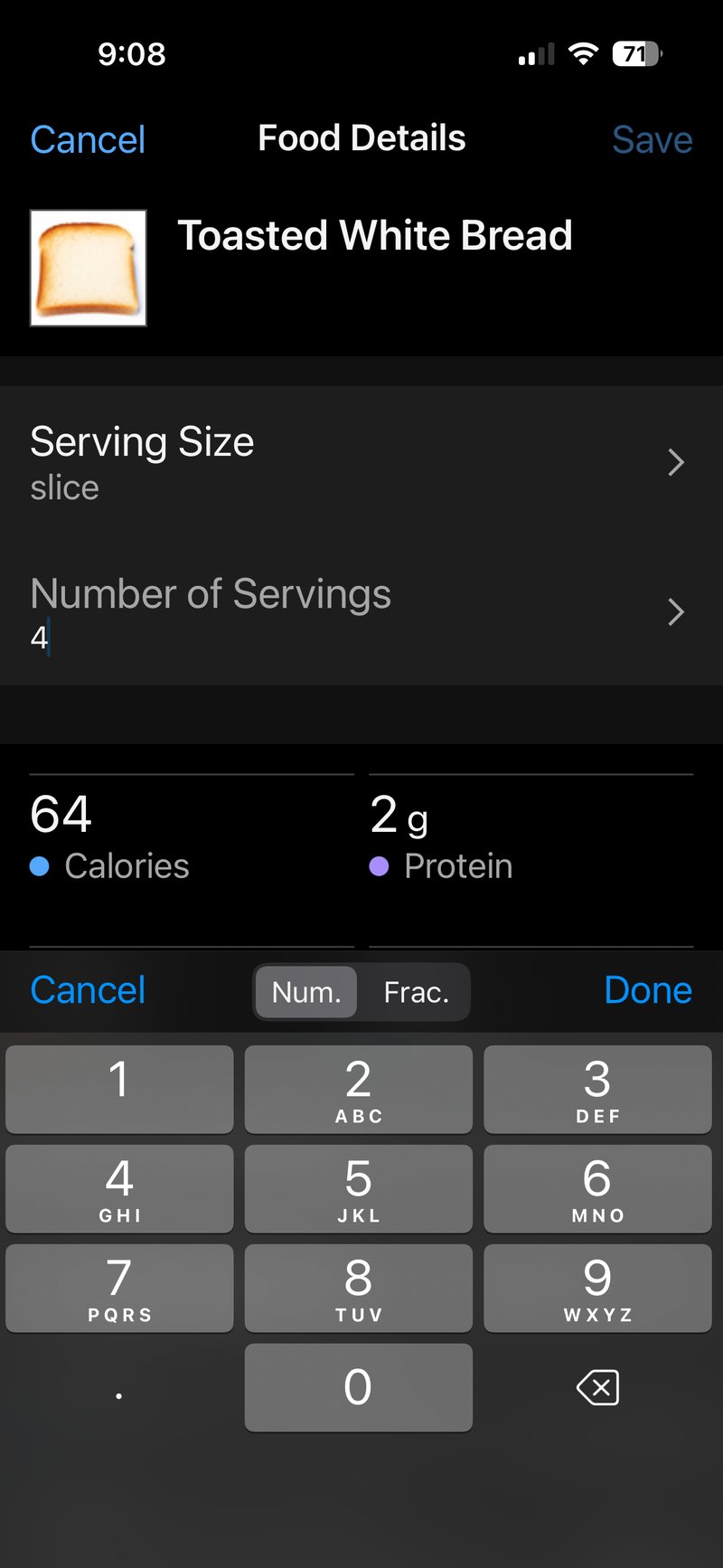
Then (without my reading glasses) I spotted that only one piece of toast was recognised. Grrr. It was easy enough to boost the number of servings to 4. I was naively hoping that the AI camera app would count the slices of toast. Perhaps in hindsight that was an unrealistic expectation (I don’t think so), but, by extension, would I expect it to count the number of peas on the plate in my evening meal? A: Probably not.
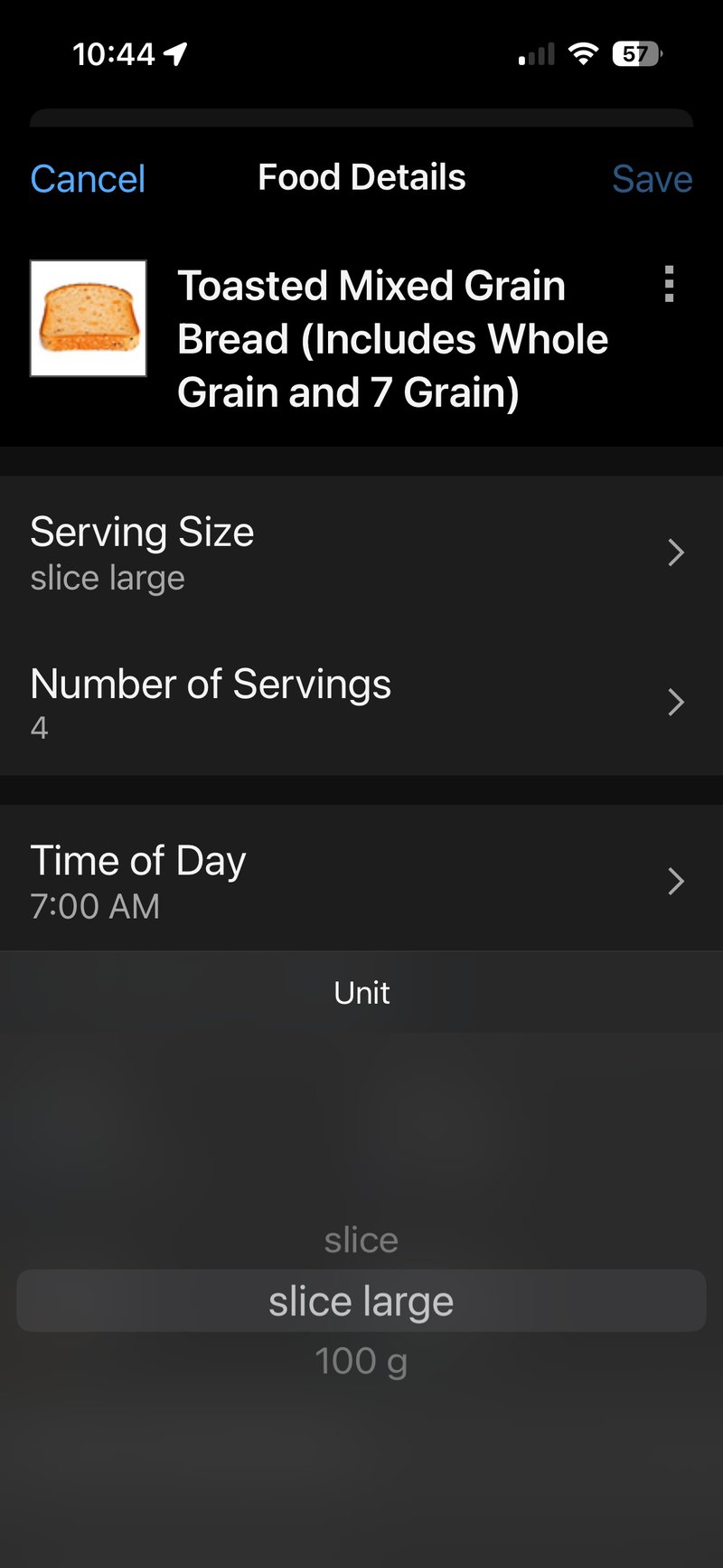
Next, I realised the wrong type of bread had been identified. Double-Grrr. So I deleted the 4 pieces of white toast I had just adjusted and searched for my somewhat healthier Hovis Granary. I couldn’t find it. I did find mixed-grain bread, which felt close enough. Except I then forgot that the Xmas bread delivery came in the thick size, so I changed the portion size as well. We’re getting there. Slowly.
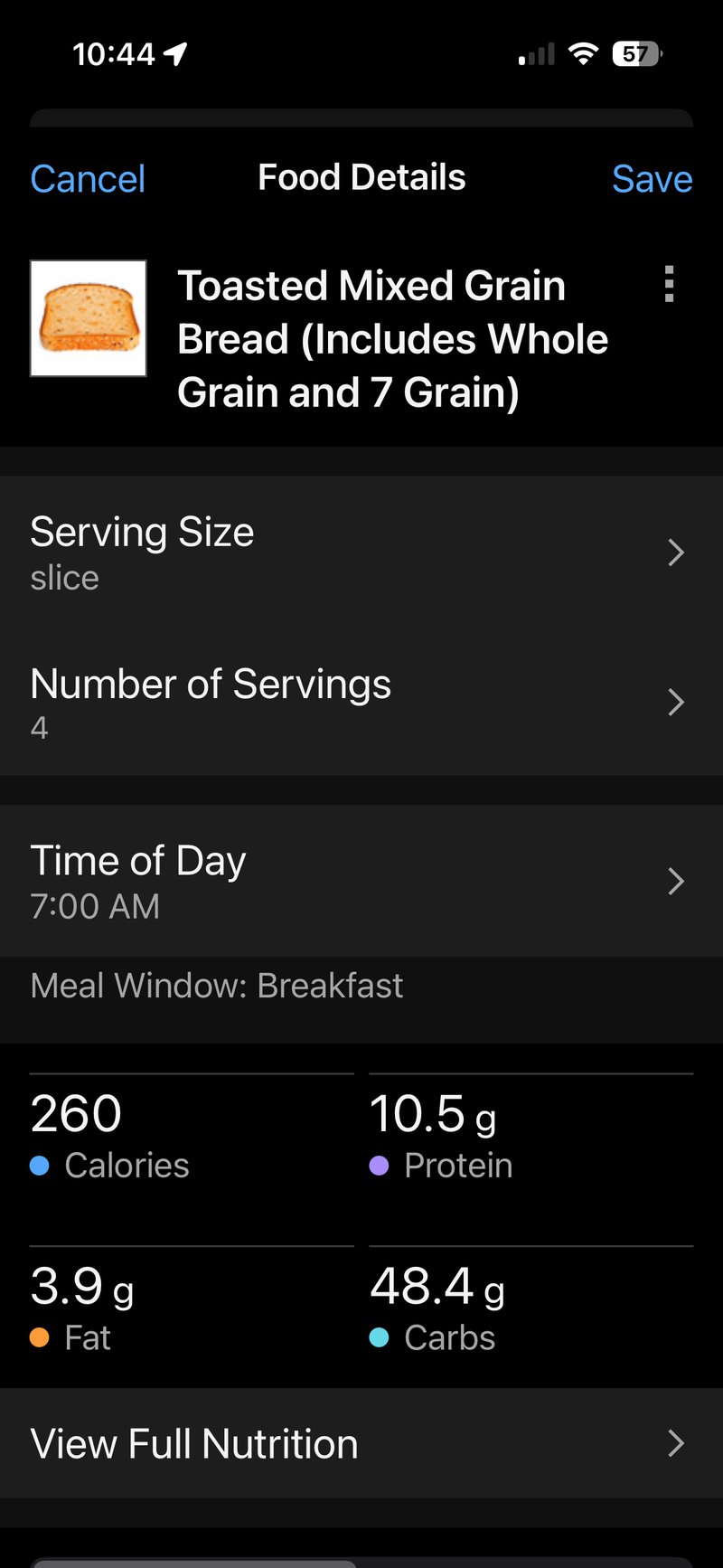
By now, I had realised that quite a bit of manual effort was required, so I looked more closely at the jam entry. Apparently, it’s normal that, by default, people in the UK have a tablespoon of jam (aka flavoured sugar) on a piece of toast. That was what was initially identified as linked to the original scanned toast, but I reckon that’s about right for what I had spread across all 4 pieces. Maybe I had a tad more.
I realise I’ve missed out the Lurpak butter, but sped ahead to check and compare the actual calories with those I had logged.
Verification Calculations Using AI Estimates and Product Labelling
It’s 2026, so AI has to come in somewhere. I asked four well-known AIs for their opinion and to check the validity of the Garmin calorie calculation. Here are the results:
4 thick slices of Hovis Granary bread:
- Thick slices are typically around 44g each
- Hovis Granary: ~95 calories per slice
- Claude: 380 calories (Gemini: 528, ChatGPT: 436, Grok: 448)
Lurpak butter (thinly spread):
- Thinly spread butter is roughly 5-7g per slice
- Using 6g per slice × 4 slices = 24g total
- Butter: ~7 calories per gram
- Claude: 168 calories (Gemini: 148, ChatGPT: 115, Grok: 89)
Bonne Maman raspberry jam:
- 1 level teaspoon per slice = 4 teaspoons total
- 1 teaspoon jam ≈ 6g ≈ 16 calories
- Claude: 64 calories (Gemini: 60, ChatGPT: 70, Grok: 68)
Latte with 310g semi-skimmed milk:
- Semi-skimmed milk: ~49 calories per 100g
- Claude: 152 calories (Gemini: 155, ChatGPT: 143, Grok: 146)
Total: Claude: 764 calories (Gemini: 891, ChatGPT: 764, Grok: 751)
The main discrepancy is in the bread calculation (Garmin = 79 g, not the correct Hovis = 92 g). Garmin’s 316 calories for 4 thick slices suggests it’s using either lighter slice weights or lower calorie density than the AIs estimate for Hovis Granary. All 4 AIs agree the bread should be 380-528 calories, making Garmin’s estimate appear 17-40% low for this component specifically. However, I selected a generic mixed-grain bread in Garmin Connect. The lesson here is that you have to get the exact kind of food, and even the precise weight of the jam (sugar) is going to be important. All this is a potentially onerous task for someone with a varied diet, having to do it for every meal. By the time I’ve worked out the answer, I could have gone for a run and burnt off any discrepancy!
Barcode Scanning
My next test was to see what barcode I could scan. I reasoned that many people would have pre-processed meals with a single easy barcode to scan – I occasionally eat that kind of foodand had some stashed away in the depths of the freezer.
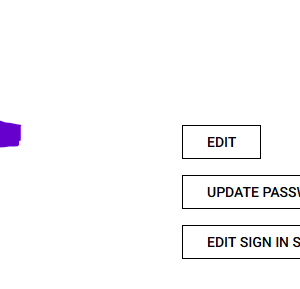
Not one UK barcode has yet been identified by the Connect app! I’m in the UK and have definitely scanned some UK food that was made 5 miles away by a UK company, and my Garmin Connect profile location is set as UK (GB – image below).
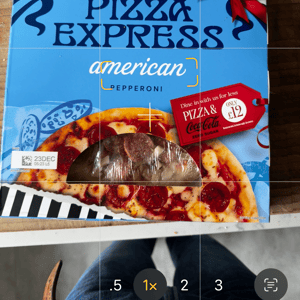
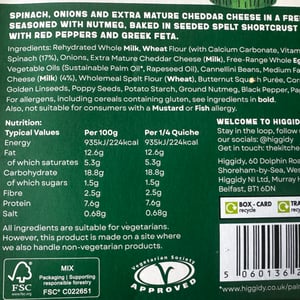
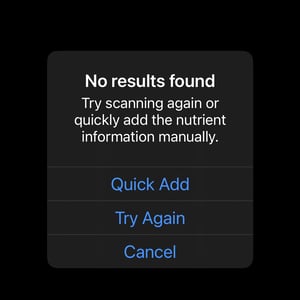
After trying 10 barcodes of everyday UK supermarket products, I gave up.
An Easier Scanning Task
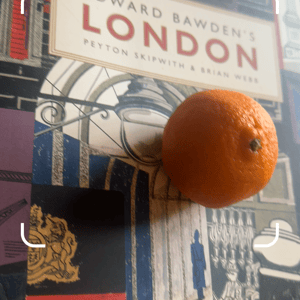
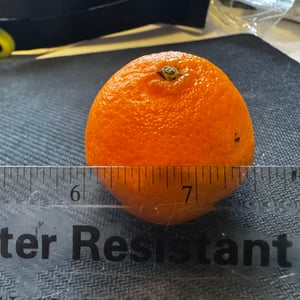
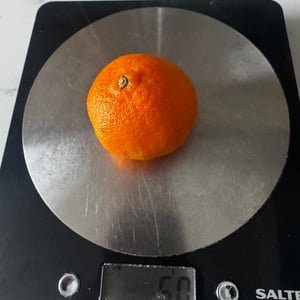
Could Garmin scan an orange? More precisely, a 2″ 50g satsuma. That seemed like an easy task.
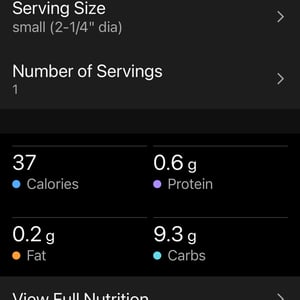
Garmin found “a tangerine” (similar enough) and said it was 2-1/4″ in size. I’m not entirely sure what that means. Is it two and a quarter inches in diameter or between two and one quarter inches in diameter? (A quarter inch represents a VERY small tangerine).
I tried to change the weight to 50g, but there was no option smaller than 100g. So even if it got the 2.25″ about right, the weight attached and hence calories must be wrong.
I’m also not sure why it gave me imperial measurements (inches) when the units on my Connect account have always been metric. Luckily, I’m fluent in both.
A Complex Sandwich Scanning Task
A morning of failed scans was almost over. Time for lunch.
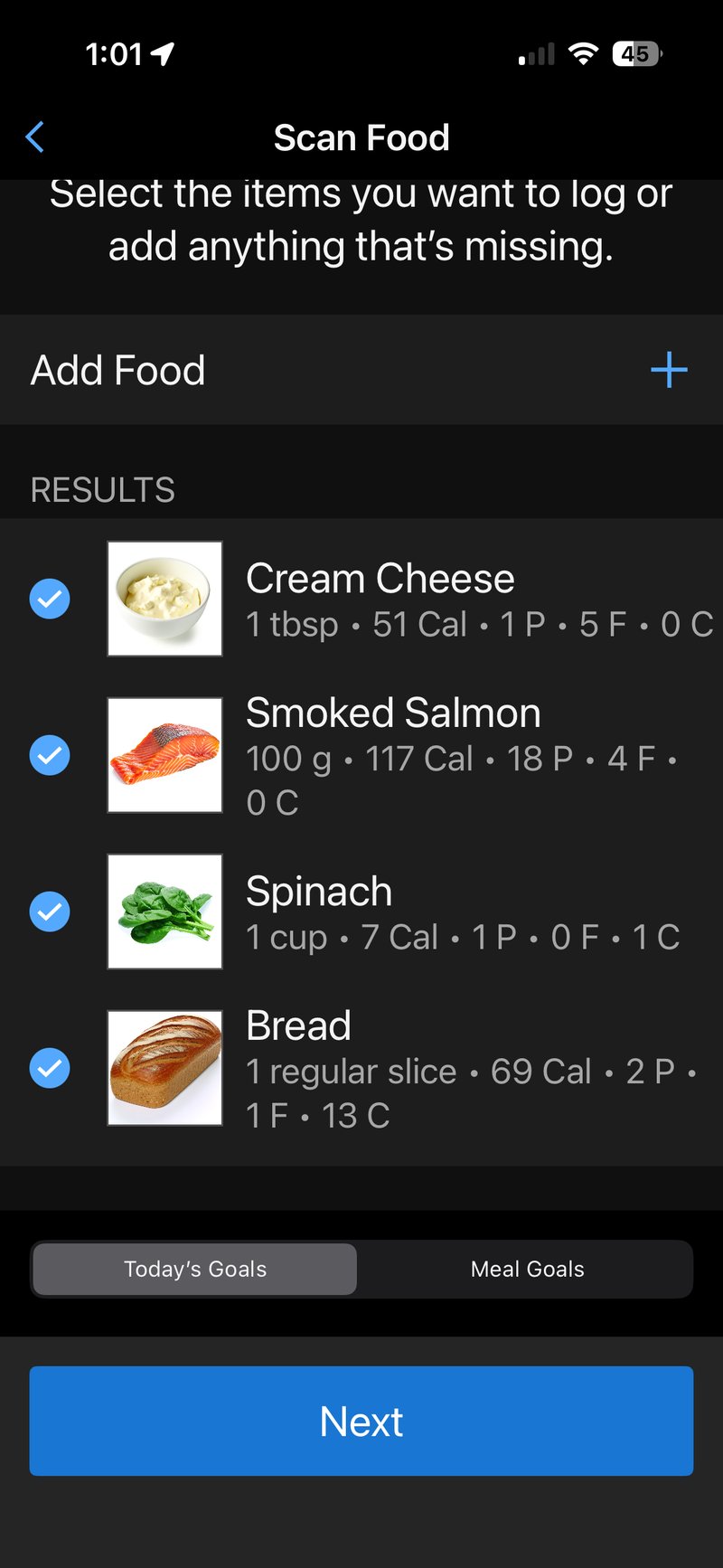
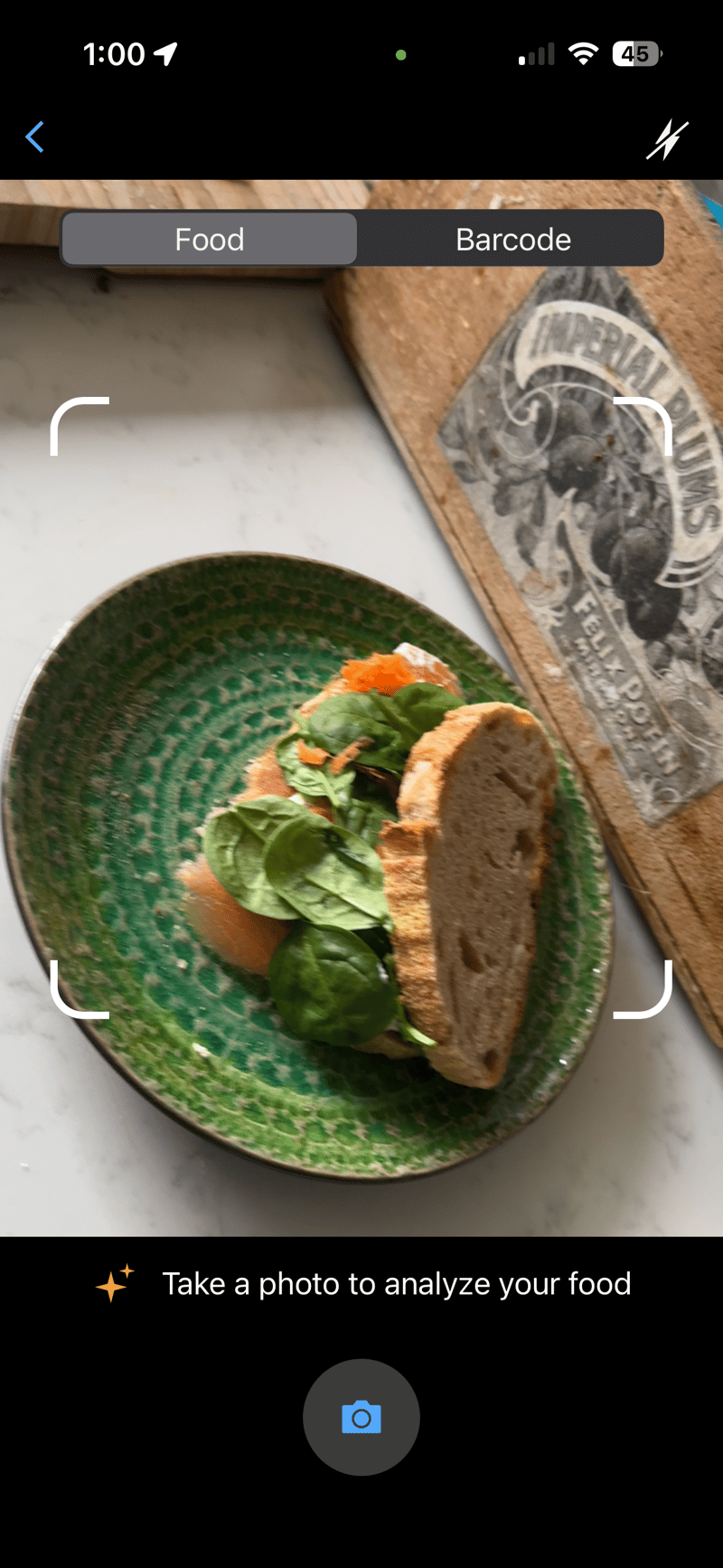
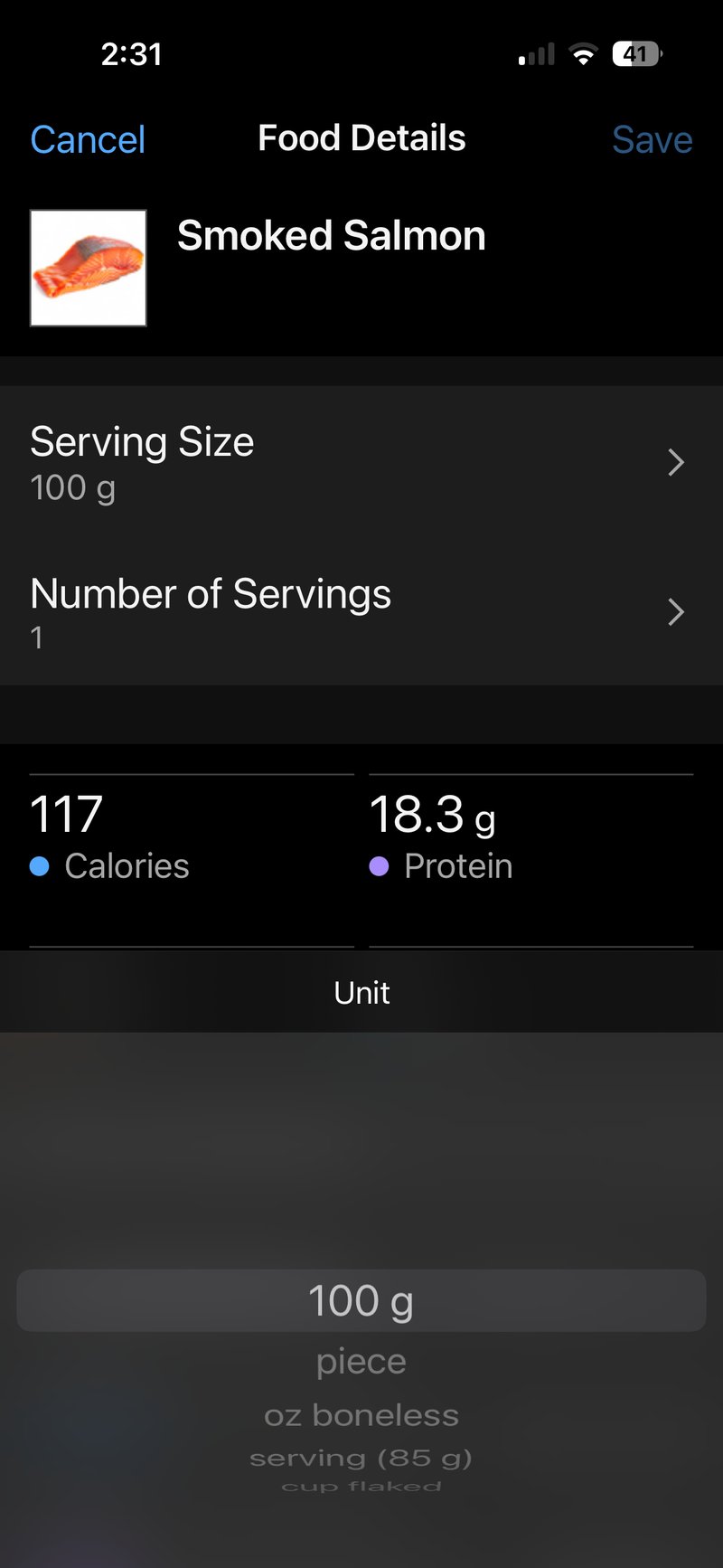
My partner made a salmon, spinach, carrot, and homemade horseradish sandwich on sourdough bread (no butter). I was interested to see if Garmin could identify the ingredients. It did a reasonable job of correctly identifying bread, salmon and spinach. Connect got the wrong kind of bread, identified WAY too much salmon with the wrong serving cut and too much spinach.
I deleted the cream cheese that was incorrectly identified. Instead, I added some horseradish sauce back. I didn’t expect to find homemade horseradish sauce as an option, but I did expect to be able to enter the low quantity that was used – I couldn’t.
The salmon that Garmin identified looked yummy. Sadly, it was a wholly different cut to the one we had to eat! It identified a salmon steak (?) rather than the smoked slice. There was no option in the app to select the small amount of smoked, sliced salmon used.
The spinach was correctly identified, but the correct, smaller portion size could not be selected.
Generic bread was incorrectly identified. I had to switch to sourdough and two slices instead of the one identified. However, at this point, the penultimate point, I had had to press Cancel, and Change, and Cancel again, and Plus, so many times that I inadvertently pressed Cancel one too many times and lost the lot. So I can’t show you an image of the final, logged sandwich. #NotHappy. Luckily, I filled up my iCloud storage by logging screenshots of everything.
How AI Scanned and Interpreted the Sandwich Image
I was interested in whether Garmin’s AI performed similarly to others when interpreting a food image. This would give me a better idea of what realistic expectations we could set for the Garmin image-scanning process’s accuracy.
I used the image above, so the AIs probably had a lower-resolution image to work with than Garmin.
| Ingredient | Actual | Garmin | ChatGPT | Gemini | Claude | Grok |
|---|---|---|---|---|---|---|
| Bread Type | Sourdough | Generic | Sourdough/artisan white | Sourdough | Ciabatta/artisan | Whole grain |
| Bread Quantity | 2 slices (50g each = 100g) | 1 slice | 1 slice (60-70g) | 1 slice (50g) | 1 roll (80-100g) | 2 slices (80g) |
| Salmon | 25g | Smoked salmon (~100g) | Smoked salmon (35-45g) | Smoked salmon (40g) | Smoked salmon (50-70g) | Smoked salmon (~100g) |
| Spinach | 10g | Spinach (1 cup) | Baby spinach (10-15g) | Baby spinach (15g) | Butter lettuce (20-30g) | Spinach (~30g) |
| Carrot | 10g | Not identified | Orange segments/zest (5-10g) | Grated carrot (10g) | Not identified | Shredded carrots (~20g) |
| Horseradish | 5g (homemade) | Cream cheese | Possible butter/cream cheese | Butter/spread | Cream cheese/mayo | Not identified |
| Other incorrectly identified | None | None | None | None | Tomato (30-40g) | None |
To recap: Garmin correctly identified 2 out of 5 ingredients but missed the carrot entirely and misidentified horseradish as cream cheese (fair enough…unless you taste it expecting cream cheese). Its bread identification was generic with no specific type, and it underestimated the quantity by 1 slice instead of 2.
Like all other AIs, Garmin significantly overestimated the salmon quantity at ~100g (300% over the actual 25g), which was the largest overestimate tied with Grok. The spinach quantity was listed as “1 cup” rather than grams, making direct comparison difficult, but that measurement could be assigned a calorie value in the app.
Still, Garmin performs worse than Gemini’s 80% success rate, and its quantity estimates were generally less accurate than those of the AI competitors.
Food Logging On Your Watch
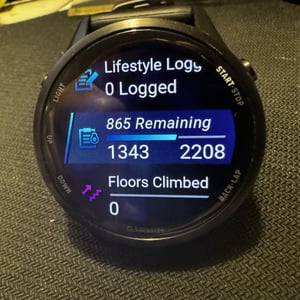
Some of the more modern Garmin watches can view nutrition logged throughout the day, along with trending stats. Perhaps more helpful is the ability to quickly log new meals. Here are some screen images to give you a flavour (another pun intended), obviously, there is no trend info as I’ve had a day of scanning.
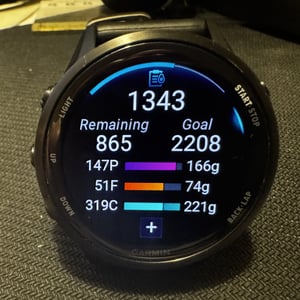
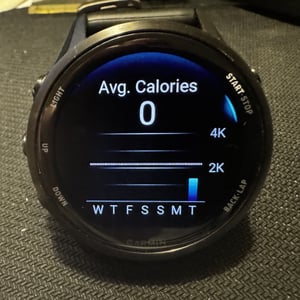
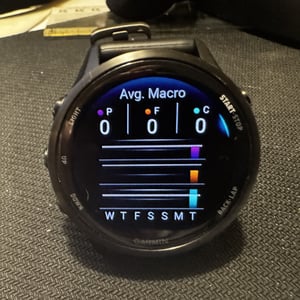
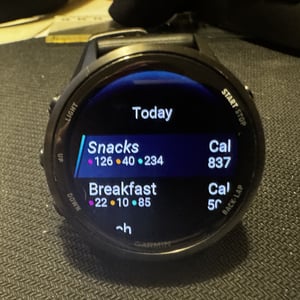
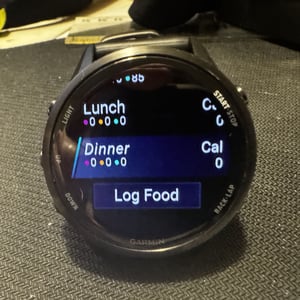
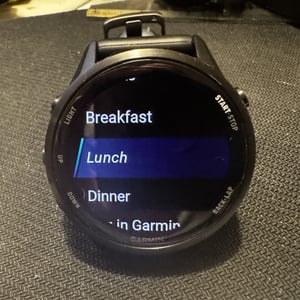
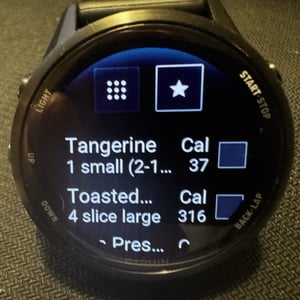
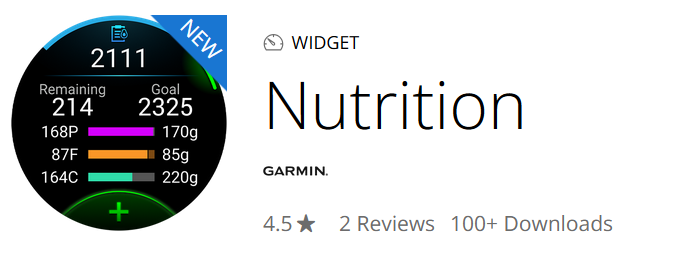
Older watches have access to the same Nutrition Widget via the Connect IQ store. These watches and any newer iterations are compatible with the widget: Descent Mk2, Enduro 2, epix (Gen 2), Fenix 6 Pro, Forerunner 165, MARQ, Quatix 6, Tactix 7, Venu 2, and Vivoactive 4.
Who Should Use Garmin Food Logging?
Give it a go if you are already a subscriber; it’s effectively a nice freebie for you.
If you are invested in the Garmin ecosystem but use a login provider like MyFitnessPal, a subscription switch seems like the obvious call. However, you won’t be able to transfer your old data (like meal favourites) from MFP, so you’ll likely need to spend a notable chunk of time setting up favourites and the like.
Unless you have a repetitive diet and can use favourites a lot, you’ll find Food Logging time-consuming, so you’ll need to be motivated to devote the time to using it.
Takeout
If you’ve read through the details of the tests in my article, you will appreciate that I have some issues here. I’m disappointed as I was looking forward to using the feature, at least for a while.
Perhaps for others who already log food with MyFitnessPal or one of the many other similar tools out there, you have the patience, experience and motivation to get this working for you. It will add a real benefit to you rather than, in my case, where I was exploring food logging out of interest for the first time.
The feature appeared bug-free in a ‘non-crash’ kinda way. However, I find its usability highly questionable, at least in the UK. Maybe in the USA or EU, it behaves differently. It seems to me that this is a beta feature whose underlying datasets (the food databases and the scanning AI tool) need quite a bit more work. However, the feature was probably rushed to launch in January to coincide with New Year’s weight-loss resolutions.
Taking a step back from the mechanics of the Food Logging features. The whole process is very logical and, seemingly, the next step is rational. However, when I got to the end of anything I was trying to do, I had made WAY too many interactions with the app. It seems the designer was trying to implement a logical process rather than taking a helicopter view and innovating with an efficient process. For example, perhaps a widely capable voice interface would be better and quicker in some instances, rather than simply starting the feature by voice (existing feature).
Some minor details, like showing units of measure in imperial, not metric, are easily resolved; however, I would imagine that different portion sizes not on the existing database list might require potentially a lot of work to get correct for every food item. I don’t know if Garmin has done that in-house or bought the food database from a 3rd party.
Overall, this feature has a lot of potential but fails to deliver. I’d give it a 2 out of 5 as it stands, but it has the potential to be excellent when giving macro and calorie intake recommendations to active people and athletes.
Seeing how Garmin has implemented this and other features (e.g. Lifestyle Logging), I suspect the company is unable to implement easily-usable features in the same manner as Whoop or Apple.
Last Updated on 30 January 2026 by the5krunner
Reader-Powered Content

This content is not sponsored. It’s mostly me behind the labour of love, which is this site, and I appreciate everyone who supports it.
Support the site: Follow (free, fewer ads) · Subscribe (paid, ad-free) · Buy Me A Coffee ❤️
All articles are written by real people, fact-checked, and verified for originality. See the Editorial Policy. FTC: Affiliate Disclosure — some links pay commission. As an Amazon Associate, I earn from qualifying purchases.

tfk is the founder and author of the5krunner, an independent endurance sports technology publication. With 20 years of hands-on testing of GPS watches and wearables, and competing in triathlons at an international age-group level, tfk provides in-depth expert analysis of fitness technology for serious athletes and endurance sport competitors.

Did you see DC Rainmakers review? He had an issue with the barcode scanning until he updated his location.
thank you
No I hadn’t seen it. I’ll take a peek later, obviosuly I just shouldn’t have to do that. It should simply ‘work’, that’s why we are paying for the subscription.
And maybe in the UK you are in luck. because in mainland Europe, local supermarkets source foods from various countries. I have to change countries 6 times on the settings, to scan the barcodes of all the foods I ate yesterday, plus having to look at the foods label small letters to find the actual place of manufacturer. With only the country I purchased the things from half of the things were not found because they are on local database of neighbouring countries. A total disaster, myfitnesspal, loseit, wtv have this figured out ages ago.
It doesn’t seem I am in luck, I’m still trying to succussfully scan my FIRST barcode. We get a lot of food from the EU, and also lots of recently, mysteriously labelled non-EU sources (whatever that means… other than the obvious).
Yes, my brain was coming from a similar perspective that you share. I was kinda assuming all this nonsense was sorted out YEARS ago. Obviously not.
Last paragraph:
“Would you like me to check…”
And for the record, I have used food logging a lot. And I find this acceptable. Particularly for a day-one product. I was using!g macrofactor but have previously used MyFitnessPal, Cronometer, and Guava and will probably use Connect from now on.
ty
yes i use tools to check for plagiarism and AI flagged content.
Disconnecting from MFP also break any 3rd party weight scale integration. MFP is not the best food log app, but works much better than current garmin solution.
yup.
Garmin will nicely tidy it up within 3 months I reckon. Even then, there will still be a lot of clicking and tapping involved to use it tho.
Busted. I wouldn’t ever trust an “athlete” who eats bread with jam for breakfast and more bread later in the day 😀
yes but my consumption of coffee and cake surely boosts my cycling credibility 😉
Lol, this isn’t surprising to me as a long term user of Garmin products. Hardware very good, software not so.
DCR goes very easy on Garmin IMHO (but I guess it makes sense given their mk share).
I’m not 100% sure why you chose to use Grok calorie estimate information. Grok is a twitter \ Elon Musk product and I imagine Grok would do a “great” job of explaining why it’s a “great” idea to worship Adolf Hitler but I wouldn’t trust anything it says. For a thinking, not racist person, it’s very insulting that you’d include the word “grok” in your article at all. I’m not trying to be a jerk, but you do realize that at one point, Grok referred to itself as “Mecha Hitler” don’t you ? I enjoy your smart tech information but I’m offended (as a middle easterner) to see you using blatantly racist software on your site.
hi, thank you for the comment and sorry you feel that way. Glad we have readers here from the Middle East, which country?
There are 4 main AIs, Grok is one of them. That’s why I chose them.
– Gemini – racist historical image generation (2024), less effective reporting for African Americans (2025)
– chatGPT – AAE intelligence bias (2024-25), hamrful stereotypes generated
– Anthropic (Claude) – gendered stereotyping (Google it! – Google: used to have the corporte slogan Do No Evil…quietly dropped)
Check out the ads from many sports companies you’ll still find under-representation of various human colours. Then, when women and men cycle together in their photos, inevitably the picture with the woman behind is the one shown. Do we shun those brands? Are there particular countries we should also shun? For example, the USA hasn’t signed up for the UN Convention on Human Rights.
Excellent reply to this trollish post.
Thanks for the review. I’m just over a week into a free trial. I agree it is a lot of effort to log food, especially when you make something from scratch. I’m not sure I’ll continue once the trial (and January) is over.
For serving sizes, I choose 100g and then add .4, .5 etc as the number of servings to get 40g or 50g, which seems to work well. It would be easier to just enter the grams you add to a meal, rather than the two prong serving size and number of servings approach.