Komoot Launches New Standalone Apple Watch App
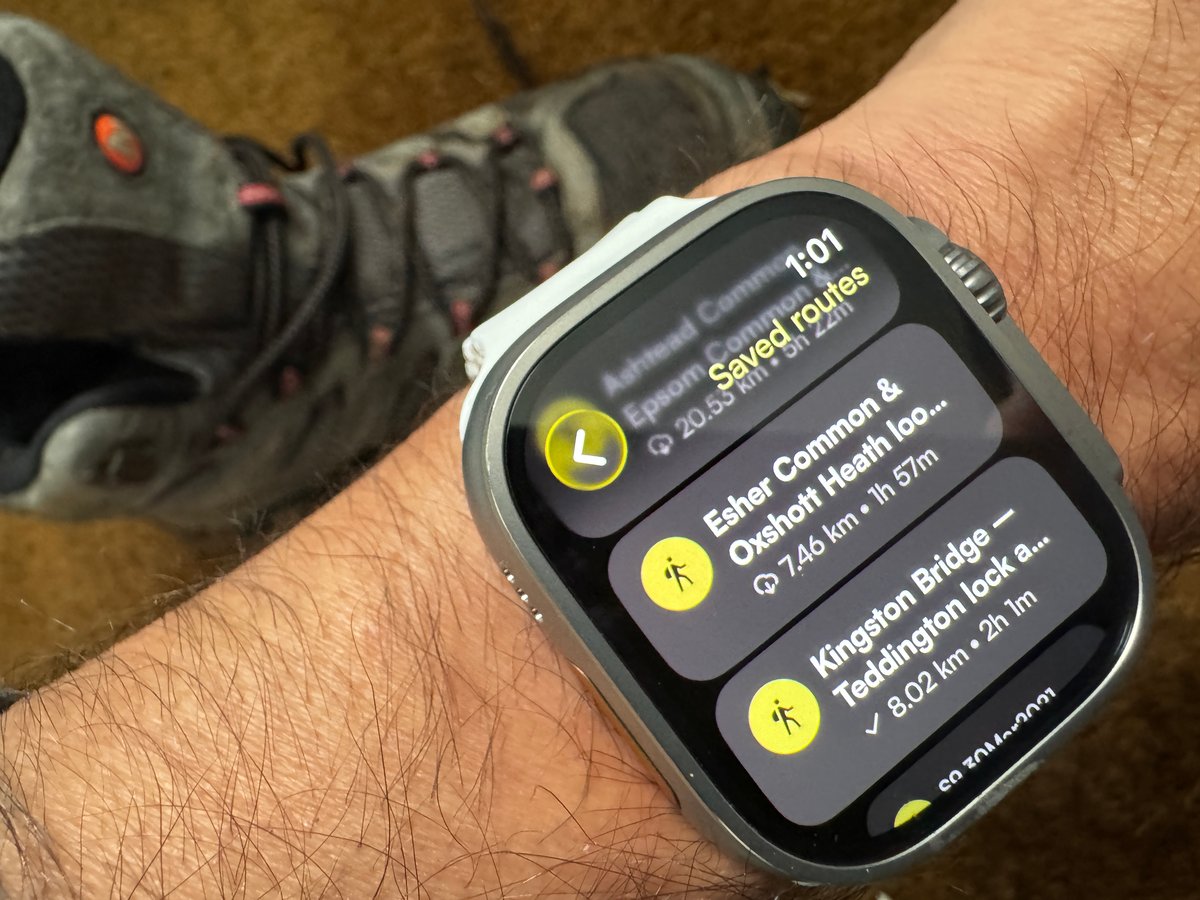
Good news for anyone who’s wanted to leave their phone at home on a ride or hike: Komoot has launched a new Apple Watch app that works completely independently. Unlike the previous watch app—which simply mirrored your phone and needed a constant Bluetooth connection—this new app has its own maps, uses the watch’s GPS, and works offline.
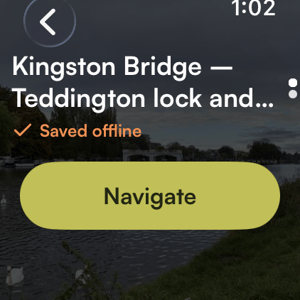
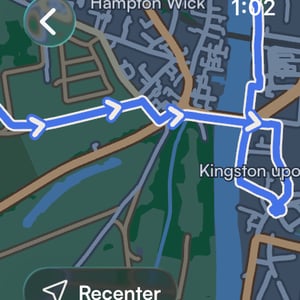
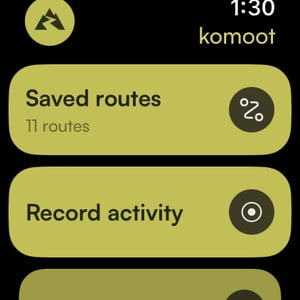
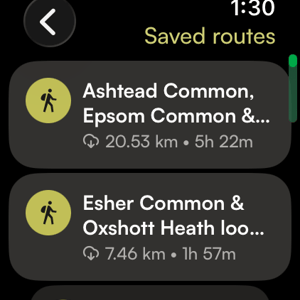
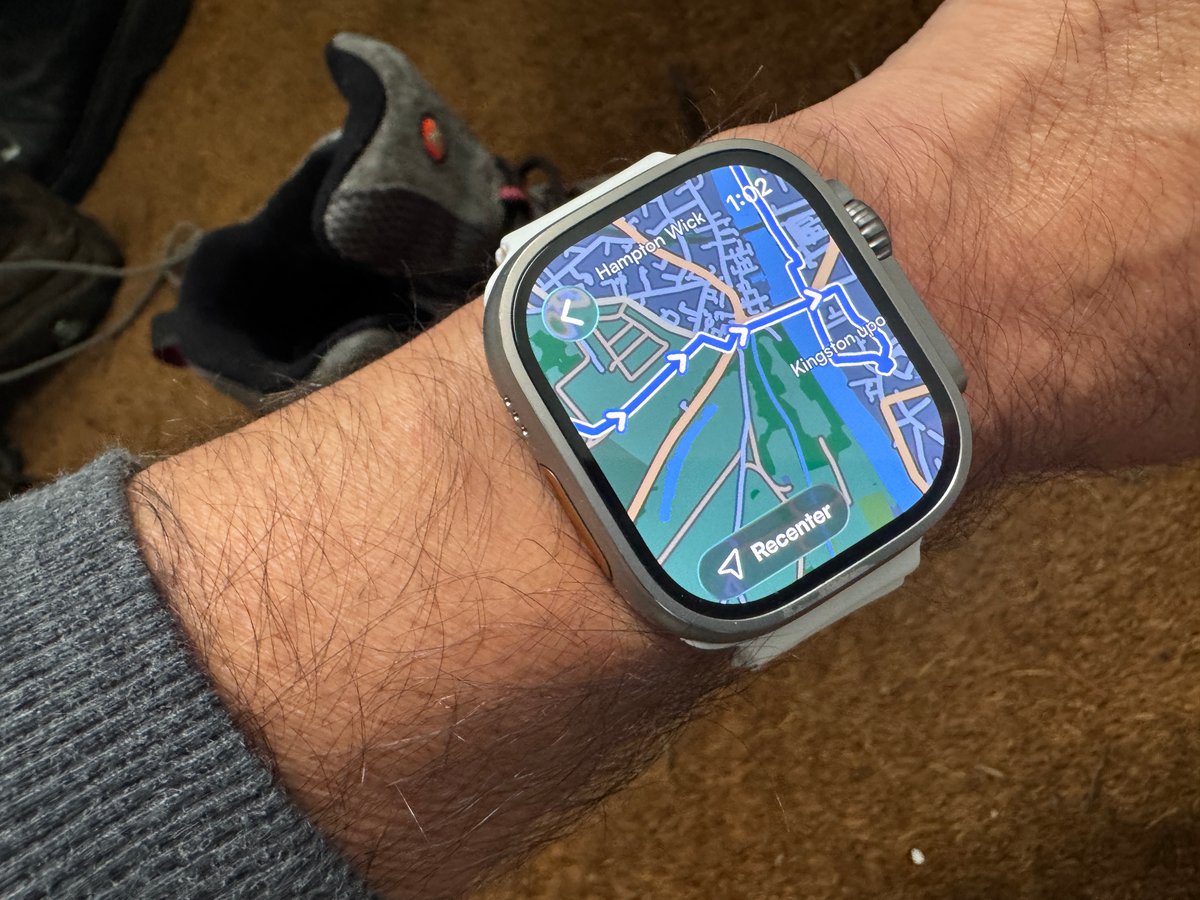
Here are some details of what the app includes, some screenshots from my Apple Watch Ultra 3 and then a recap of my testing and thoughts:
- High-resolution maps with details like trails, paths, and street names directly on your wrist
- Turn-by-turn guidance with on-route arrows and upcoming directions
- Real-time stats including distance travelled, time remaining to destination, and current elevation
- Sync to Apple Health and automatic fitness ring updates
Testing and Thoughts
The app comes out within days of Strava’s similar alternative. Both have a similar (and good) look and feel, very much in line with Apple’s Watch app guidelines. Consequently, navigating the tile options and interpreting the map are excellent.
On the downside, like with Strava, there was an odd delay in rendering the map, only for a fraction of a second, but it was there nevertheless (perhaps Komoot was very slightly quicker).
Next, I noted that some of Komoot’s marketing uses the word ‘instantly’. I had to download the route (presumably from the connected smartphone), and that took about 5 seconds. I’m not entirely sure what would happen if I’d already driven off from home but had left my phone there. Where would the route come from then?
To end on a positive note, Komoot has small turn-by-turn instructions at the bottom of the display, where Strava has none. I would probably prefer for both Strava and Komoot to have turn indications more like Apple Maps—i.e., super clear.
How Offline Maps Work
I asked Komoot for some technical details on how the offline functionality works:
- Route downloads: The app downloads a 3 km-wide strip of map tiles around your route (roughly 1.5 km either side)
- Recording without a route: When you start a recording, it automatically downloads a 5.5 × 5.5 km square around your current location. If you go beyond that, you’ll need connectivity to fetch more tiles
- Map freshness: Stored tiles refresh every 7 days
Auto-rerouting isn’t available yet, but is coming in the next few weeks—it will require a connection when it arrives. Customisable data fields are expected within approximately 6 weeks (mid-March 2026).
Known Issues and Fixes
Komoot confirmed a few bugs in the current release with fixes already scheduled:
- Haptics not working properly for off-route alerts and upcoming turns—fix coming Wednesday
- No support for Ultra Action Button customisation—fix coming Wednesday
- No option to disable auto-pause—fix coming by next Wednesday
Other App Updates
Elsewhere in this update, the phone app now lets you search for routes by name instead of scrolling, and there’s a new toggle to show gas stations on the planning map—handy for longer tours through remote areas. A bug causing missing navigation instructions has also been fixed.
What’s Coming Next
This is just the start. Komoot has shared a roadmap of features planned for 2026 (only the first stage appears to be live so far):
- Instantly available offline routes
- New topographical map layers
- Upgrades to multi-day planning
- Option to mark routes as completed
- A map layer for your photos
- Customise your displayed statistics
- Search along your route
- Dark mode
- Detailed activity stats
- Trim activities
- Activity recaps
Last Updated on 31 January 2026 by the5krunner
Reader-Powered Content

This content is not sponsored. It’s mostly me behind the labour of love, which is this site, and I appreciate everyone who supports it.
Support the site: Follow (free, fewer ads) · Subscribe (paid, ad-free) · Buy Me A Coffee ❤️
All articles are written by real people, fact-checked, and verified for originality. See the Editorial Policy. FTC: Affiliate Disclosure — some links pay commission. As an Amazon Associate, I earn from qualifying purchases.

tfk is the founder and author of the5krunner, an independent endurance sports technology publication. With 20 years of hands-on testing of GPS watches and wearables, and competing in triathlons at an international age-group level, tfk provides in-depth expert analysis of fitness technology for serious athletes and endurance sport competitors.

Hi,
I tried the Komout app on Garmin which is not exactly the same thing, but the design was very good.
But on Garmin very instable with crashes, but the problem is at Garmin.
The pricing is interesting, with 30€ for “The World”, but regarding AWU price this should be available for free (with an Apple solution)
https://www.komoot.com/product
https://support.komoot.com/hc/en-us/articles/360024587532-Komoot-products-and-pricing
What about AllTrails? I thought they were working closely with Apple.