Repairing a Scratched Garmin Smartwatch Lens: All you need to know
There are ways to repair or hide watch glass scratches. This guide tells you how.
Some Garmin smartwatches feature lenses crafted from either Corning Gorilla Glass or Sapphire crystal. Gorilla Glass, rated at Mohs hardness 6-7, offers robust protection against daily wear, while pure sapphire crystal, at Mohs 9, provides superior resistance to scratches from most materials except diamond. Despite these strengths, impure lenses can sustain damage from abrasive surfaces, affecting aesthetics and, occasionally, functionality like touch or solar. This guide examines effective repair strategies, drawing on manufacturer recommendations, insights and tips to keep your watch looking good whilst still working.
Assessing the Damage
Begin by assessing the lens condition. This narrows your available repair options.
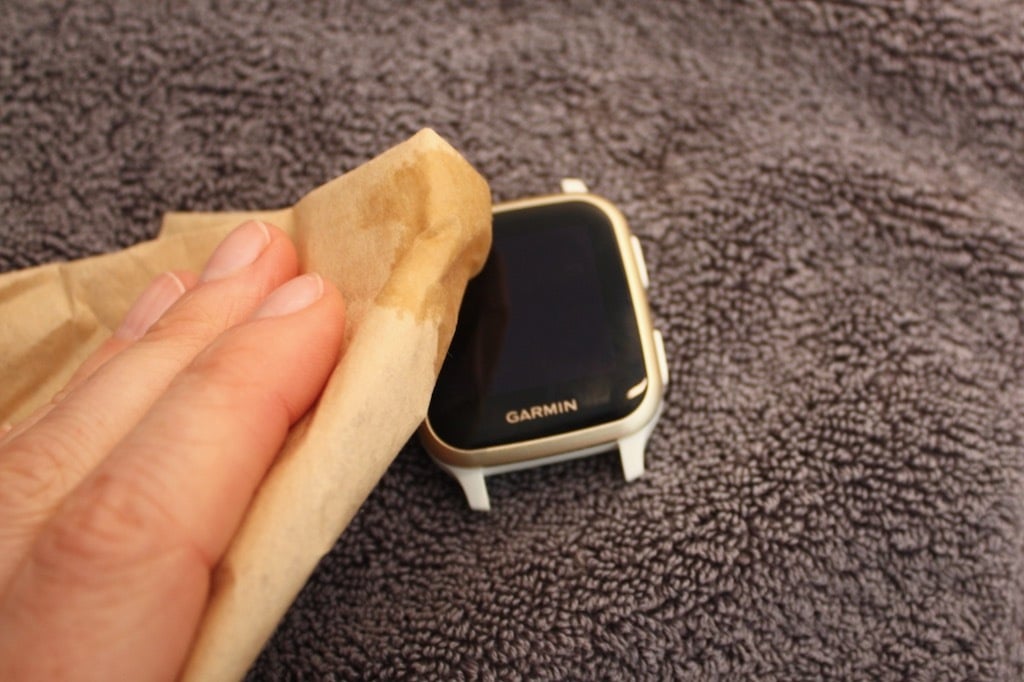
Clean the surface using a microfiber cloth dampened with isopropyl alcohol to remove dirt and oils that might exaggerate the appearance of imperfections. Inspect closely to determine the kind of damage:
- Light scratches appear faint and superficial, often confined to the factory coating.
- Medium scratches show visibility without depth.
- Deep scratches catch a fingernail and disrupt light reflection.
Next, determine the lens type. Check your exact model’s specs on Garmin.com.
Gorilla Glass is common in the Forerunner series and is prone to more frequent marking. Sapphire is almost always a variant of a standard model; you paid a premium when you bought it, and you probably made a conscious choice to buy Sapphire. Damage to Sapphire often affects the coatings rather than the crystal itself. Cheaper watches will have chemically strengthened glass.
- Chemically strengthened: Cheapest, least hard.
- Gorilla: Hard, common
- Sapphire: Very hard but brittle, most expensive and comparatively rare
Official Garmin Advice
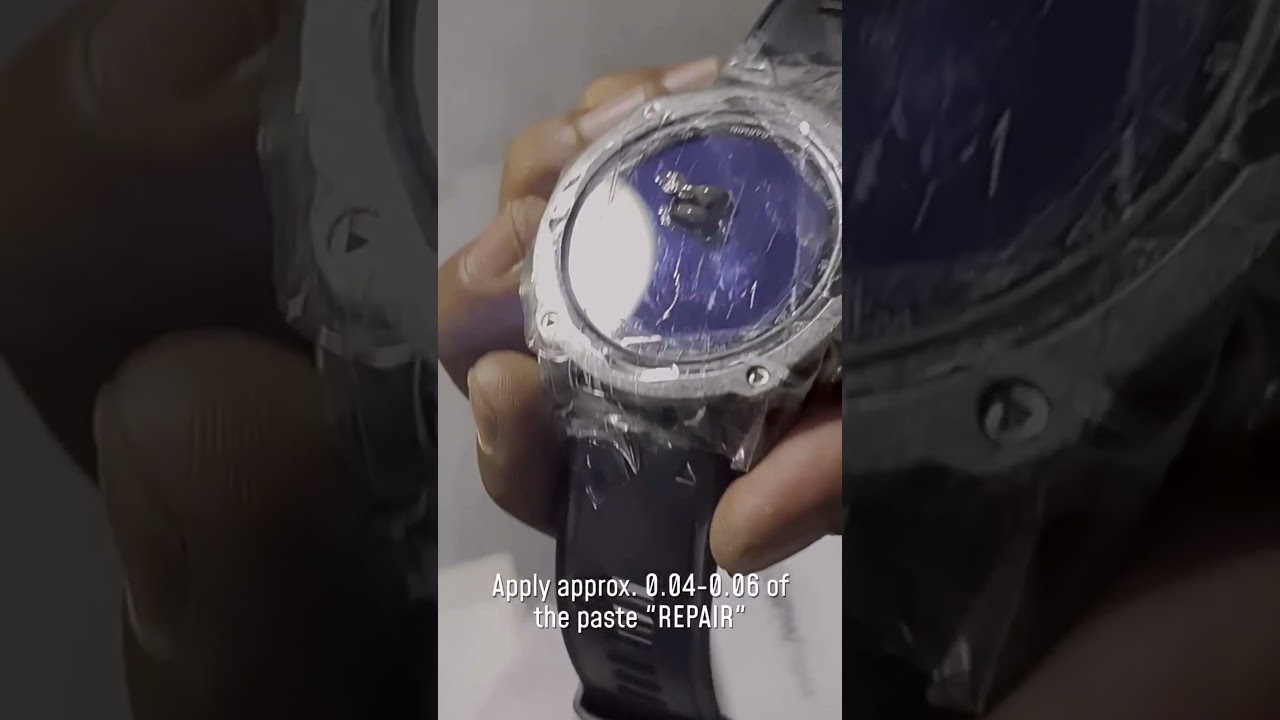
Garmin classifies scratches as cosmetic issues and excludes them from warranty claims. The company advises against polishing or buffing, as these can strip the oleophobic and anti-reflective coatings essential for touchscreens and visibility. Instead, Garmin recommends out-of-warranty screen replacements through their product support, a service that restores the device to as-new condition. Contacting support initiates an evaluation, with costs varying by model—typically $100-200 for popular lines.
This option suits the most severe cases and is the least risky. It costs the most.
Practicalities: You may well be sent or offered a refurbished alternative. It depends.
Risks and Warnings
DIY repairs should be approached with caution.
Polishing touchscreens risks haze formation, diminished sensitivity, and coating degradation, potentially worsening visibility in sunlight.
Sapphire lenses, while resilient, often scratch their coatings, and aggressive polishing methods like diamond paste may not fully remove the scratch and can introduce uneven surfaces.
DIY efforts will likely void your warranty and could compromise the watch’s water resistance if you disassemble it. Test any chemical or abrasive polishing compound on a small area first, and avoid products not designed for the job, e.g. toothpaste or baking soda are often cited as abrasives – avoid them.
DIY Options for Light to Medium Scratches
For minor imperfections, Polywatch, a diamond-based compound, can give good results on Gorilla Glass and some sapphire coatings, removing light marks through gentle abrasion.
For deeper scratches, cerium oxide is an alternative, but results will vary by glass hardness.
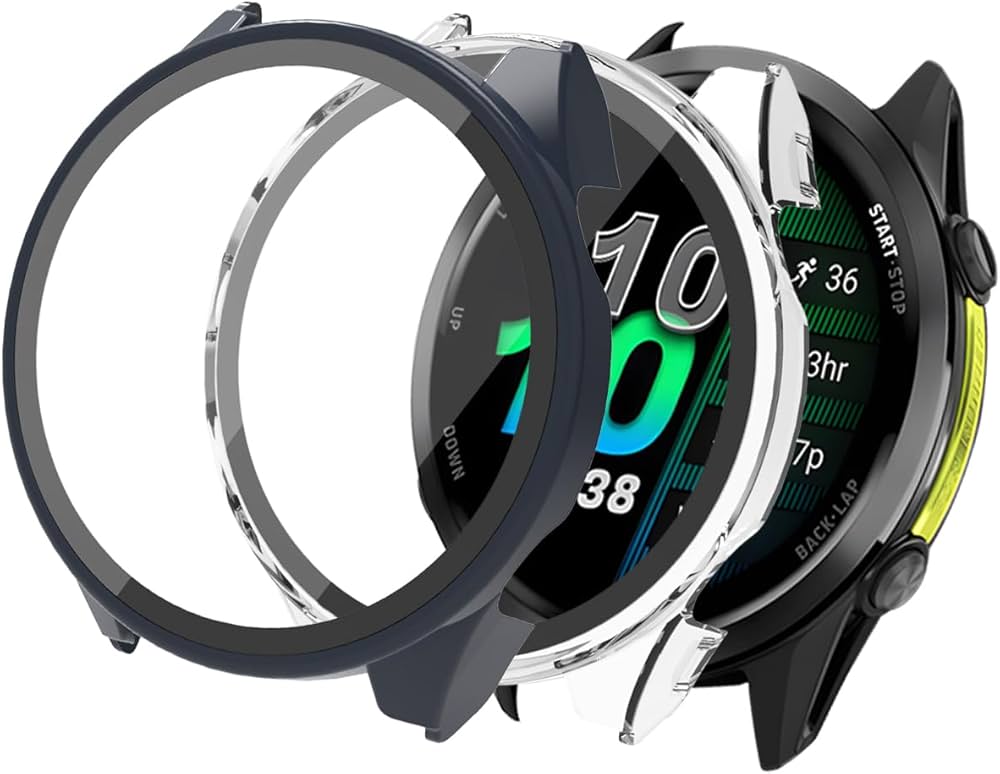
A low-risk technique involves mineral oil to fill the gaps and stop refraction. Apply a tiny drop to the scratch, spread evenly, and remove excess before overlaying a tempered glass protector. This method effectively leverages mineral oil’s refractive properties similar to those of glass.
Community feedback from Reddit highlights its efficacy for Epix and Venu models.
Hiding Scratches: The Safest Method
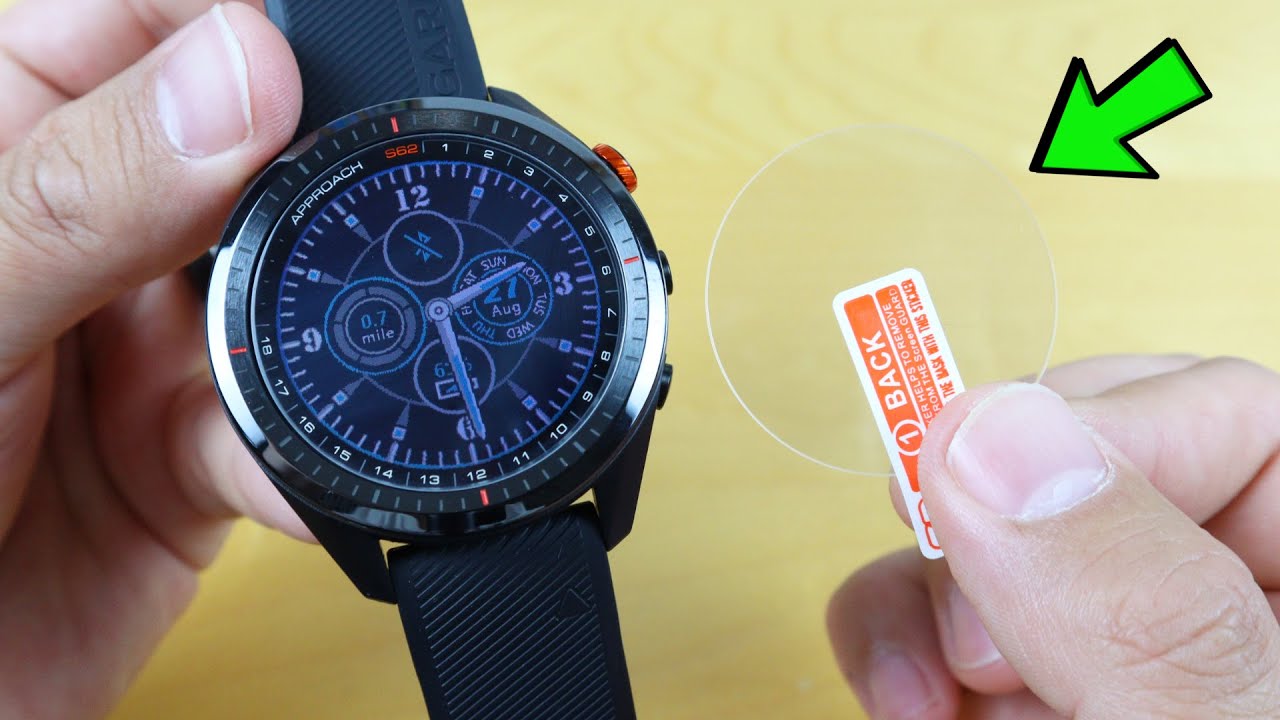
Screen protectors are the most reliable, non-invasive way to conceal minor imperfections, with the bonus of protecting against future bumps and knocks.
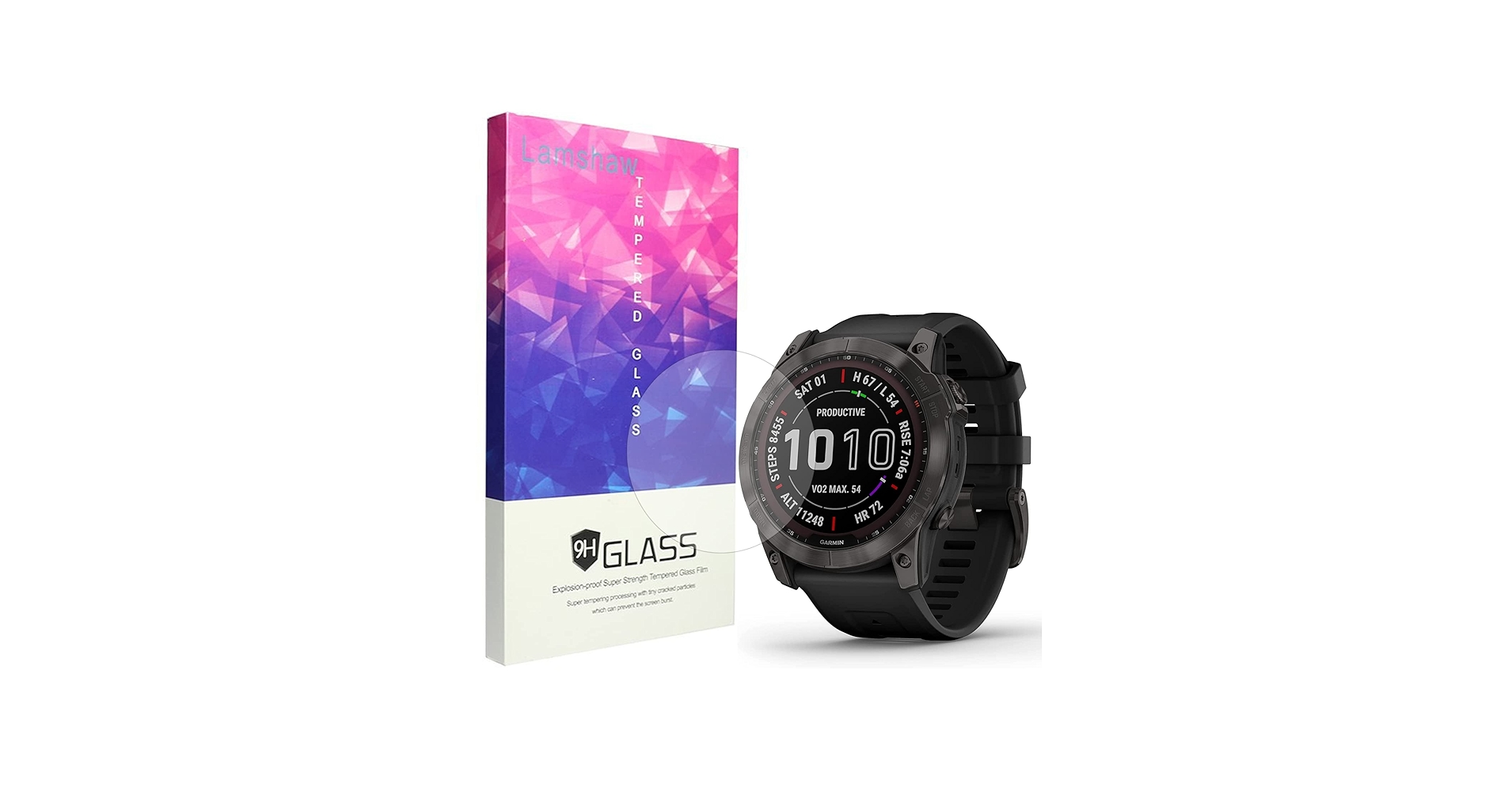
Tempered glass protectors like Supershieldz or IQShield cover and hide minor grooves. Fitting one is easy but requires a clean and dust-free environment. Align the protector over the watch, press from the centre outward to eliminate bubbles, and apply some pressure if needed.
This approach restores a smooth touch interaction and keeps the touchscreen working.
Tutorial: short 3-minute YouTube video showing had to add a lens protector
Professional or Advanced Repair
Severe damage needs a professional.
Garmin’s out-of-warranty service replaces the lens assembly, preserving original features like solar charging and touch functionality. Third-party shops, such as those specialising in wearables, offer cost-effective alternatives, often using genuine Garmin replacement parts.
For DIY enthusiasts, tutorials detail screen swaps on the Fenix and Forerunner lines, requiring tools such as T5 screwdrivers and heat guns to loosen adhesive. These solutions are not easy and can cause further damage.
Jewellers are often reluctant to repair smartwatches as they know the touch functionality or screen coatings may not work even if they can restore a seemingly perfect appearance.
DIY Repair
This short, 2-minute video gives a good idea of how easy this is to do yourself.
Example: Teardown and repair video
Prevention Tips
Screen protectors are the obvious, cheap call to prevent these problems. They are often unnoticeable.
If you plan to resell your watch in the future when you upgrade, the value of your watch will be significantly lower if it has a scratched lens. Protect it now.
Buy the right lens in the first place.
Conclusion
Garmin smartwatch lenses can be surprisingly durable…until they are not. Every tiny knock will weaken the glass to some degree until the dreaded scratch or crack occurs.
Scratch prevention is far easier and cheaper than cure nut it never feels right to put a cheap piece of protective plastic over your beautiful and expensive Garmin sports watch.
The mineral oil plus a protective cover, or hiding the scratch with a protective cover, are the best, easiest, and lowest-risk options to try first on Gorilla Glass.
Sapphire is more challenging to fix, but hopefully, in most scenarios, it will prove the most resilient to damage.
References
Some further info, tales of woe. and examples of ‘successful’ fixes.
- Fenix Sapphire users, what’s your story about scratching or breaking Gorilla Glass?
- Fenix 7x – Scratches on Sapphire Power Glass
- I could cry… never try to polish scratches out of your Fenix
- Successfully removed a scratch from the Sapphire screen
- Successfully removed a scratch from the Sapphire screen
- How I “removed” deep scratches on the Epix 2 screen
- How I “removed” deep scratches on the Epix 2 screen
- Oops. I scratched my garmin watch. Any tips on what I can do?
- Scratched Sapphire on Enduro 2, Amazing Garmin Customer Service
- Garmin Fenix 6 Screen Replacement: Complete Tutorial for Easy Repair DIY
Last Updated on 2 March 2026 by the5krunner
Reader-Powered Content

This content is not sponsored. It’s mostly me behind the labour of love, which is this site, and I appreciate everyone who supports it.
Support the site: Follow (free, fewer ads) · Subscribe (paid, ad-free) · Buy Me A Coffee ❤️
All articles are written by real people, fact-checked, and verified for originality. See the Editorial Policy. FTC: Affiliate Disclosure — some links pay commission. As an Amazon Associate, I earn from qualifying purchases.

tfk is the founder and author of the5krunner, an independent endurance sports technology publication. With 20 years of hands-on testing of GPS watches and wearables, and competing in triathlons at an international age-group level, tfk provides in-depth expert analysis of fitness technology for serious athletes and endurance sport competitors.
