Garmin Just Updated the Fenix & Tactix 8 — Battery Manager, Mixed Sessions and More
Garmin has rolled out a stable feature update (v21.25) for the Fenix 8 and Fenix 8 Pro, and for the Tactix 8 (v21.27). It is a substantial bump — four new glances, a multi-sport activity mode, expanded voice and alarm capabilities, and a stack of bug fixes that address some genuinely irritating issues. Here is what you need to know.
The Headline Features
Most of what is now available has been in test updates for a couple of months, so if you enrolled in Garmin’s beta programme, this will not come as a surprise. For those on properly released software, here is what has landed on your watch.
- Battery Manager Glance. The standout addition for anyone who has ever questioned where their battery life actually goes – what eats it? You get a detailed breakdown of power consumption over the past 14 days, showing which components — GPS, display, heart rate sensor — are doing the most damage. Handily, it suggests what you can do about it, such as switching to SatIQ mode. If you have ever had a Fenix unexpectedly die mid-activity and had no idea why, this should help prevent that from happening again.
- Weight Tracking Glance. Tracks your weight trends directly from the glance loop, showing the past seven days and a four-week comparison. Syncs with your Index S2 scale via Garmin Connect.
- Daily Habits Glance. Tracks how daily behaviours correlate with specific health metrics. Garmin is surfacing patterns in a sensible place — links between sleep quality, evening habits, and recovery scores on your wrist — that previously required digging into Connect to find.
- Sports Teams Glance. For those who balance training with fandom. Track scores and schedules for a chosen team from the glance loop. Search by city, covers major leagues, including American football and real football (soccer 😉 ). Season stats and upcoming fixtures are both included, and it is executed well.
- Sleep Coach Additions. The sleep glance now shows your ideal bedtime and wake time based on your recovery patterns. Found under the Sleep Coach glance rather than the main sleep glance. Several competing platforms have offered this for some time; it is a meaningful catch-up for Fenix owners who use the device as their primary health tracker.
Multi-Sport Activity Mode
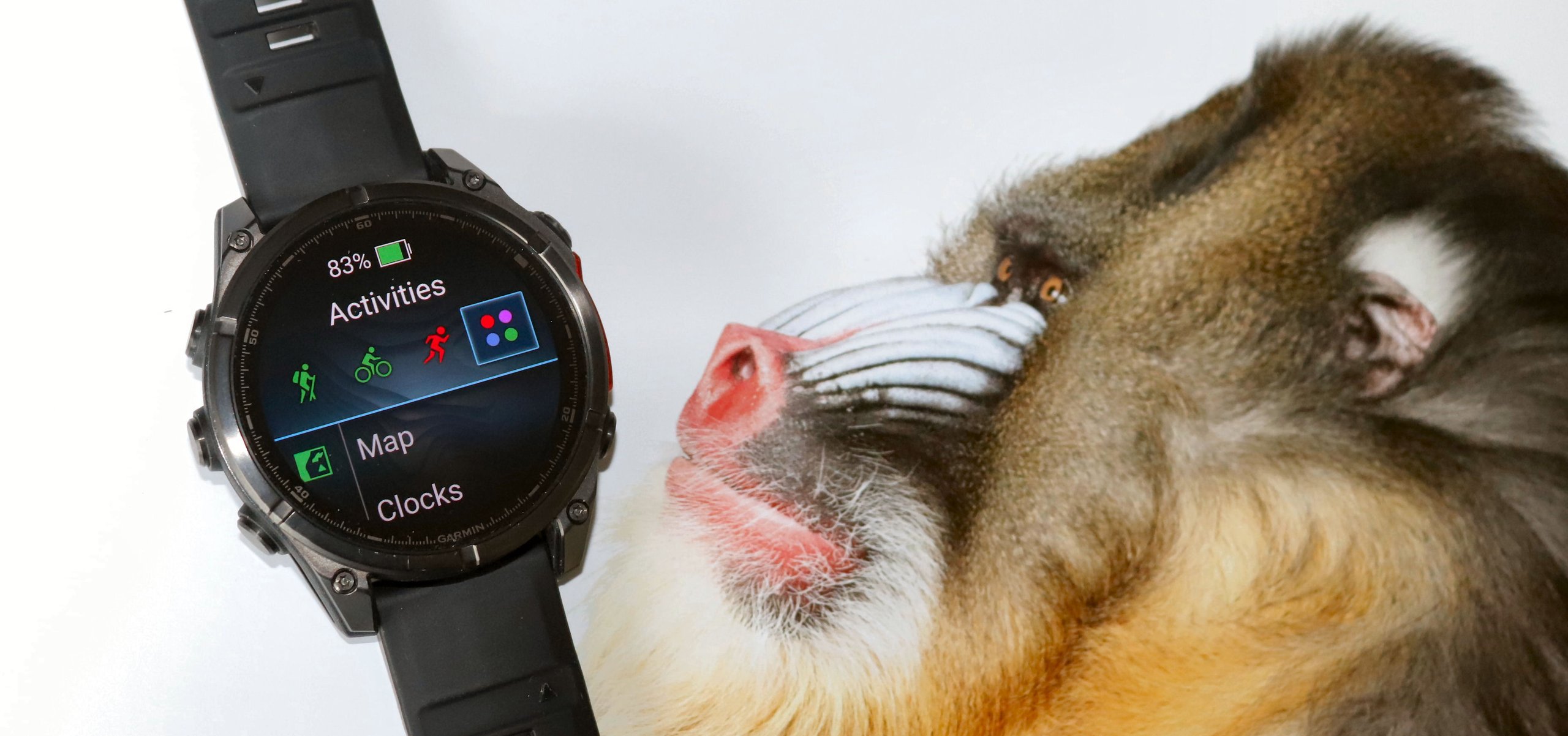
Garmin has added a Mixed Session activity type, allowing you to record multiple sports in a single activity. This is possibly aimed at HYROX-style events where you move between unusual workout types (gym station + indoor arena run). It was possible before by pausing and switching profiles mid-activity, and this formalises that capability as a dedicated multisport activity type.
Training and Activity Improvements
Structured Repeats Save. Changes made to structured interval workouts now carry over to the next session. Previously, you had to reconfigure from scratch each time. A small change with an outsized impact on anyone who regularly does on-the-fly interval training.
GPS Pace Improvements. Pace is described as more responsive in the changelog. Real-world accuracy will require testing over time, but any tightening of real-time pace data on a watch is welcome. I’m unsure whether this simply means a shorter averaging period or if there is a deeper, responsive fix at work.
Varia Radar Voice Alerts. If you pair the watch with a compatible Garmin Varia radar, you will now receive audible alerts for approaching vehicles through the watch speaker — taking advantage of hardware that previous firmware builds were not fully exploiting. Warning – even infrequent alerts will become annoying pretty quickly.
Garmin Fitness Coach Compatibility. The Fenix 8 now supports Garmin’s fitness coaching plans, which focus on timed workouts, cardio, and optional strength work, in addition to the existing running, cycling, and triathlon plans.
Dive-Aware Training Guidance. If you have been diving recently, your training guidance now factors in the additional physiological stress. Niche, but important for those to whom it applies.
Post-Dive Activity Guidance. Your training guidance now factors in recent dive activity when calculating recovery load and readiness.
Notification and UI Updates
Smart Notification Delay. You can now access smart notifications during an activity and configure them to be delayed until your session is complete. A straightforward improvement.
Seconds in Always-On Display. Seconds can now be shown on the watch face in always-on mode, configurable in display settings. Note that Garmin flags a battery-life impact, and behaviour varies across stock watch faces — it works reliably with numeric seconds displays but not with analogue hands.
Colour Shift and Accessibility Filters. What was previously called Red Shift is now Colour Shift, with an additional option to activate two hours before your scheduled sleep time. A new accessibility menu adds further colour filter options for different visual needs.
Alarm Sounds Expanded. The Fenix 8 now uses its full speaker for alarms. Multiple new tones and chimes replace the previous single option, with new vibration patterns and a Quiet Start mode that fades volume in gradually. A small addition that better uses hardware that has been there since launch.
Messenger Widget Font Scaling. The system font size setting now applies inside the Garmin Messenger widget. Previously, the widget rendered at a fixed size regardless of your system preferences.
Bug Fixes That Matter
The update addresses several longstanding, irritating bugs.
- Music player blank screen — Fixed. Accessing the music player during an activity could cause a blank screen.
- Indoor cycling course crashes — Fixed. Loading a course for indoor cycling could cause the device to reset.
- Garmin Coach wrong workout — Fixed. The cycling-coaching bug, where the incorrect workout would occasionally load.
- Backcountry Ski summary — Fixed. Max speed and mileage now display correctly in post-activity summaries.
- Wi-Fi upload failures — Fixed. Partial Wi-Fi upload failures should no longer occur.
- GPS acquisition in CIQ apps — Fixed. Fenix 8 Pro only.
How to Get It
The update should already be on your watch. If not, check manually via Settings → System → Software Update → Check for Updates. You are looking for version 21.25 or higher on Fenix 8 and Fenix 8 Pro, and 21.27 or higher on the Tactix 8.
My Take
This is a more substantial update than it first appears. The battery manager glance alone addresses one of the most common complaints about the Fenix line. The sleep additions bring the platform closer to where it should have been at launch, and the alarm and speaker improvements are a long-overdue acknowledgement that the Fenix 8 has hardware that previous firmware was not fully using. The Mixed Session activity mode is well-timed given the continued growth of HYROX-style events.
For the complete Garmin Fenix series guide, covering all current models, history and buying advice: Garmin Fenix hub.
For model comparisons, upgrade advice and the inReach subscription reality: Garmin Fenix 8 buying guide.
Last Updated on 3 October 2026 by tfk the5krunner
Small things I always use
- Garmin 90-degree charging adapter: Charges your Garmin from any USB-C cable. Essential when travelling. I use one.
- Body Glide: The blue anti-chafe stick swimmers and runners carry. I use it.
- Speedo earplugs: Fewer ear infections and no cold-water dizziness. I use them.
- Dryrobe Advance: My winter changing robe for open-water swims. I use one. A cheaper option is the AONYIYI changing robe.
- Maurten: Race fuel that stays easy on the stomach. I use them.
- Garmin charging puck: The quickest way to top up before a session. I use one.
- Injinji: Toe socks that stop rubbing, so you run more. I use them.
- Ultimate toe protectors: Stop black toenails on long runs. They work. I use them.
- Compressport R2 v2 calf sleeves: My calf sleeves of choice. I use them.
- Cellucor C4: My pre-workout before hard sessions.
- TPU tubes: Schwalbe Aerothan, Tubolito and Pirelli SmarTube. Light, tiny spares. I use all three.
- G8 insoles: Adjustable insoles that are good. I use them.
- Cycplus Cube: A 97g electric pump that gets a road tyre rideable in two minutes. I carry one. 5% off with code THE5KRUNNER.
Watches and sensors
- Polar H10: My daily driver for waking HRV.
- Polar Verity Sense: My backup arm-worn HR sensor.
- Nomad bedside charger: Charges my iPhone and Apple Watch overnight. I use it, and many of their bands.
- Train.Red: The best muscle oxygen sensor I’ve used.
- Tymewear: Accurate heart rate and reliable ventilatory zones. I use it to pace endurance rides over an hour.
- Garmin Forerunner 970: A pro-grade triathlon watch. I use this.
- Apple Watch Ultra 4: My daily smartwatch. No phone needed on rides.
- Garmin Fenix 9 Pro: I’ve just bought one.
On the bike
- Continental GP5000 for everyday riding, and Aero 111 on the front for special occasions.
- Helmets: Specialized S-Works Evade 3 for road riding, and Rudy Project Wing for TT-style races. I use both.
- Ravemen FR300: A front light that mounts under your Garmin or Wahoo. I use one.
- Wahoo TRACKR Radar: I use it on one bike and Varia on the other. They perform the same.
- Garmin Varia RTL515: Radar that warns you of cars from behind. I use this model.
- Wahoo ELEMNT Roam 3: The bike computer that’s easy to use. I use mine on most rides.
- Favero Assioma Pro RS2: Accurate power pedals that swap easily between bikes. I use this model.
Home and indoor training
- NPE Runn: Makes my basic treadmill smart, sending more accurate speed and distance to my watch and Zwift. I use it.
- Google Wifi: Keeps Zwift connected in my pain cave. I use it.
- Apple TV 4K: Zwift on the big screen. I use two.
- Google Nest Doorbell (wired, 2nd gen): My video doorbell, running in both Google Home and Apple Home. I use it.
Health, recovery and sleep
- FreeStyle Libre 3 Plus: Shows how my blood sugar responds to diet.
- hDrop: Measures my sweat loss in summer and indoors.
- Fourth Frontier Zone: Checks my heart under load in hard sessions.
- Oura Ring 5: My partner’s recovery tracker of choice.
- Kineon MOVE+: Red light therapy for niggles. It works.
- Eight Sleep: A cooling mattress cover my partner and I use nightly.
Reader-Powered Content

This content is not sponsored. It’s mostly me behind the labour of love, which is this site, and I appreciate everyone who supports it.
Support the site: Follow (free, fewer ads) · Subscribe (paid, ad-free) · Buy Me A Coffee ❤️
Written by real people, with AI assistance. Fact-checked and verified for originality. See the Editorial Policy. FTC: Affiliate Disclosure — some links pay commission. As an Amazon Associate, I earn from qualifying purchases.

tfk is the founder and author of the5krunner, an independent endurance sports technology publication. With 20 years of hands-on testing of GPS watches and wearables, and competing in triathlons at an international age-group level, tfk provides in-depth expert analysis of fitness technology for serious athletes and endurance sport competitors. ID
