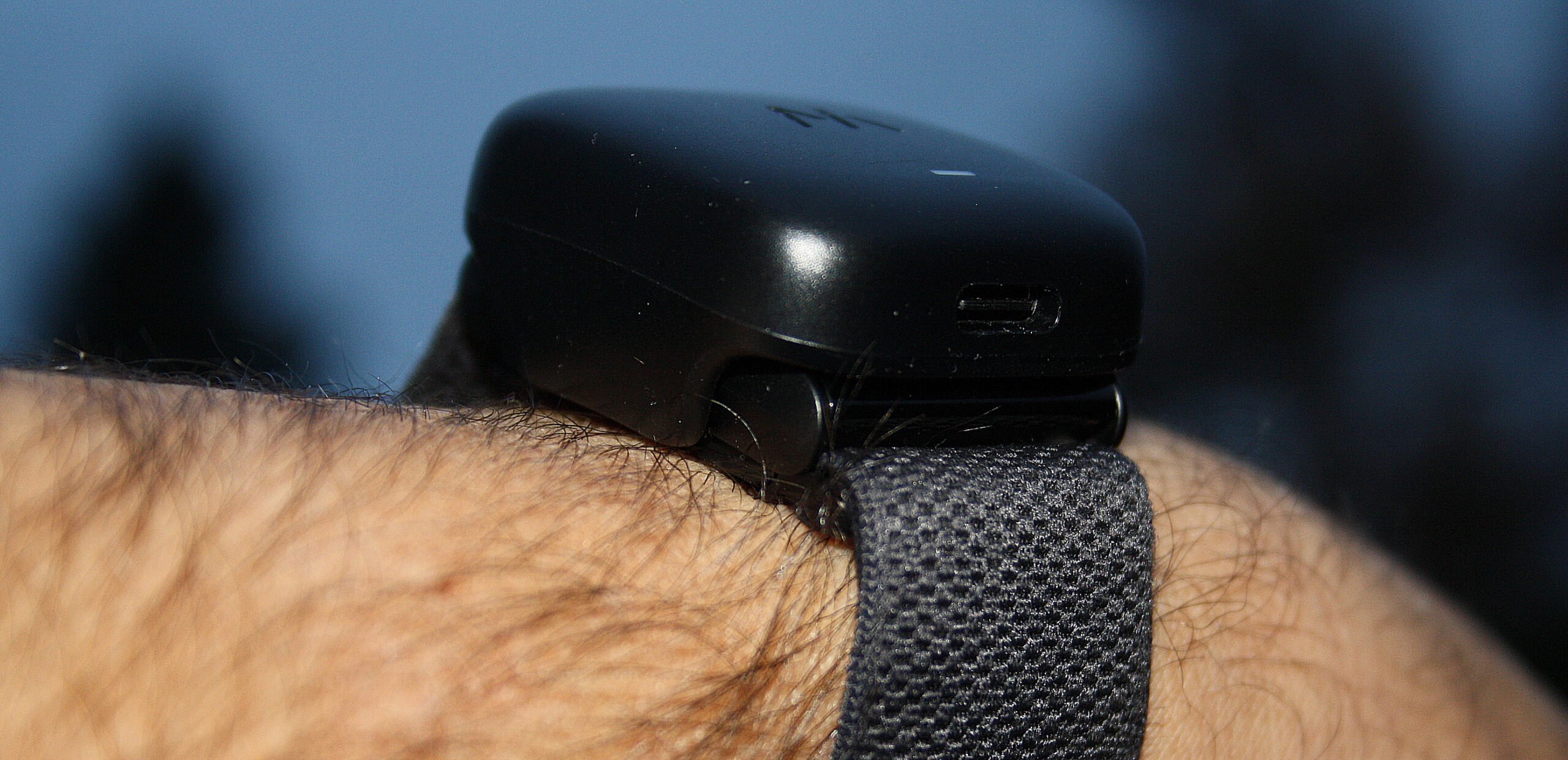
 WHOOP Band 4.0 – new firmware for the battery pack
A battery pack firmware update might not sound very interesting (hint: it’s not), however, this update is worth doing as there are some battery pack issues out there which are addressed in this release.
Why? What? This fixes charging bugs as well as improves the performance and efficiency of your battery pack.
Must Read: WHOOP Band 4.0 Review & Detailed Accuracy Tests
How do I do the update?
Check you have a macOS (v0.15 or higher) or Windows 10 and attach your battery pack to the computer – don’t attach the WHOOP Band.
Then run the correct updater tool
- Mac: https://api.prod.whoop.com/firmware-service/v1/battery/installer/mac
- PC: https://api.prod.whoop.com/firmware-service/v1/battery/installer/windows
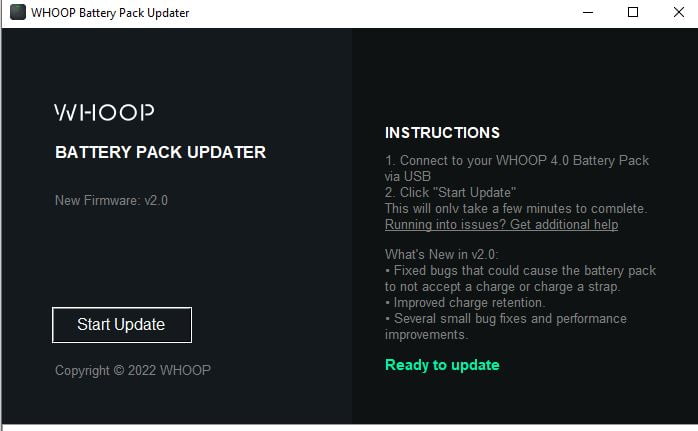
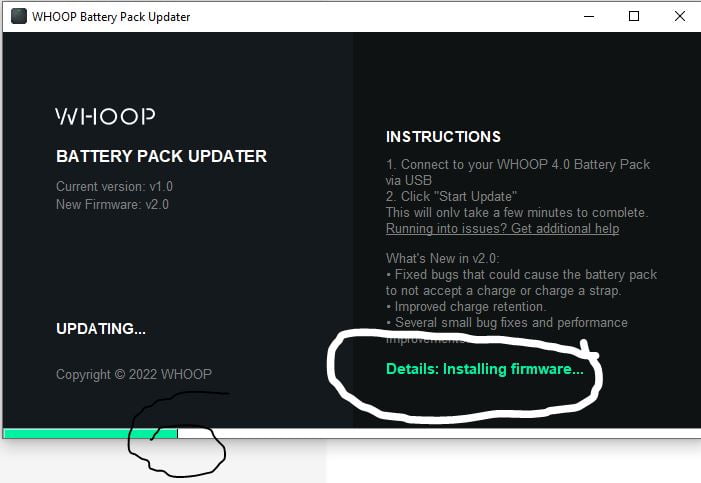
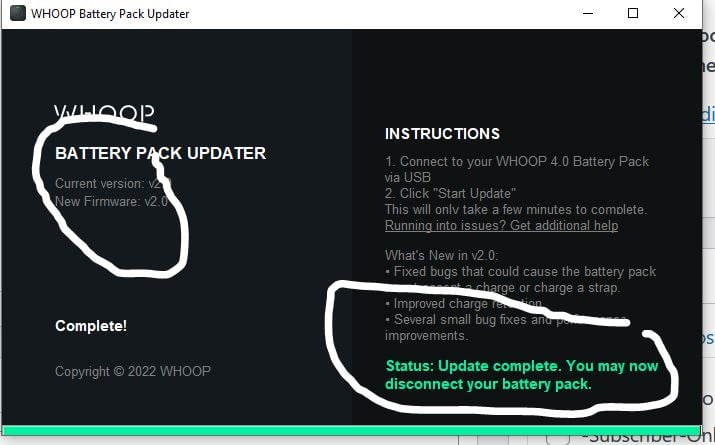
It’s VERY simple and you should see screens like this which tell you when you are done.
Last Updated on 25 January 2026 by the5krunner
Reader-Powered Content

This content is not sponsored. It’s mostly me behind the labour of love, which is this site, and I appreciate everyone who supports it.
Support the site: Follow (free, fewer ads) · Subscribe (paid, ad-free) · Buy Me A Coffee ❤️
All articles are written by real people, fact-checked, and verified for originality. See the Editorial Policy. FTC: Affiliate Disclosure — some links pay commission. As an Amazon Associate, I earn from qualifying purchases.

tfk is the founder and author of the5krunner, an independent endurance sports technology publication. With 20 years of hands-on testing of GPS watches and wearables, and competing in triathlons at an international age-group level, tfk provides in-depth expert analysis of fitness technology for serious athletes and endurance sport competitors.
