Garmin Owners: Just the Start—iPhone Notification Control Unlocked, Smarter Watch Features Incoming!
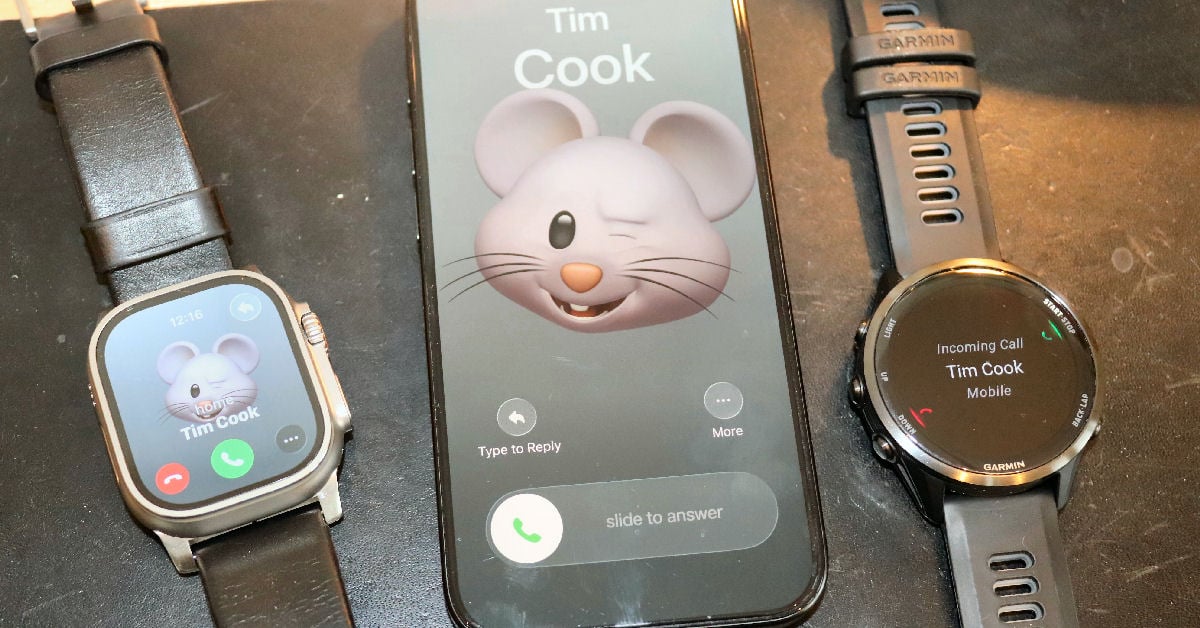
For years, Garmin owners and their iPhones have put up with limitations, notification control being one of the more annoying examples: whatever notification settings you chose on your iPhone automatically flowed to your watch. There was no middle ground—no way to keep alerts on your phone but silence specific apps on your wrist. Want to block work emails during weekend runs? You’d lose them on your phone, too.
That particular frustration ends now—at least in the European Union. Apple’s iOS 26.3 beta (15 December 2025) adds independent notification filtering for watches like yours, opening the door for Garmin to bag even more smart features in the months and years ahead. Catching up on the super-smartness of Apple Watch has started!
The New Two-Tier System
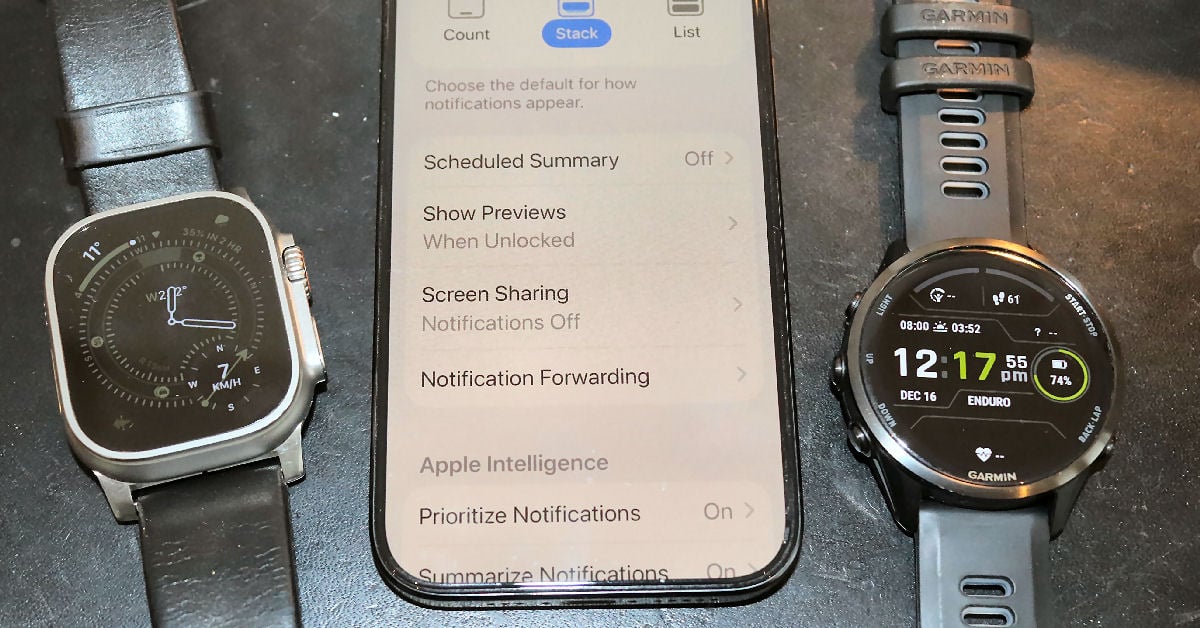
In effect, iOS 26.3 adds a filter between your iPhone and Garmin watch or bike computer:
- iPhone level: Decide which apps notify your phone (same as always)
- Watch level (NEW): From those, pick which ones forward to your wrist
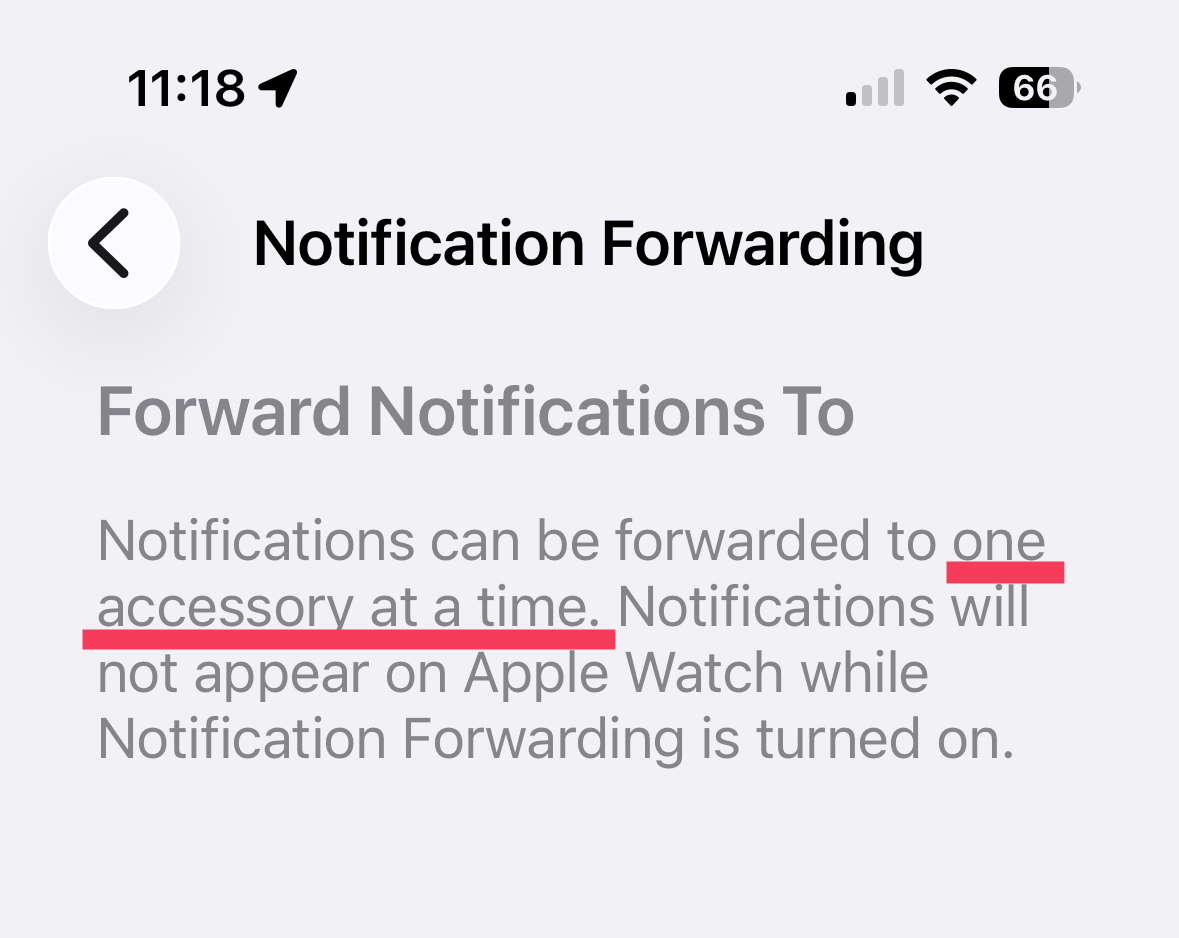
Think of it as extra control. Keep work emails on your phone, while calendars and texts from your loved ones sync to your watch during activities. The new interface in Settings > Notifications offers per-app toggles—the selective control Garmin owners have wanted for years.
Who ever would have thought per-app toggles could be sexy? Let’s just say they’re very useful.
What You’re Getting
Confirmed in iOS 26.3:
- Selective forwarding: Active on phone, blocked on watch
- Per-app precision: Toggles for every notifying app
- Full content: App name and complete message
- One device: Garmin or Apple Watch, not both
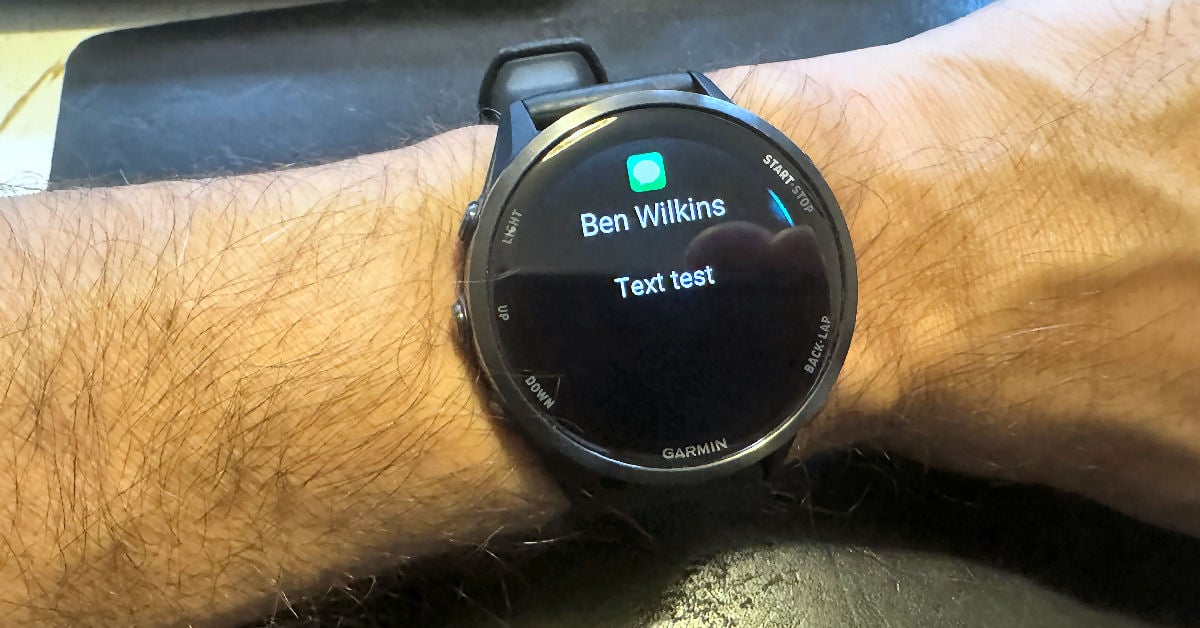
What about richer features like images and quick replies? The new framework could enable them later, but it is not yet confirmed—Garmin support would be needed but you can bet the company would jump at the opportunity to catch up with Apple.
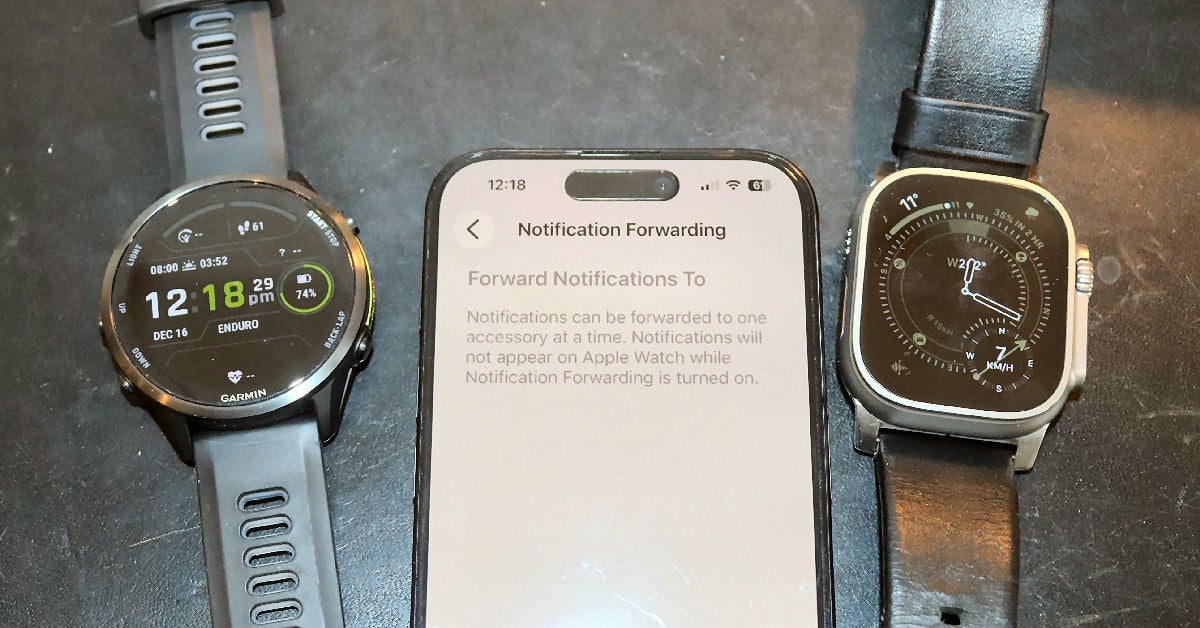
The EU-Only Reality (For Now)
Important: Settings appear worldwide, but forwarding works only in the EU. Outside the EU? The setting is visible but disabled, at least for now.
Regulatory pressure (including US antitrust) may expand it globally later.
What Could Come Next
EU rules cover more:
- Easier pairing
- Better health data sharing
- Background features
Timeline
iOS 26.3 public release ~January 2026; works immediately in EU with Garmin support.
The Bigger Picture
This is Apple’s first big step toward deeper Garmin integration on iPhone. Practical win now: notifications that respect both phone and wrist needs. More smart features could follow.
iOS 26.3 in beta; features subject to change.
Sources:
Last Updated on 29 January 2026 by the5krunner
Reader-Powered Content

This content is not sponsored. It’s mostly me behind the labour of love, which is this site, and I appreciate everyone who supports it.
Support the site: Follow (free, fewer ads) · Subscribe (paid, ad-free) · Buy Me A Coffee ❤️
All articles are written by real people, fact-checked, and verified for originality. See the Editorial Policy. FTC: Affiliate Disclosure — some links pay commission. As an Amazon Associate, I earn from qualifying purchases.

tfk is the founder and author of the5krunner, an independent endurance sports technology publication. With 20 years of hands-on testing of GPS watches and wearables, and competing in triathlons at an international age-group level, tfk provides in-depth expert analysis of fitness technology for serious athletes and endurance sport competitors.

Will this only work for Garmin or other brands (Suunto, Polar, …) as well?
everything I believe. it might require the brand to do something, if so, brands like coros would do it quickly, others would take far longer.
Am I right that it will be zero effect on Garmin’s Calendar widget sync?
And also zero effect on Iphone’s Calendar based notification?
I observed that after my employer had introduced a Mgmt Profile on my iphone the very same native Calendar showed both my work and my private calendar events, and my iphone showed notifications of both calendar, but my watch got only the private calendar related alerts as notifications.
Moreover Garmin’s Calendar widget did not show my work calendar.
I guess it was the result of some copy&paste-wise restrictions coming from the Mgmt Profile, although it was not explicitly listed in restrictions.
Since then I got rid of this Mgmt Profile and InTune, too, and managed getting calendar alerts in another way (work cal alerts from Outlook App and private cal alerts from native Calendar), but I got no solutions as regards the completeness of Calendar widget.
So am I right that this new setting on iphone does not help in my case at all?