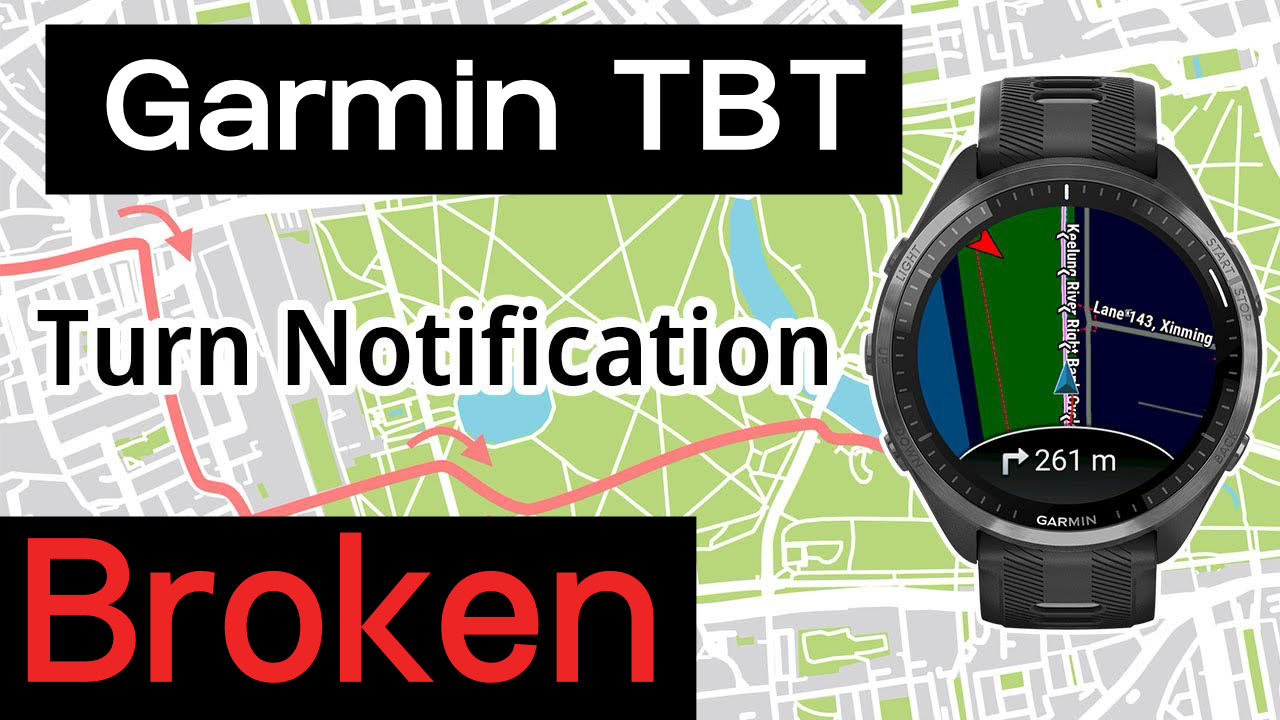
Navigation Alert Failure Hits Garmin Watches: Why Your Turn-by-Turn Guidance Disappeared
Updated: 04 Dec, 2025. Fixed?
Garmin, we’ve got a problem. A TBT problem.
Garmin’s maps and the navigation that comes with them are available only on its more expensive watches, typically those that retail for over $500. Owners buying those watches often need clear navigational guidance… the reason they bought the expensive watch in the first place.
As we speak, there is a significant failure on several models of the expected Turn-by-Turn (TBT) guidance alerts – they’ve stopped working!
The issue has been discussed on Garmin and Reddit forums for over a week and affects the Fenix 7, Fenix 7 Pro, Epix 2, Epix 2 Pro, Enduro 3, Fenix 8 Series, Forerunner 955, and probably other models as well. If you need the fix immediately, jump to the workaround here: The Workaround
4/12/25 Garmin issues statement
A backend fix for this has been released to Connect and applies to newly sent courses. Any affected courses that are currently on your device will need to be deleted from the device. You can then resend the course via Garmin Connect to have the changes take effect. Thank you for bringing this to our attention and for your patience while we worked to address this issue.
The Issue: A Bug in the Garmin Connect Platform
The core problem appears to be with the Garmin Connect (GC) Web and Mobile App rather than the watches. It’s the app that organises and manages route syncing to the watches.
What Exactly Fails
When a watch owner syncs a course, the ‘turn’ information is omitted, so ‘Turn Notifications’ on the watch can never be triggered.
More specifically
- ‘course_point’ entries are missing, these entries generate TBT alerts and audio prompts.
- All sources of courses are affected, i.e., Komoot, Strava, and standard GPX files, suffer equally.
- The distance to the next turn is never shown, but the distance remaining on the route can still be shown.
- Older courses already on watches still work correctly. However, if they are synchronised, they stop working.
The Workaround: Manually Importing the Route File
Until Garmin provides an official fix for this synchronisation failure, the community has identified one reliable temporary solution:
- Use a dedicated, external mapping tool, such as Plotaroute, to create a course and generate a standard FIT file that is confirmed to contain the turn directions.
- Manually connect the watch to a computer and copy this working FIT file directly into the watch’s
/Garmin/New Filesfolder.
In Detail: The Excellent PLOTAROUTE
Courses loaded using this method work properly.
Sources & Thanks
To anyone with a good story, please note that I’m always likely interested, as would be a site like dcrainmaker. Often, publicising these issues will get them sorted out much more quickly.
- Dan Cross – for highlighting this issue
- SoCorsu – for his work in trying to organise the community
- Garmin Forum threads (selection) – here, here and here.
- Reddit threads – here, here, and here.
Last Updated on 30 January 2026 by the5krunner
Reader-Powered Content

This content is not sponsored. It’s mostly me behind the labour of love, which is this site, and I appreciate everyone who supports it.
Support the site: Follow (free, fewer ads) · Subscribe (paid, ad-free) · Buy Me A Coffee ❤️
All articles are written by real people, fact-checked, and verified for originality. See the Editorial Policy. FTC: Affiliate Disclosure — some links pay commission. As an Amazon Associate, I earn from qualifying purchases.

tfk is the founder and author of the5krunner, an independent endurance sports technology publication. With 20 years of hands-on testing of GPS watches and wearables, and competing in triathlons at an international age-group level, tfk provides in-depth expert analysis of fitness technology for serious athletes and endurance sport competitors.

Thanks for the heads up, noticed the lack of alerts a few days ago and had no idea what was happening. Fortunately it was just a simple hike on a mostly marked trail, but still was scratching my head trying to fix it. Thought I had toggle something off lol.
And i’m not mentioned in this article … 🙁
https://forums.garmin.com/apps-software/mobile-apps-web/f/garmin-connect-web/426602/gc-web-app-no-more-turn-notifications-for-newly-synced-courses
oops
there were a few references in an early draft, i’ll add back.
thank you ! And yes Danicross help a lot too.
Thanks for giving this the attention it deserves. I first experienced this issue a week or so ago, and couldn’t work out what was going on! Hopefully Garmin soon takes notice and fixes the problem.
I just downloaded a course to my X1 using GCM on my iPhone and it has all the turns and custom course points included in the course.fit file. Maybe this is already fixed.
Hi. I think it is somehow a watch issue. I am using GPX through Connect and TBT started to work after turning this option off:
“Navigation”>”Data screens”>”Map”>”Status”>Off
…suprisingly it did not affect map screen during activity, but TBT started to work 🙂
Thanks for the feedback i will try to test that ASAP.
Regards
Is this for the Fenix 7? I can’t find that option on either Fenix 8 or Enduro 3.
Yes, it is Fenix 7 PRO, I access Navigation menu by holding “UP” button…
Unfortunately, that option doesn’t exist on other devices, and there doesn’t seem to be an equivalent setting to try either.
This option is there on the F955 as well, currently on a low regarding running so haven’t used navigation lately but will try it next time I think of it…
Just wanted to test it, but can’t find this option on Fenix 8.
On F8 (and all new devices like FR970), this setting is completely convoluted. You first need to try loading a course. It’s a global setting, but found in the “loading course more options” menu.
Activity (like run) -> navigation -> saved -> -> More -> Route Settings -> Guidance alerts
I swore they added it in a more global location, but I can’t find it for the life of me 🙁
If that’s the case, then enabling or disabling guidance alerts doesn’t fix the problem either. Not for me anyway. Tried it multiple times mid-run when I first encountered this issue a couple of weeks ago.
In other news, I’ve sent Garmin my watch data and app logs to look at. I’d recommend everyone else contacts them as well. Not expecting a swift fix with it being Thanksgiving.
I’m still unsure why I get criticised here for complaining about Garmin’s poor usability. 🙂
Even us ‘experts’ can’t find settings
Hi, i think we catch it
It depends on the Course Type selected on Garmin Connect to generate the Turn-by-Turn course. Then another simplier workaround is available.
https://forums.garmin.com/apps-software/mobile-apps-web/f/garmin-connect-web/426602/gc-web-app-no-more-turn-notifications-for-newly-synced-courses/1993437