

First Look: Strava Finally Brings Proper Route Navigation to Apple Watch
Strava is about to launch a significant update to its Apple Watch app. I’ve been testing the beta version for a few days, so here are my thoughts so far.
What’s New
You can now add a saved route to your Strava sports profile on the Watch before you start. The route is overlain on a map screen, and that’s about it.
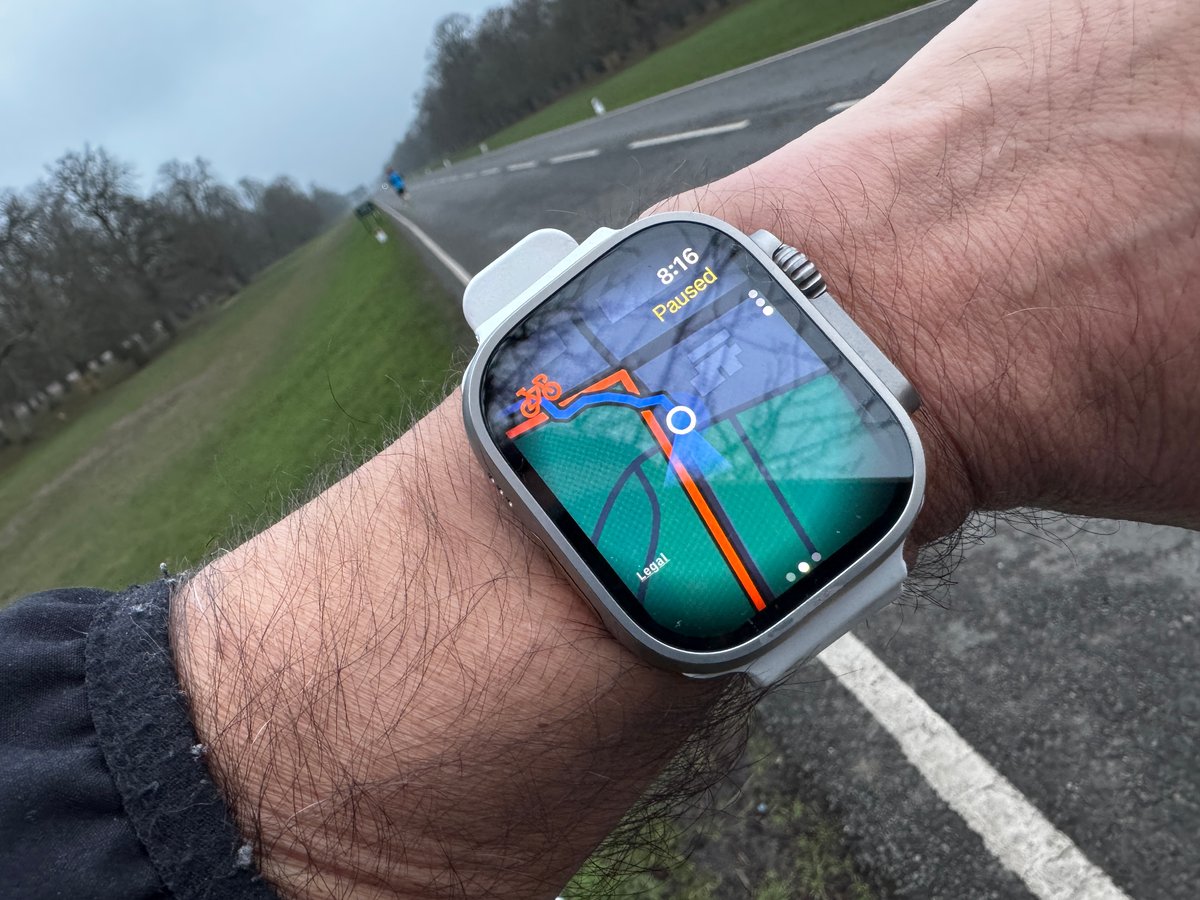
I’ll go through some of the nuances and add some screenshots, though you should be able to get this on your app now.
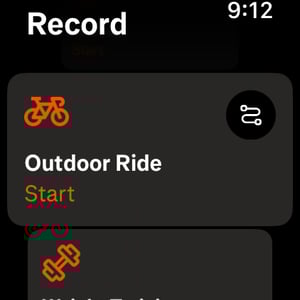
First up, the start-a-workout screen has changed.
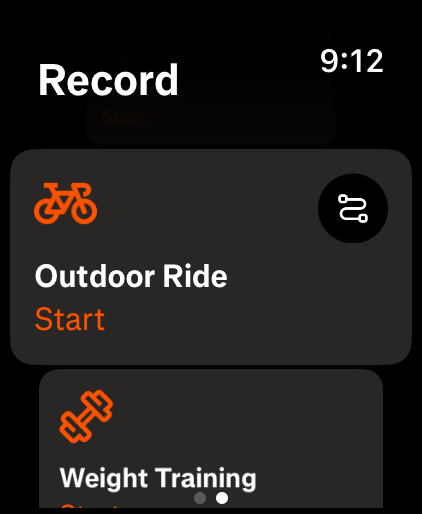
Click the squiggly line in the top right corner to bring up a choice of routes saved in Strava on your phone/web. You can choose a run route for a ride, and vice versa, but I don’t think your starred segments are shown when you select the ‘wrong’ route for your workout. There is no way to create a route on the Watch.
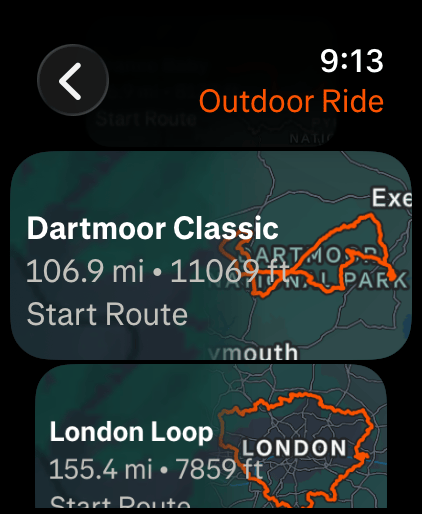
These are all quite pretty, in my opinion, and very much in the official Apple Watch app style.
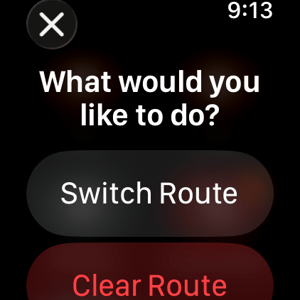
If you’ve made a mistake, you can switch the route before you start or mid-ride, though on one occasion I was unable to do so for some reason.
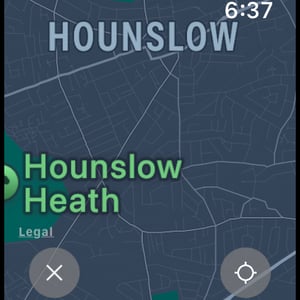
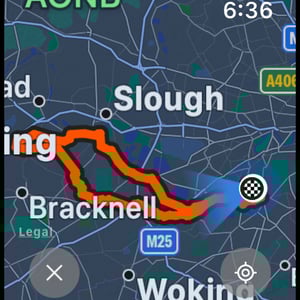
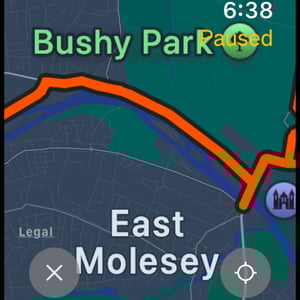
Exploring the route is somewhat limited. The Watch’s digital crown scrolls through your data pages and map page. Tapping on the map page brings up the pan and zoom options, which behave pretty much as you’d expect. I read some comments on Reddit that Zoom was laggy, and it is a little bit laggy. You can see the screen rendering in a blocky way – nowhere near as bad as on some Garmin watches, though. I would say it takes up to about half a second for the screen to render (Garmin can take over 10 seconds! – awful). There is no hardware reason why my Watch Ultra 3 should be laggy – the WorkOutDoors app I have has highly detailed maps and has no issues when rendering different zoom levels. One for Strava to work on, I think.
Here you can see the different levels of detail and a few POIs, town names, and there are some street names as well at greater zoom levels (something like on the max 8 levels of zoom – there are over 50 levels of zoom, so I didn’t count them precisely!).
The ‘X’ cancels out of map exploration, and the funny circle/compass thing in the bottom right corner centres the map on your current position.
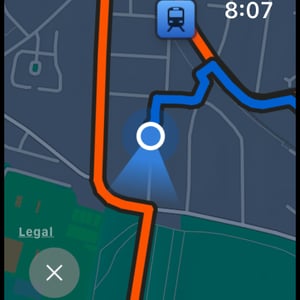
Once you start following the route, things get a bit more interesting. There are no TBT instructions – I would have expected a directional arrow to pop up with a distance countdown when approaching junctions, but all I got was an extremely faint haptic (vibration). It was so faint I thought I was imagining it. Presumably, that alerts you to look at the Watch to check which way to go, this might be OK for walking or running, but not for cycling at faster speeds. I didn’t get any audio cues either.
It’s also worth noting that there seems to be no re-routing. I did have my phone with me, so that is technically possible via a connected phone, though it is also possible that Strava eventually syncs the maps’ routing layers to the Watch as well. I don’t think that’s there at the moment; however, if you do go off piste and make a wrong turn, then Strava very clearly shows where you are and where you should be.

Segments on the Watch
I’m unsure if these were there before. Either way, I haven’t mentioned them on this site yet, so I’ll add some notes on how segments are handled in the Watch app.
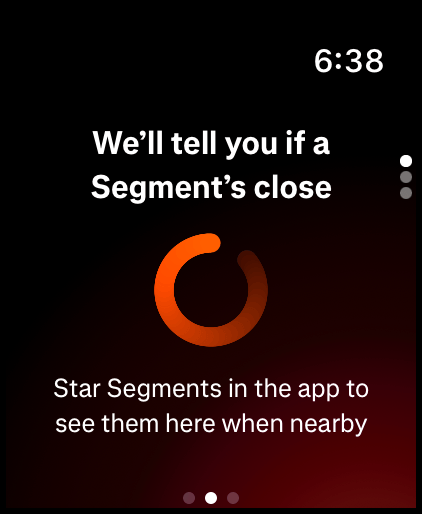
There’s an extra page that changes from what’s shown above to the one below once you are on the segment. It’s a nice colour-coded display (red=behind) that shows your avatar progressing around a circle; the closer it gets to the complete circle at 12 o’clock, the closer it is to the end of the segment. The PR in the top left corner shows my progress is being compared to my PR – I’m actually quite proud of this particular segment, where, even now, I’m about 6th on it (the new bollards and traffic calming halfway down the road might keep it that way forever! I think I was second once…I tapered for it…how sad!).
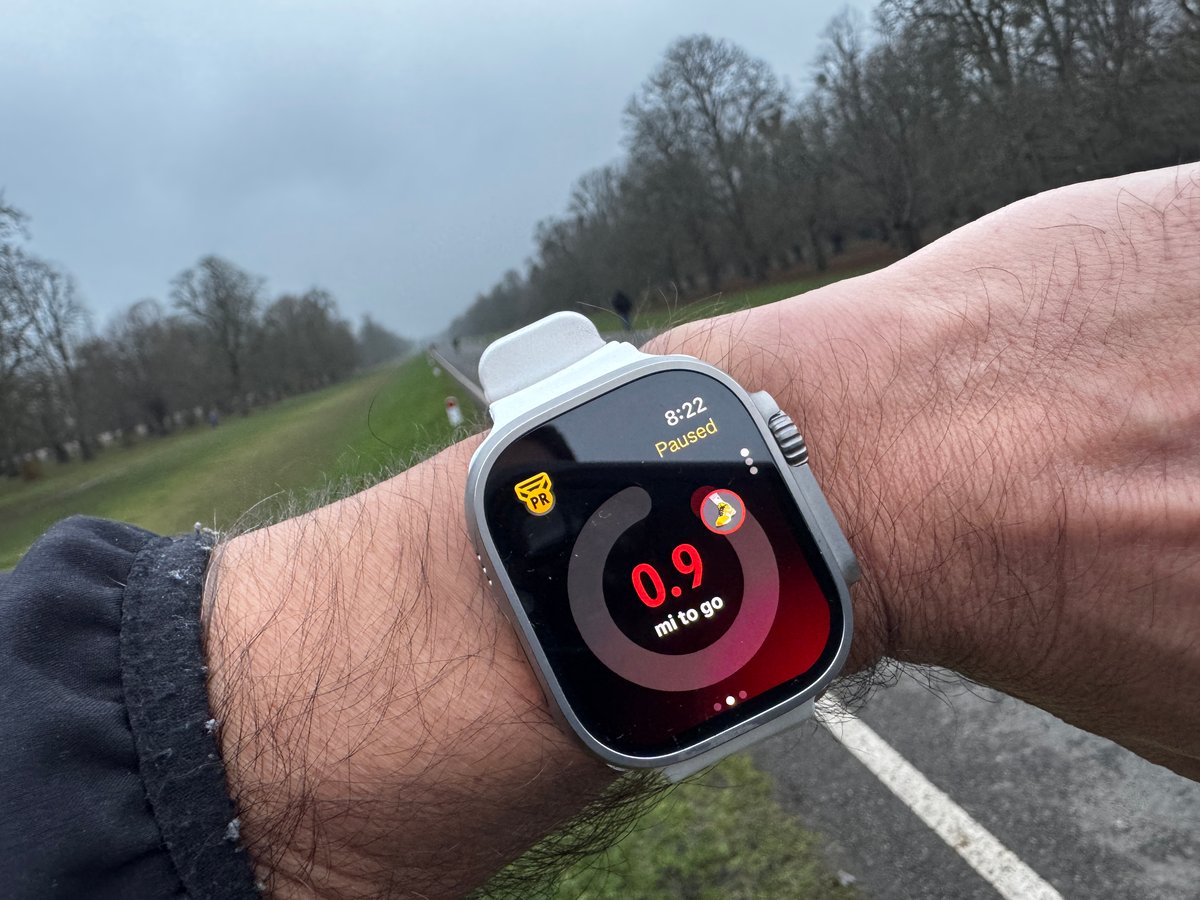
All that I would add here is that the segment page wasn’t always activated as I expected. Sometimes it didn’t appear, even though I definitely had a starred segment. Probably I’d chosen the wrong sport.
Then, finally, there is the joy of a completed workout and this message.
Conclusions and Thoughts
This is about to become a live feature and leave beta. I expect you can get access to it now or later this week if there is a phased rollout.
I thought the app was exceptionally well designed – super clear and straightforward. The map screen itself is very good, with vivid colours that are super easy to see, and the expected and actual routes are visually distinct from one another. Many other watches and bike computers do a poorer visual job than this.
There are some omissions, too, like a visual TBT alert. Aga, I expect that will be added later this year.
Nice, jo,b Strava.
Last Updated on 31 January 2026 by the5krunner
Reader-Powered Content

This content is not sponsored. It’s mostly me behind the labour of love, which is this site, and I appreciate everyone who supports it.
Support the site: Follow (free, fewer ads) · Subscribe (paid, ad-free) · Buy Me A Coffee ❤️
All articles are written by real people, fact-checked, and verified for originality. See the Editorial Policy. FTC: Affiliate Disclosure — some links pay commission. As an Amazon Associate, I earn from qualifying purchases.

tfk is the founder and author of the5krunner, an independent endurance sports technology publication. With 20 years of hands-on testing of GPS watches and wearables, and competing in triathlons at an international age-group level, tfk provides in-depth expert analysis of fitness technology for serious athletes and endurance sport competitors.

Hi is it linked to subscription ?
According to the website, this is a premium feature.
https://www.strava.com/subscribe
IDK. I have a subscription
there is no official press release for this.
probably does