Polar OS 5.0 Update: All New Features
I’ve recently loaded up Polar OS 5.0 onto my Vantage V3 and Ignite 3 and have put some of Polar’s 2026 features to test.
There is nothing Earth-shattering here, and it is an interesting but fairly modest update; a combination of new features, tweaks and fixes. I checked out a few Reddit threads yesterday, and many people there seem happy. Here’s what I think.
Dark Mode On Maps – and other navigation improvements
There’s now the option of a new map theme – dark mode, which does what you’d expect. It looks sweet!
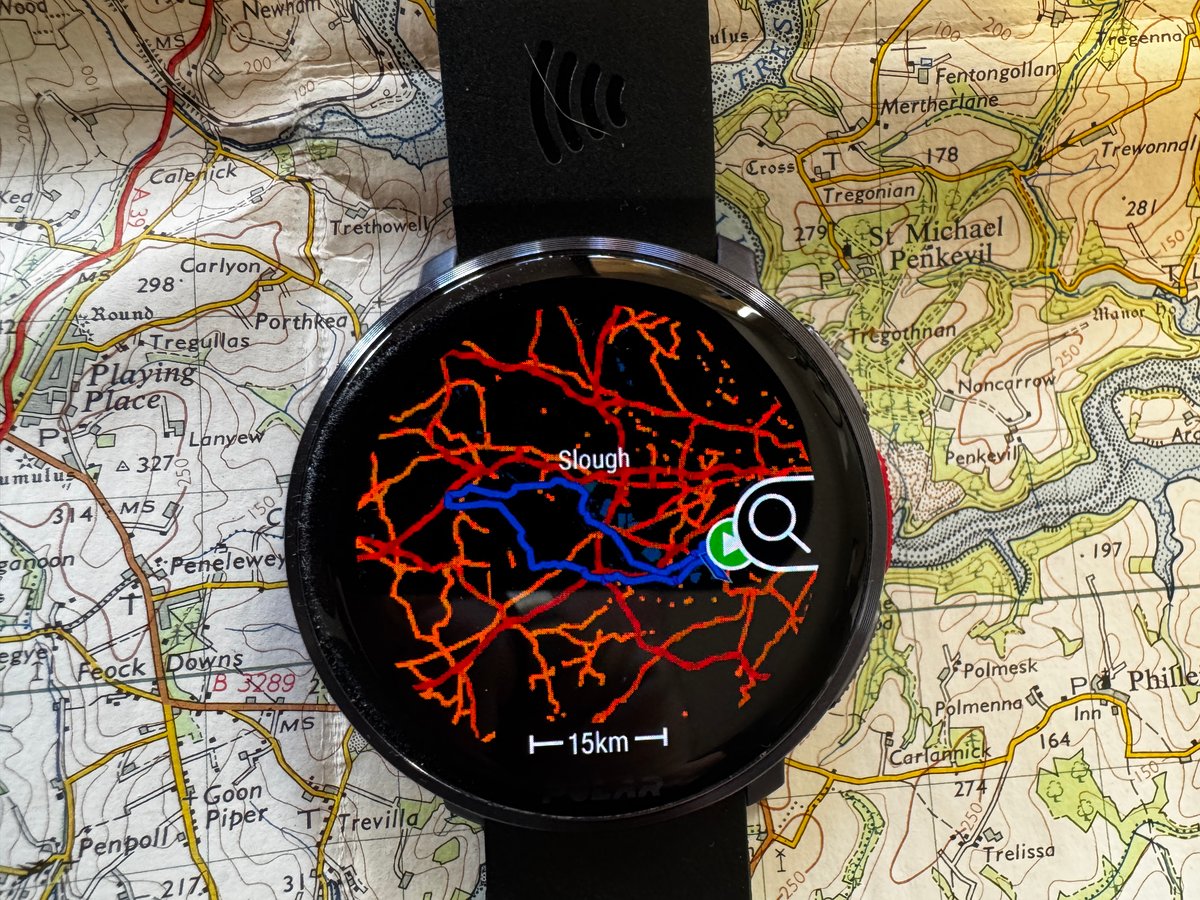
Next, I loaded up a route to Windsor and back and was pleased to see a nice new all-colour route preview before heading off. It’s the route overlain on the map with the usual pan and zoom options.
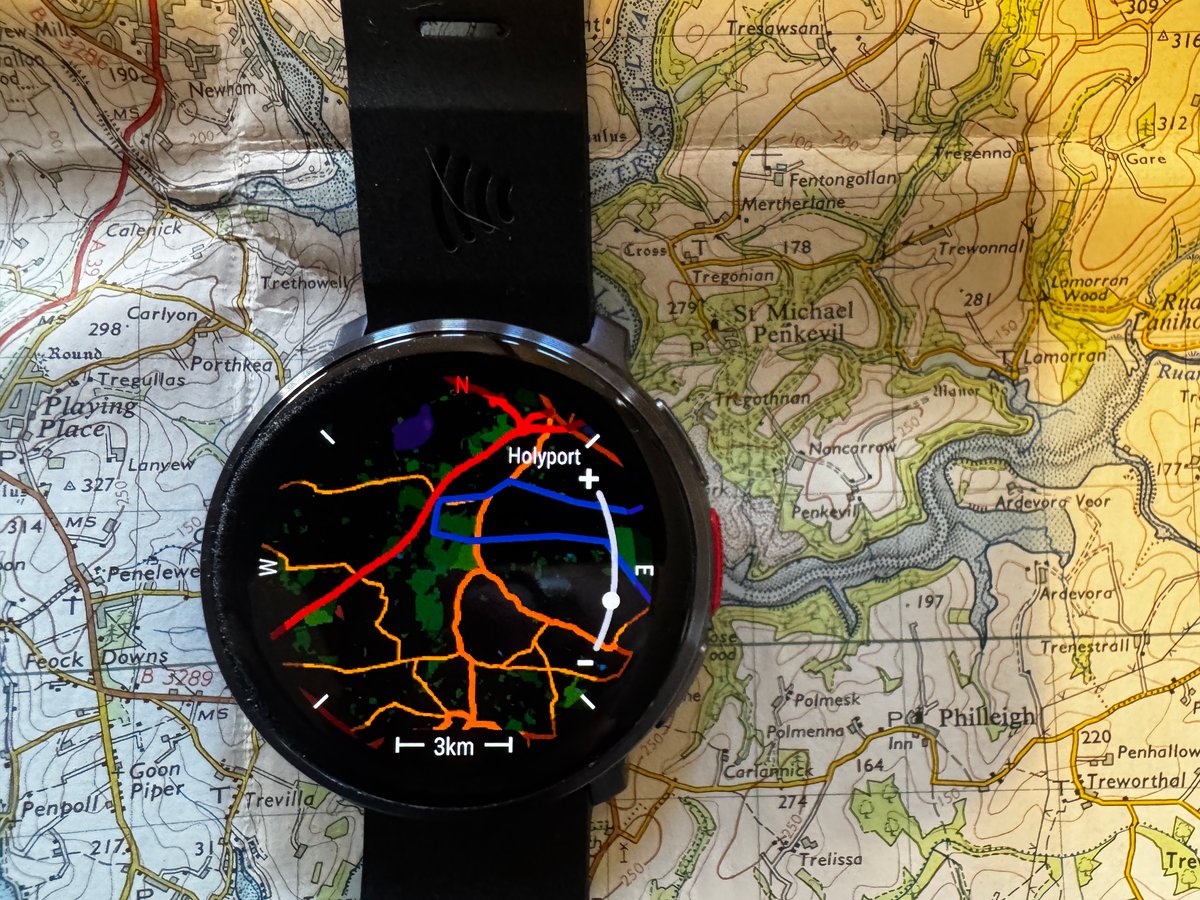
The button interaction with the map seems to have changed. Tap the centre button for the zoom control, which is added above and below. So far, so good.
However, the first issue I encountered was during testing of the map’s pinch-to-zoom. My fingers feel very dry today, but even so, the display felt laggy (it was laggy!) – pinch/zoom is hard to use and definitely needs some improvement in responsiveness.
Training & Analysis
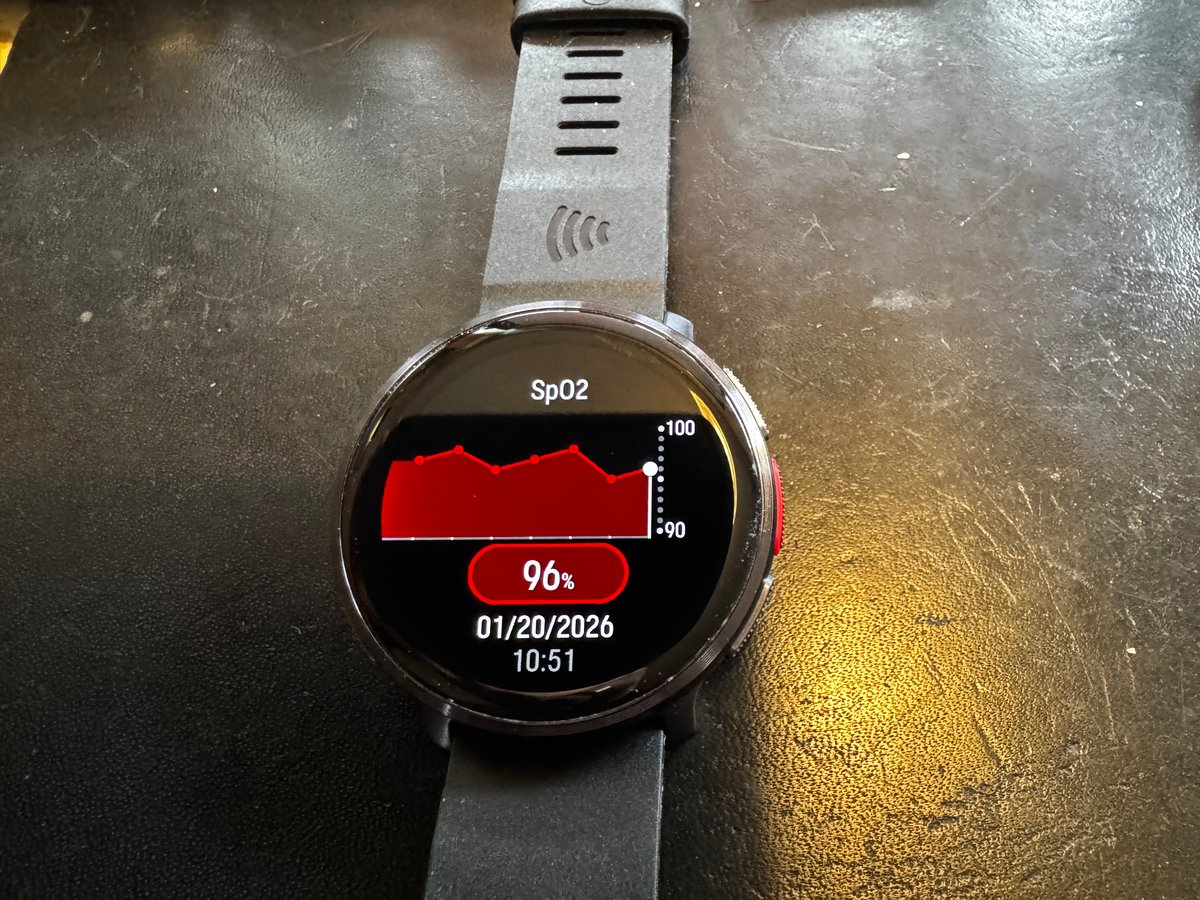
At the end of the SpO2 tests section, a new chart shows changes in SpO2 over the last 5 or so readings. It’s nice enough, but I don’t see that being too useful to me. (As below) only manual readings are shown.
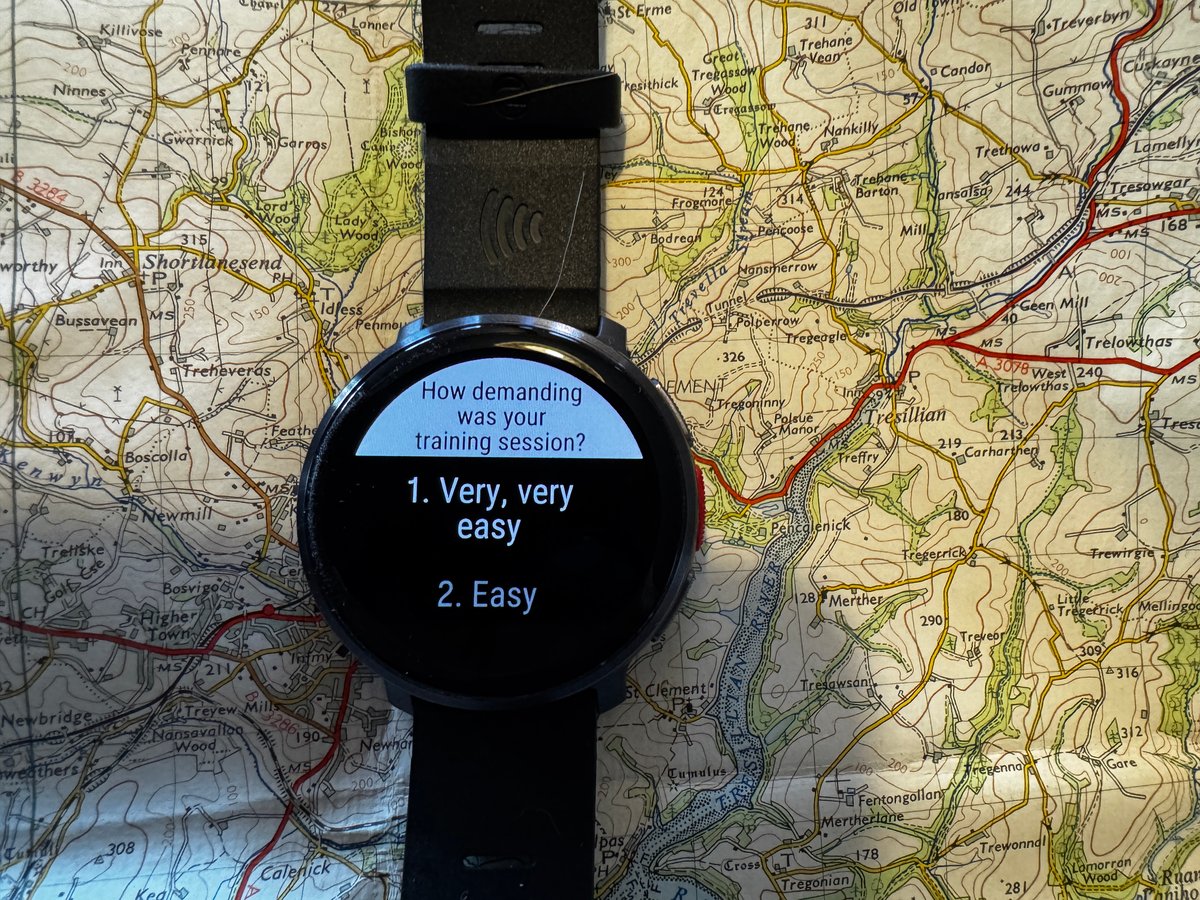
Workout RPE is an interesting measure, added by brands in various ways to their post-workout interactions. I usually get annoyed by being continually prompted to add RPE before eventually resigning myself to disabling the feature entirely, only to discover I have to do it separately for each sport (Suunto). At the moment with Garmin, I’ve decided to assiduously record it, although I’m not quite sure why! I know that Session-RPE-Trimp is a valid way to model load (e.g., Foster et al.), but as far as I know, no brand uses this information at all, preferring instead to rely on using measures of resting physiology to account for sporting readiness. I digress.
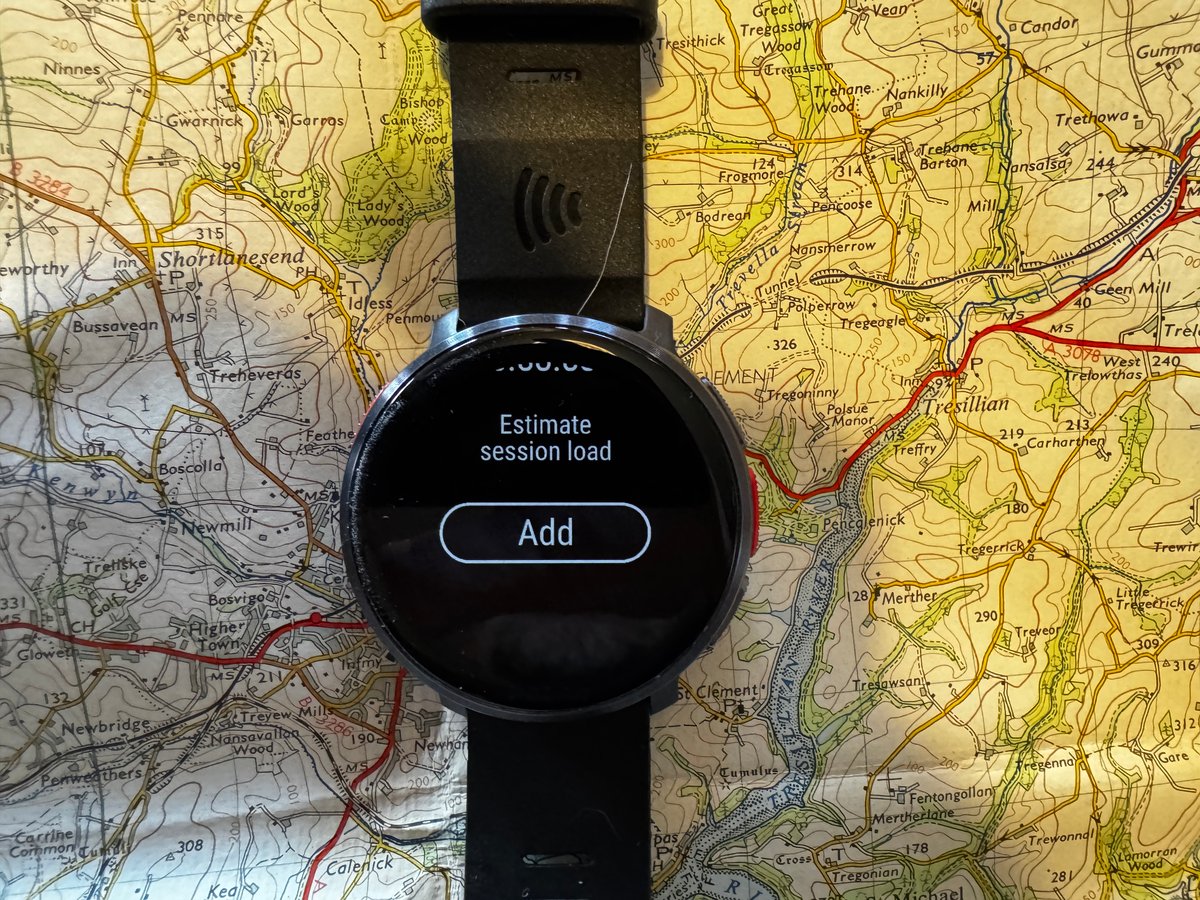
Polar adds the ‘RPE – How hard was your workout’ in a non-intrusive way, which is good. However, it requires scrolling down or pressing the down button a few times to reach the section where you add it. I would imagine that would get annoying if you did want to use the feature to log RPE for your own records. There’s always been the option to add ‘feel’ manually to the workout in Flow, that’s a confusingly different feedback measure and, in any case, uses a different scale (1 Bad to 5 Awesome, not the 1-10 scale used by RPE).
Flashlight
People get excited when they hear the phrase ‘New Flashlight’.
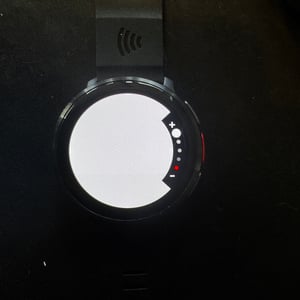
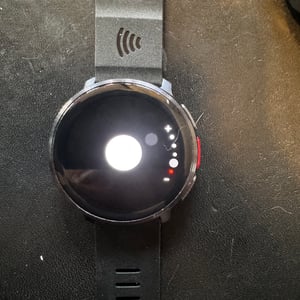
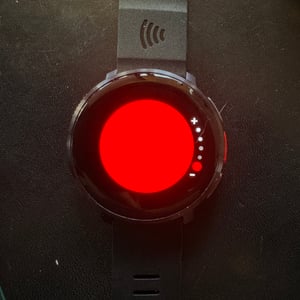
Polar already had the LED-display mode flashlight and has now added light intensity and colour options. That’s good enough for me, as I rarely use the flashlight features, so I don’t need a built-in physical LED.
New Watchface
There are two new complication options to add nightly recharge and Week summary to your watchface as an alternative to scrolling through to a different watchface tile to see the same information.
Feature Compatibility
Here are all the changes which apply to all the latest models except Ignite 3 (no maps).
| Feature | Grit X2 / Pro | Vantage V3 | Vantage M3 | Ignite 3 |
|---|---|---|---|---|
| Maps & Navigation | ||||
| Dark mode for maps | Yes | Yes | Yes | No |
| Map zooming improvements (pinch/button) | Yes | Yes | Yes | No |
| Route direction in preview | Yes | Yes | Yes | No |
| Training, Analysis & Wellness | ||||
| SpO₂ test history graph | Yes | Yes | Yes | No |
| Enhanced summary view in pause mode | Yes | Yes | Yes | Yes |
| RPE (Rate of Perceived Exertion) grading | Yes | Yes | Yes | Yes |
| 3D speed calculation adjustments | Yes | Yes | Yes | No |
| Widgets & UI | ||||
| Nightly Recharge and Week summary widgets | Yes | Yes | Yes | Yes |
| Multiple alarms and repeating schedules | Yes | Yes | Yes | Yes |
| FuelWise and Routes/Targets in pre-training | Yes | Yes | Yes | Yes (not Routes) |
| Flashlight intensity and colour settings | Yes | Yes | Yes | Yes |
| General Fixes | ||||
| Current time displayed while charging | Yes | Yes | Yes | Yes |
| DND: Display stays dim in ambient mode | Yes | Yes | Yes | Yes |
How to Update?
The desktop Flowsync still works (I used it), or you can update via the Flow app.
Take Out
These are welcome but modest improvements to on-watch behaviour.
The next thing to expect from Polar will be an updated Flow app, which the company previewed at this site and others several months ago. I expect this to improve how well the Whoop-like features from Polar Loop are presented, of course, the spectre hanging over that is Whoop’s litigation against Polar for ‘Trade Dress Infringement’ – essentially appearing to pass off its products as Whoop’s. If successful, Polar will not be able to sell Loop in the USA in its current form.
Then we can hope for some new watch models from the company. Ignite 4 and Vantage V4 would be the obvious next steps for Polar. Can the brand make its next generation of hardware a significant leap from the current one? The software seems to be progressively improving, albeit slowly.
Last Updated on 31 January 2026 by the5krunner
Reader-Powered Content

This content is not sponsored. It’s mostly me behind the labour of love, which is this site, and I appreciate everyone who supports it.
Support the site: Follow (free, fewer ads) · Subscribe (paid, ad-free) · Buy Me A Coffee ❤️
All articles are written by real people, fact-checked, and verified for originality. See the Editorial Policy. FTC: Affiliate Disclosure — some links pay commission. As an Amazon Associate, I earn from qualifying purchases.

tfk is the founder and author of the5krunner, an independent endurance sports technology publication. With 20 years of hands-on testing of GPS watches and wearables, and competing in triathlons at an international age-group level, tfk provides in-depth expert analysis of fitness technology for serious athletes and endurance sport competitors.

Errors in the Polar Flow ecosystem review:
RPE. It’s the same in the app, on the web, and now on the watch. It’s a scale of 1 to 10. What you enter in the app, from 1 to 4, represents your mood afterward; this doesn’t affect your training load. While RPE in Polar Flow is taken into account for effort and training load tolerance, it’s the only known app that uses it.
SpO2. There’s no automatic measurement; only manual measurement, which the user must force on the watch. Polar only recommends measuring it to evaluate altitude response, which is why the data is stored alongside the altitude. In short, it’s on demand.
ty!
Way to go Polar! Great job with this update!
I really hope that Polar is making their way back to profitability now. They are the more or less the last independent european sports tech company, with rest being either US or chinese nowadays. Hopefully the current geopolitical crisis would make people have a look at their rather good products.