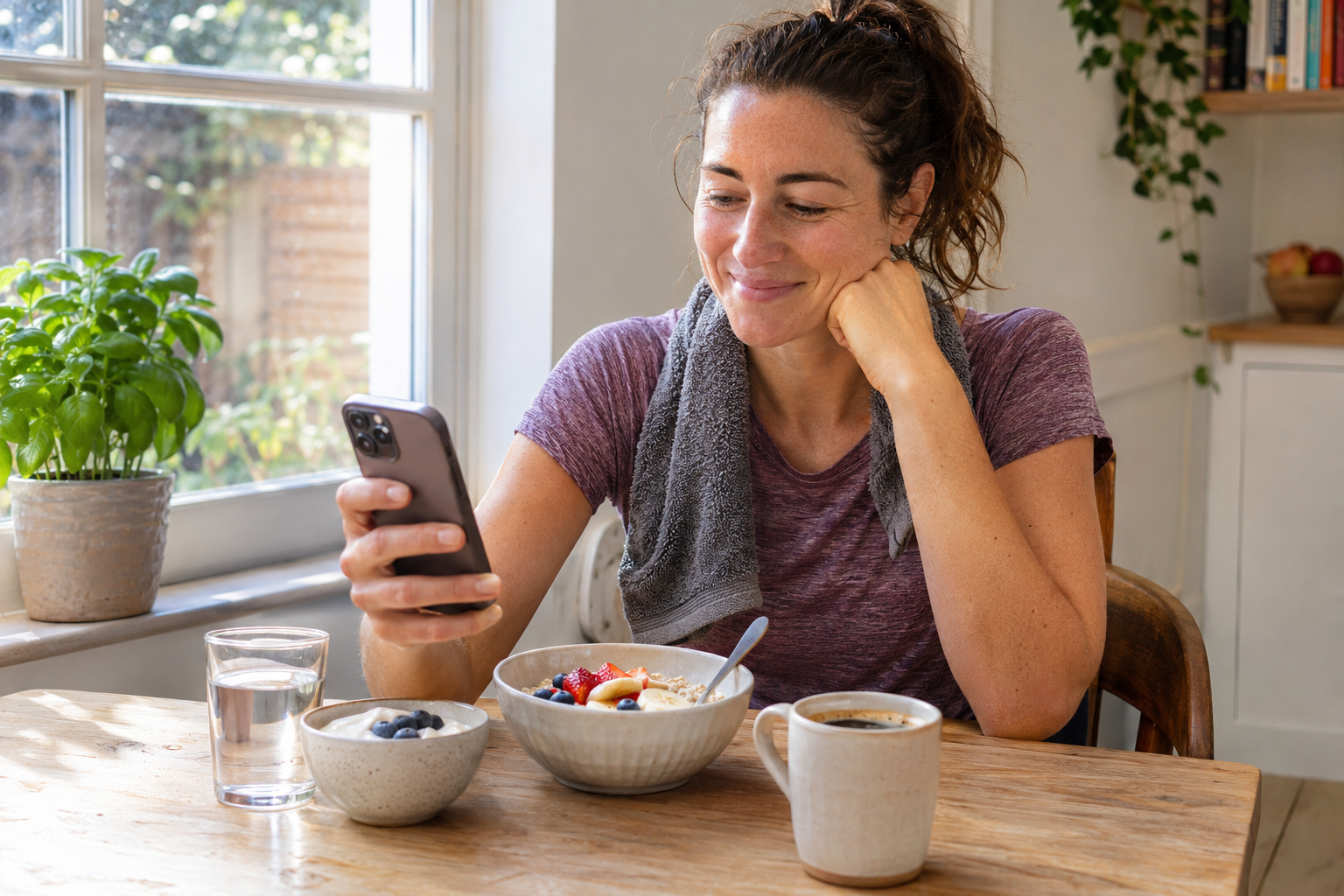
A runner may know that meals and sleep could be more consistent, yet still be unsure which single change to make first. DianDian is an iPhone app whose assessment asks about eating patterns, sleep, waking times, activity and the obstacles to keeping a routine. Its report explains the answers, highlights priorities and suggests daily habits, each with a reason. Once a suggestion is added, it becomes an action in the daily check-in, where the user records what happened and builds a history to review.
The app is listed on the App Store as DianDian: Weight Loss Tracker, but the assessment also offers goals to improve energy, sleep or fitness. For a runner, its practical job is to make one everyday action clear enough to follow alongside an existing training plan.
How DianDian works
TL;DR: The user answers questions about a typical routine, opens the report, chooses a manageable habit and records it in the daily check-in. The starting assessment and a report preview are free, and the complete report and its personal recommendations need Pro.
The starting assessment has 11 questions, and Pro adds 21 more. The report brings the answers together, picks out priorities and suggests habits from DianDian’s library. In Recommended Daily Habits, tapping Add switches on the chosen habit, and the row changes to Added.
The user stays responsible for choosing an action and recording it. DianDian does not assume a meal was eaten, a walk happened or a good night’s sleep followed just because an action was scheduled.
What the assessment asks
The answers describe usual behaviour, mostly through multiple choice and frequency ranges. They are the user’s own reports, not measurements from a watch.
- The 11 starting questions: the current goal and recent weight trend, usual sleep and eating within three hours of bed, high-calorie snacks, hunger and stopping at comfortable fullness, weekly minutes of activity that raises breathing, and how quickly a plan resumes after a lapse, the main barrier and confidence in keeping going.
- The 21 Pro questions: work and sleep schedule, existing support and tracking, planning food and portions, eating pace and eating in response to stress or boredom, vegetables, fruit, protein, whole grains and sugary drinks, late eating and the consistency of first and last meal times, variation in waking time, caffeine, morning daylight and alcohol near bedtime, breaking up sitting and strength training days.
- Five separate safety checks: these cover pregnancy, clinician advice on weight, eating-disorder history, medicines that affect blood sugar or need food, and symptoms that need medical attention. They are kept apart from the score and can stop unsuitable suggestions appearing.
A follow-up assessment reuses a selection of the original questions, chosen from the earlier answers and habits, rather than asking everything again. A separate, skippable profile can hold an age band, height, current and target weight, schedule type and main goal.
What appears in the report
- Summary: two scores out of 100, Rhythm Score and Eating Score, with priority tags, an explanation and a suggested first step.
- Area explanations: scores and notes for sleep regularity, light exposure, eating rhythm, diet quality, activity and the things that disrupt routines.
- Recommended Daily Habits: up to ten suggestions in the full report, each with a reason and an Add button. The first three are marked as priorities, and an unsuitable one can be dismissed.
- Retest: a suggested date, normally 14 days later, and, once a follow-up exists, the change in score, the most improved area and the next action.
The scores summarise the routine the user describes. They are not a diagnosis, a measure of recovery or a prediction of race performance. The useful part for a runner is the explanation that links an answer to a specific action. The app’s reference material points to general guidance such as the WHO on a healthy diet and the CDC on sleep, which does not mean DianDian’s own scoring has been clinically validated.
Worked example: an irregular sleep routine
This walkthrough is illustrative, based on DianDian’s question options and recommendation rules, and is not a reported user result. The example profile has a regular daytime schedule, no safety flags and favourable answers elsewhere, apart from two answers about sleep.
| Input | Example answer | What it shows |
|---|---|---|
| Usual sleep duration | 7 hours or more in 24 hours | How long the runner sleeps is not the main problem. |
| Variation in waking time on comparable days | More than 3 hours | The schedule varies a lot from day to day. |
With that combination, sleep regularity becomes the weakest area. The report’s first step is to keep waking time within a 30 to 60 minute range, because the schedule varies so much even though the runner sleeps seven hours or more.
The runner could turn that into a custom habit, such as waking between 7:00 and 8:00 a.m. on comparable days, and each morning record whether they managed it. Over the next 14 days, the check-ins show the days recorded and completed, and the retest compares the new answers with the old.
The daily check-in and trends
From Home, the user opens Log Today. Each added habit appears as a yes or no check or a low, medium or high rating, and earlier entries can be reopened and edited.
The daily form can also record the first and last food or drink with calories, an optional weight, calories for each meal and snacks, and a diary note. The eating window is calculated only when both times are entered. Optional reminders cover morning daylight, winding down from screens, the last meal and the daily check-in.
Trends brings together eating windows, weight, calories, assessment history and habit summaries. For a yes or no habit, it separates days recorded from days marked yes, so an unrecorded day is never counted as done.
Free and Pro
DianDian is free to download. The free version allows up to three active habits, and Pro adds the full report and more planning tools.
| Feature | Free | Pro |
|---|---|---|
| Assessment and report | Starting assessment and a report preview | Complete report and personal suggestions |
| Seven-day action plan | No | Yes |
| Habit library, search and instructions | Yes | Yes |
| Active habits, including custom habits | Up to 3 | Unlimited |
| Daily records and trends | Yes | Yes |
| Recipe plans | 3 complete starter plans, plus previews of others | All member plans in the selected language |
| Custom multi-day recipe plans | Existing personal plans stay viewable | Create, copy, edit, save and activate plans |
The UK App Store lists Pro at £4.99 a month or £39.99 a year, and prices in other countries can differ. A data backup option has been added, but the app does not offer automatic cloud sync.
iPhone, watches and integrations
DianDian needs an iPhone on iOS 17 or later, and the App Store lists English, Japanese, Korean, Simplified Chinese and Traditional Chinese. Everything in it comes from answers and records the user enters.
- Garmin, Strava and Apple Watch: there is no direct connection to any of them, and no watch app.
- Apple Health: DianDian does not read or write Apple Health data.
- iPhone features: optional reminders, Home Screen widgets showing the eating window and weight, and Sign in with Apple.
No watch is needed for the assessment and check-in, and DianDian does not adjust training from imported sleep, heart rate variability or training load.
More information: DianDian on the App Store.
Author: Alisa Duan, for DianDian, edited by the5krunner.
Quick answers
Where do DianDian's recommendations come from?
DianDian matches questionnaire answers to actions in its habit library, using rules that weigh the reported behaviour, how relevant and practical an action is, earlier dismissals and the safety checks. Its reference material links to general WHO, CDC and NIDDK guidance, but that does not mean the app’s own scoring has been clinically validated.
What can I do with DianDian without paying?
A free user can complete the starting assessment, see a report preview, browse the habit library, create custom habits and keep up to three active. Daily records, trends and three complete starter recipe plans are also free. The full report, seven-day plan, extra habits and custom recipe plans need Pro.
Is DianDian a training or sports nutrition plan?
No. It helps a runner choose and record general habits for sleep, eating and routine alongside their existing training. It does not set sessions from training load or calculate race fuelling, and it does not promise weight loss or faster race times.
If you enjoyed reading this, here is another in the Indie Spotlight series: Indie App Spotlight: PEDAL QUEST puts Mount Fuji on your smart trainer.
Next in the series: Indie App Spotlight: Nomadic Max puts cockpit-style gauges on a Garmin.
Last Updated on 24 November 2026 by tfk the5krunner
2026 Seasonal Gifts
- Garmin CIRQA: Garmin’s screenless band, which uses your phone as the display. I tested it and sometimes use it as a backup on the site.
- HoloSwim 3 Pro: Swim goggles with GPS and your pace in the lens, so you can swim without a watch. Code THE5KRUNNER takes 10% off. I tested them.
- Kineon MOVE+: Red and infrared light for sore knees, Achilles and other joints after hard training. I use it.
- Fitbit Air: A screenless band for steps, sleep and heart rate, with no subscription needed. It was closest to a manual 9,000-step test. I use it as a backup sometimes.
Small things I always use
- Garmin 90-degree charging adapter: Charges your Garmin with any USB-C cable. Essential when travelling. I use one.
- Body Glide: The blue anti-chafing stick swimmers and runners carry. I use it.
- Speedo earplugs: Fewer ear infections and no cold-water dizziness. I use them.
- Dryrobe Advance: My winter changing robe for open-water swims. I use one. A cheaper option is the AONYIYI changing robe.
- Maurten: Race fuel that stays easy on the stomach. I use them.
- Beet It Sport nitrate shots: Beetroot shots I take in the days before a race. I use them.
- Garmin charging puck: The quickest way to top up before a session. I use one.
- Injinji: Toe socks that stop rubbing, so you run more. I use them.
- Ultimate toe protectors: Stop black toenails on long runs. They work. I use them.
- Compressport R2 v2 calf sleeves: My calf sleeves of choice. I use them.
- Cellucor C4: My pre-workout before hard sessions.
- TPU tubes: Schwalbe Aerothan, Tubolito and Pirelli SmarTube. Light, tiny spares. I use all three.
- G8 insoles: Adjustable arches, perfect position. I use them.
- Cycplus Cube: A 97g electric pump that gets a road tyre rideable in two minutes. I carry one. 5% off with code THE5KRUNNER.
Health, recovery and sleep
- FreeStyle Libre 3 Plus: Shows how my blood sugar responds to diet. Occasional use.
- hDrop: Measures my sweat loss in summer and indoors. I use it.
- Fourth Frontier Zone: Checks my heart under load in hard sessions.
- Oura Ring 5: My partner’s recovery tracker of choice.
- Eight Sleep: A cooling mattress cover my partner and I use nightly (see next).
- Chilipad 2.0: Cools or heats your side of the bed on a schedule, with no subscription. US only. I am testing it; it seems pretty good.
Watches and sensors
- Polar H10: My daily driver for waking HRV.
- Polar Verity Sense: My backup arm-worn HR sensor.
- Nomad bedside charger: Charges my iPhone and Apple Watch overnight. I use it, and many of their bands.
- Train.Red: The best muscle oxygen sensor I’ve used. Occasional use.
- Tymewear: Accurate heart rate and reliable ventilatory zones. I use it to pace endurance rides over an hour.
- Garmin Forerunner 970: A pro-grade triathlon watch. I use this.
- Apple Watch Ultra 4: My daily smartwatch. No phone needed on rides.
On the bike
- Continental GP5000 for everyday riding, and Aero 111 on the front for special occasions. I use both.
- Helmets: Specialized S-Works Evade 3 for road riding, and Rudy Project Wing for TT-style races. I use both.
- Ravemen FR300: A front light that mounts under your Garmin or Wahoo. I use one.
- Ravemen FR1000: The light and the computer mount in one unit, so nothing else goes on the bars. Better than mine.
- Ravemen FR1500SE: 1,500 lumens hanging under your Garmin, for proper night rides.
- Ravemen FR1100SE: 1,100 lumens under your Garmin, and up to 46 hours on slow flash.
- Ravemen FR500: A brighter FR300 with the same mount.
- Wahoo TRACKR Radar: I use it on one bike and Varia on the other. They perform the same.
- Garmin Varia RTL515: Radar that warns you of cars from behind. I use this model.
- Wahoo ELEMNT Roam 3: The bike computer that’s easy to use. I use mine on most rides.
- Favero Assioma Pro RS2: Accurate power pedals that swap easily between bikes. I use this model.
Home and indoor training
- NPE Runn: Makes my basic treadmill smart, sending more accurate speed and distance to my watch and Zwift. I use it.
- Google Wifi: Keeps Zwift connected in my pain cave. I use it.
- Apple TV 4K (4th generation): Zwift on the big screen. I use two.
- Google Nest Doorbell (wired, 2nd gen): My video doorbell, running in both Google Home and Apple Home via Starling. I use it.
Reader-Powered Content

This content is not sponsored. It’s mostly me behind the labour of love, which is this site, and I appreciate everyone who supports it.
Support the site: Follow (free, fewer ads) · Subscribe (paid, ad-free) · Buy Me A Coffee
Written by real people, with AI assistance. Fact-checked and verified for originality. See the Editorial Policy. FTC: Affiliate Disclosure — some links pay commission. As an Amazon Associate, I earn from qualifying purchases.
tfk is the founder and author of the5krunner, an independent endurance sports technology publication. With 20 years of hands-on testing of GPS watches and wearables, and competing in triathlons at an international age-group level, tfk provides in-depth expert analysis of fitness technology for serious athletes and endurance sport competitors. See the gear tfk uses. ID
