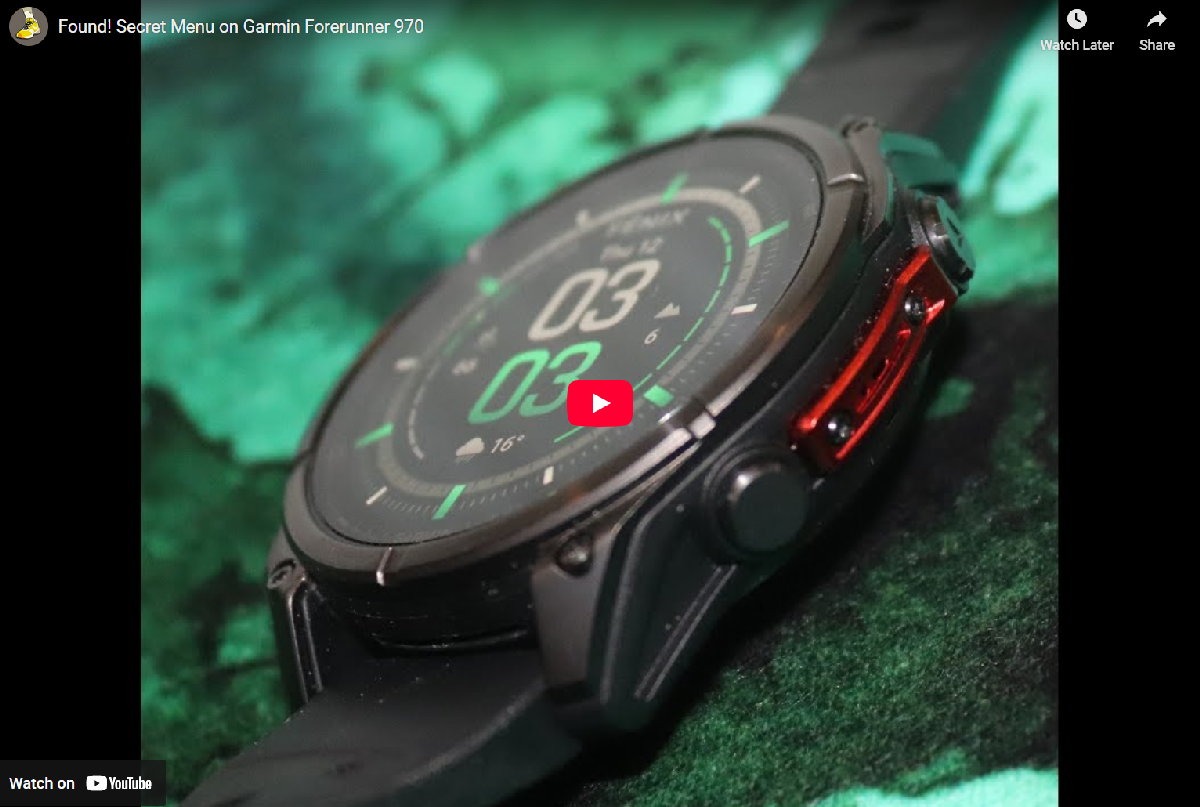
Unlock the Garmin Secret Menu: A Hidden Diagnostic Tool
Did you know there’s a “secret menu” tucked away in the settings of many high-end Garmin watches? This hidden feature is more of a debug and reinstall tool for developers or technicians. Still, it’s accessible on popular models like the Garmin Forerunner 970 and older versions such as the Fenix 6 Pro and Forerunner 935. While it’s probably not a secret anymore (since we’re sharing it!), please proceed with caution if you use it.
When these menus were found on older watches, they evolved, and new tools were added. At present, there’s not too much exciting to be seen!
Related: Garmin vs Strava latest news as Strava continues to back down
Related: Whoop Sues Polar…and might have a case
How to Access the Secret Menu
This hidden diagnostic screen is in the standard Settings > About menu.
- On your compatible Garmin watch, navigate to the main Settings menu.
- Select About.
- Once on the About screen, quickly press the top-left Light button approximately 8 times.
You will now enter the deep world of the debug and reinstall menu.
⚠️ A Warning: This menu contains sensitive system settings. It is highly recommended that you do not experiment or change anything in this menu unless you are an expert, as you could potentially damage or “brick” your expensive sports watch.
Must See: Garmin Secret Menu Video Demonstration
Further Reading: Detailed Garmin Forerunner 970 Review
https://the5krunner.com/2025/10/18/whoop-sues-polar-over-copycat-design-another-fitness-feud-begins/
Last Updated on 3 October 2026 by the5krunner
Small things I always use
- Garmin 90-degree charging adapter: Charges your Garmin from any USB-C cable. Essential when travelling. I use one.
- Body Glide: The blue anti-chafe stick swimmers and runners carry. I use it.
- Speedo earplugs: Fewer ear infections and no cold-water dizziness. I use them.
- Dryrobe Advance: My winter changing robe for open-water swims. I use one. A cheaper option is the AONYIYI changing robe.
- Maurten: Race fuel that stays easy on the stomach. I use them.
- Garmin charging puck: The quickest way to top up before a session. I use one.
- Injinji: Toe socks that stop rubbing, so you run more. I use them.
- Ultimate toe protectors: Stop black toenails on long runs. They work. I use them.
- Compressport R2 v2 calf sleeves: My calf sleeves of choice. I use them.
- Cellucor C4: My pre-workout before hard sessions.
- TPU tubes: Schwalbe Aerothan, Tubolito and Pirelli SmarTube. Light, tiny spares. I use all three.
- G8 insoles: Adjustable insoles that are good. I use them.
- Cycplus Cube: A 97g electric pump that gets a road tyre rideable in two minutes. I carry one. 5% off with code THE5KRUNNER.
Watches and sensors
- Polar H10: My daily driver for waking HRV.
- Polar Verity Sense: My backup arm-worn HR sensor.
- Nomad bedside charger: Charges my iPhone and Apple Watch overnight. I use it, and many of their bands.
- Train.Red: The best muscle oxygen sensor I’ve used.
- Tymewear: Accurate heart rate and reliable ventilatory zones. I use it to pace endurance rides over an hour.
- Garmin Forerunner 970: A pro-grade triathlon watch. I use this.
- Apple Watch Ultra 4: My daily smartwatch. No phone needed on rides.
- Garmin Fenix 9 Pro: I’ve just bought one.
On the bike
- Continental GP5000 for everyday riding, and Aero 111 on the front for special occasions.
- Helmets: Specialized S-Works Evade 3 for road riding, and Rudy Project Wing for TT-style races. I use both.
- Ravemen FR300: A front light that mounts under your Garmin or Wahoo. I use one.
- Wahoo TRACKR Radar: I use it on one bike and Varia on the other. They perform the same.
- Garmin Varia RTL515: Radar that warns you of cars from behind. I use this model.
- Wahoo ELEMNT Roam 3: The bike computer that’s easy to use. I use mine on most rides.
- Favero Assioma Pro RS2: Accurate power pedals that swap easily between bikes. I use this model.
Home and indoor training
- NPE Runn: Makes my basic treadmill smart, sending more accurate speed and distance to my watch and Zwift. I use it.
- Google Wifi: Keeps Zwift connected in my pain cave. I use it.
- Apple TV 4K: Zwift on the big screen. I use two.
- Google Nest Doorbell (wired, 2nd gen): My video doorbell, running in both Google Home and Apple Home. I use it.
Health, recovery and sleep
- FreeStyle Libre 3 Plus: Shows how my blood sugar responds to diet.
- hDrop: Measures my sweat loss in summer and indoors.
- Fourth Frontier Zone: Checks my heart under load in hard sessions.
- Oura Ring 5: My partner’s recovery tracker of choice.
- Kineon MOVE+: Red light therapy for niggles. It works.
- Eight Sleep: A cooling mattress cover my partner and I use nightly.
Reader-Powered Content

This content is not sponsored. It’s mostly me behind the labour of love, which is this site, and I appreciate everyone who supports it.
Support the site: Follow (free, fewer ads) · Subscribe (paid, ad-free) · Buy Me A Coffee ❤️
Written by real people, with AI assistance. Fact-checked and verified for originality. See the Editorial Policy. FTC: Affiliate Disclosure — some links pay commission. As an Amazon Associate, I earn from qualifying purchases.

tfk is the founder and author of the5krunner, an independent endurance sports technology publication. With 20 years of hands-on testing of GPS watches and wearables, and competing in triathlons at an international age-group level, tfk provides in-depth expert analysis of fitness technology for serious athletes and endurance sport competitors. ID

The 965 has a “clear ephemeris” option too.
I’ve tested it on a Fenix 8 (43mm) and it does have the debug menu too.
It’s not a secret and it’s not even a menu, it is the procedure reinstall the software.
I contacted the Garmin support last month for a problem with the ECG app on my FR970 and they asked me to reinstall the software exactly with this procedure.
It certainly is a menu given that it has multiple item – including reinstalling the software (again just one of multiple menu options).
We debate whether it is ‘secret’, but it certainly is ‘hidden’ seeing that there is no link to it and it can only be accessed as described
Google is the world’s most popular search engine, helping millions of people find information quickly and easily. Whether you’re looking for news, images, videos, or local businesses, Google provides fast and accurate results. Its powerful algorithms make it simple to discover reliable content and explore useful websites. With services like Gmail, Google Maps, and Google Drive, it has become an essential part of daily life. Visit Google to search smarter, stay informed, and connect with the world in just one click.https://www.google.com/
thank you for sharing that insight with the readers here, I’m still using Alta vista, google looks good. It should take off one day.
255 have also this 🙂
Did it help? The ECG App is missing on my FR970 and Garmin wants to replace it. But i am following a training plan atm and don’t want to top it for two weeks until Garmin send the new one.
How do I copy / transfer all the setting on my Forerunner 965 to my new Forerunner 970?