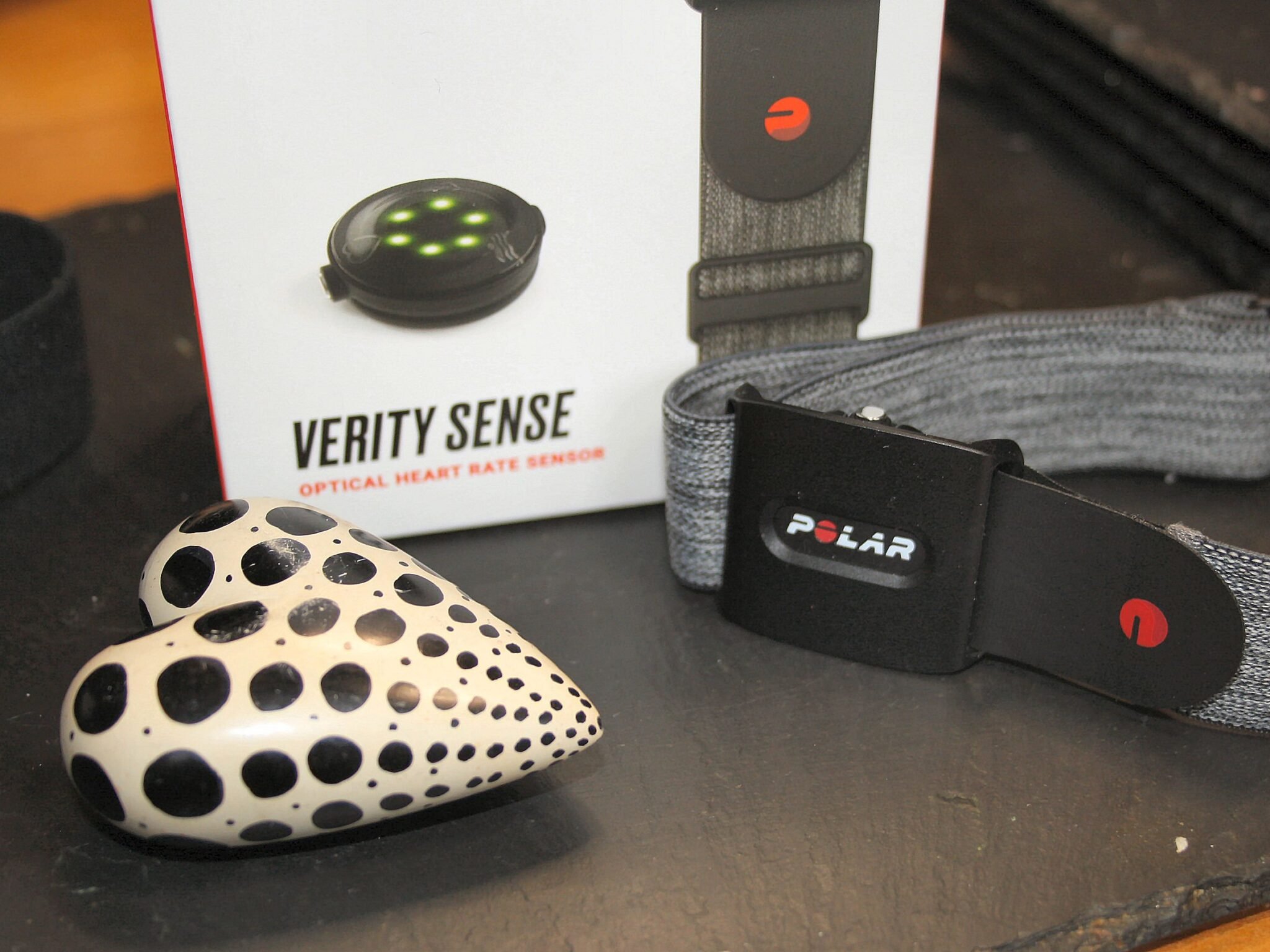
Polar has just dropped a notable update for the ageing Verity SENSE armband HR monitor. Normally, that’s the cue for a small celebration or, at least, a smile.
Not so this time. At least for me.
It seems that Polar is discontinuing FLOW SYNC., I vaguely remember that being announced a while back, and I put off dealing with it. Now it seems that if I update to v3.0.15, I will no longer be able to use the PC version of FLOW Sync to upload Verity SENSE data directly to FLOW (I’ll have to use the FLOW smartphone app). That makes the device effectively unusable for my workflow. Maybe I’ll find a way around it, or perhaps I’ll just use an alternative.
On a positive note, for those who want it, Polar has added BLE (Bluetooth) secure connections. That’s probably about 1 person. Perhaps that person can write down below why they want secure BLE connections to enlighten the rest of us. As a welcome side effect of the increased security, Polar’s release notes imply this will extend battery life.
Then there is the addition of a default-on second BLE connection, which is handy to some people in niche scenarios, me occasionally.
Wider Changes Are Afoot
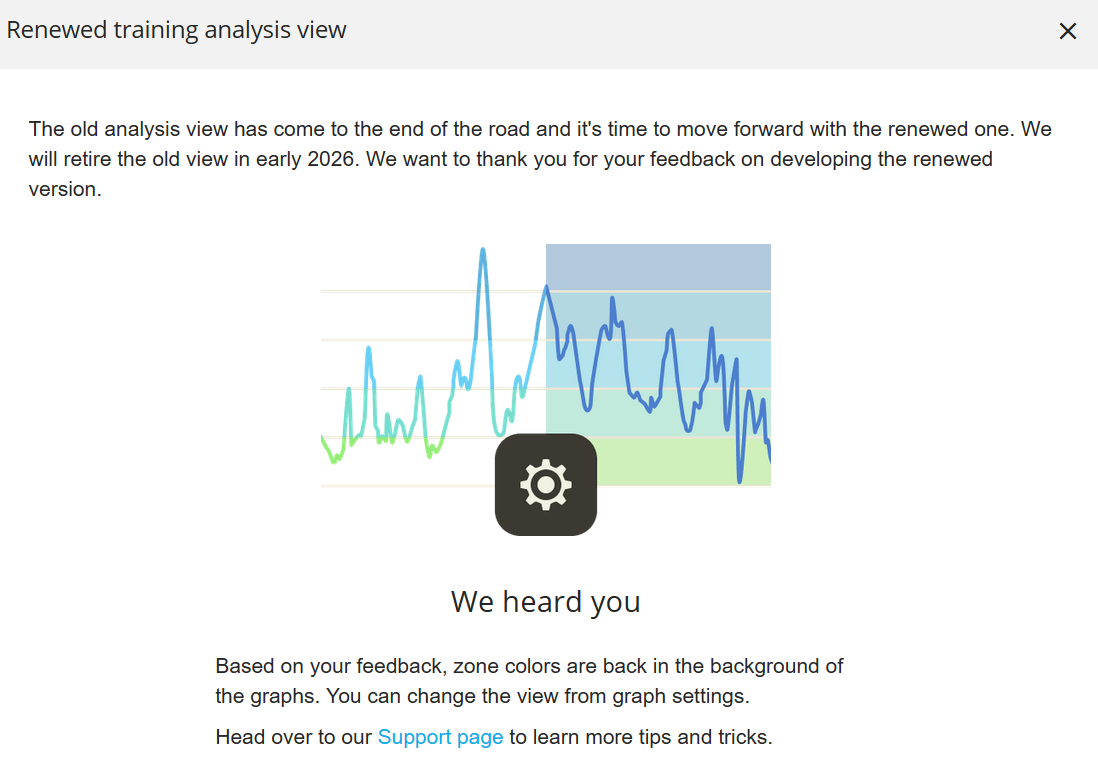
We’ve also known for some time that Polar is revamping FLOW partly because it needs to, and partly to support its push for its LOOP 2 band (the Whoop competitor). As of a couple of days ago, changes are happening there too – specifically to the new training analysis view.
Verity SENSE Firmware Official Details
Version number: 3.0.15: Enhancements/fixes:
- European Union’s Radio Equipment Directive (RED) features implemented: Your device fully complies with the RED requirements, ensuring wireless safety, reliability, and secure connectivity.
- USB communication port disabled: Your Verity Sense can no longer connect to FlowSync.
- 2 Bluetooth devices are set to be enabled by default for easier pairing.
- Bluetooth Low Energy (BLE) secure connection supported: Verity Sense now supports secure BLE connections, improving both security and energy efficiency during wireless communication.
- Battery limit for starting a training session lowered from 30% to 15%, so you can train longer.
For the complete guide to Polar watches, sensors and training science, see the Polar hub on this site.
- User notification added when 2 Bluetooth devices, ANT+, and Heart rate visible to all settings are enabled in the Flow app.
Last Updated on 3 October 2026 by tfk the5krunner
Small things I always use
- Garmin 90-degree charging adapter: Charges your Garmin from any USB-C cable. Essential when travelling. I use one.
- Body Glide: The blue anti-chafe stick swimmers and runners carry. I use it.
- Speedo earplugs: Fewer ear infections and no cold-water dizziness. I use them.
- Dryrobe Advance: My winter changing robe for open-water swims. I use one. A cheaper option is the AONYIYI changing robe.
- Maurten: Race fuel that stays easy on the stomach. I use them.
- Garmin charging puck: The quickest way to top up before a session. I use one.
- Injinji: Toe socks that stop rubbing, so you run more. I use them.
- Ultimate toe protectors: Stop black toenails on long runs. They work. I use them.
- Compressport R2 v2 calf sleeves: My calf sleeves of choice. I use them.
- Cellucor C4: My pre-workout before hard sessions.
- TPU tubes: Schwalbe Aerothan, Tubolito and Pirelli SmarTube. Light, tiny spares. I use all three.
- G8 insoles: Adjustable insoles that are good. I use them.
- Cycplus Cube: A 97g electric pump that gets a road tyre rideable in two minutes. I carry one. 5% off with code THE5KRUNNER.
Watches and sensors
- Polar H10: My daily driver for waking HRV.
- Polar Verity Sense: My backup arm-worn HR sensor.
- Nomad bedside charger: Charges my iPhone and Apple Watch overnight. I use it, and many of their bands.
- Train.Red: The best muscle oxygen sensor I’ve used.
- Tymewear: Accurate heart rate and reliable ventilatory zones. I use it to pace endurance rides over an hour.
- Garmin Forerunner 970: A pro-grade triathlon watch. I use this.
- Apple Watch Ultra 4: My daily smartwatch. No phone needed on rides.
- Garmin Fenix 9 Pro: I’ve just bought one.
On the bike
- Continental GP5000 for everyday riding, and Aero 111 on the front for special occasions.
- Helmets: Specialized S-Works Evade 3 for road riding, and Rudy Project Wing for TT-style races. I use both.
- Ravemen FR300: A front light that mounts under your Garmin or Wahoo. I use one.
- Wahoo TRACKR Radar: I use it on one bike and Varia on the other. They perform the same.
- Garmin Varia RTL515: Radar that warns you of cars from behind. I use this model.
- Wahoo ELEMNT Roam 3: The bike computer that’s easy to use. I use mine on most rides.
- Favero Assioma Pro RS2: Accurate power pedals that swap easily between bikes. I use this model.
Home and indoor training
- NPE Runn: Makes my basic treadmill smart, sending more accurate speed and distance to my watch and Zwift. I use it.
- Google Wifi: Keeps Zwift connected in my pain cave. I use it.
- Apple TV 4K: Zwift on the big screen. I use two.
- Google Nest Doorbell (wired, 2nd gen): My video doorbell, running in both Google Home and Apple Home. I use it.
Health, recovery and sleep
- FreeStyle Libre 3 Plus: Shows how my blood sugar responds to diet.
- hDrop: Measures my sweat loss in summer and indoors.
- Fourth Frontier Zone: Checks my heart under load in hard sessions.
- Oura Ring 5: My partner’s recovery tracker of choice.
- Kineon MOVE+: Red light therapy for niggles. It works.
- Eight Sleep: A cooling mattress cover my partner and I use nightly.
Reader-Powered Content

This content is not sponsored. It’s mostly me behind the labour of love, which is this site, and I appreciate everyone who supports it.
Support the site: Follow (free, fewer ads) · Subscribe (paid, ad-free) · Buy Me A Coffee ❤️
Written by real people, with AI assistance. Fact-checked and verified for originality. See the Editorial Policy. FTC: Affiliate Disclosure — some links pay commission. As an Amazon Associate, I earn from qualifying purchases.

tfk is the founder and author of the5krunner, an independent endurance sports technology publication. With 20 years of hands-on testing of GPS watches and wearables, and competing in triathlons at an international age-group level, tfk provides in-depth expert analysis of fitness technology for serious athletes and endurance sport competitors. ID

It’s always had two BLE channels, this update just has default settings both to on, previously default settings had only one on.
good spot, ty
“Battery limit for starting a training session lowered from 30% to 15%, so you can train longer.”
I wonder if this is what gives me an impression of very poor battery life with this device, not lasting one week of training (15h)….but still shows 20-25% when I plug it in….
should be quite bit more than that?
my older oh1 has low battery life. it degrades over time.
How many training sessions did you do with it?
a huge number of sessions. hundreds.
My Verity Sense isn’t even updating with the Android Polar Flow app. It’s stuck at version 1.1.5.
Polar Flow asks me to upgrade, but it terminates the upgrade without any warning or error.
That means, if I tried updating it with FlowSync, that would be the last upgrade I could do.
first I’d do the unpair re-pair thing on smartphone. make sure you remove the bluetooth device from ios/android settings as well before repairing.
try another phone if you can. ideally iOS.
if you still cant update the firmware, in your scenario i would risk upgrading it on flowync while you can.
i doubt there will be amny more firmwares above the current v3.
Can’t get it to connect to Zwift after the update. Can’t get past the Allow Connection prompt. I wondered if that’s due to secure BLE. Anyone know how I turn it off?
I see that Polar have withdrawn this update:
https://support.polar.com//en/updates/verity-sense-firmware-version-3015-no-longer-available
odd. but true
I’ve tried chatting with Polar and all they will say is that I should send it to them to check out the issues. I tried to explain it was the firmware update that is causing all of the issues and they claim it is not on their end. This update is nothing more than updating the sensor into obsoletion. IT is interesting the update has been taken down, so the tech peeps know there is an issue, but have not conveyed this to their customer service representitives.